A workflow taught by Adobe Certified Instructors at Adobe Video World.
A gimbal stabilizes your camera, smoothing out the shakes of handheld footage for fluid, cinematic movement. But getting great results takes proper setup and technique. This guide covers balancing your gimbal, movement techniques, and how to capture the smooth, professional motion that makes gimbals so popular.
What a Gimbal Does
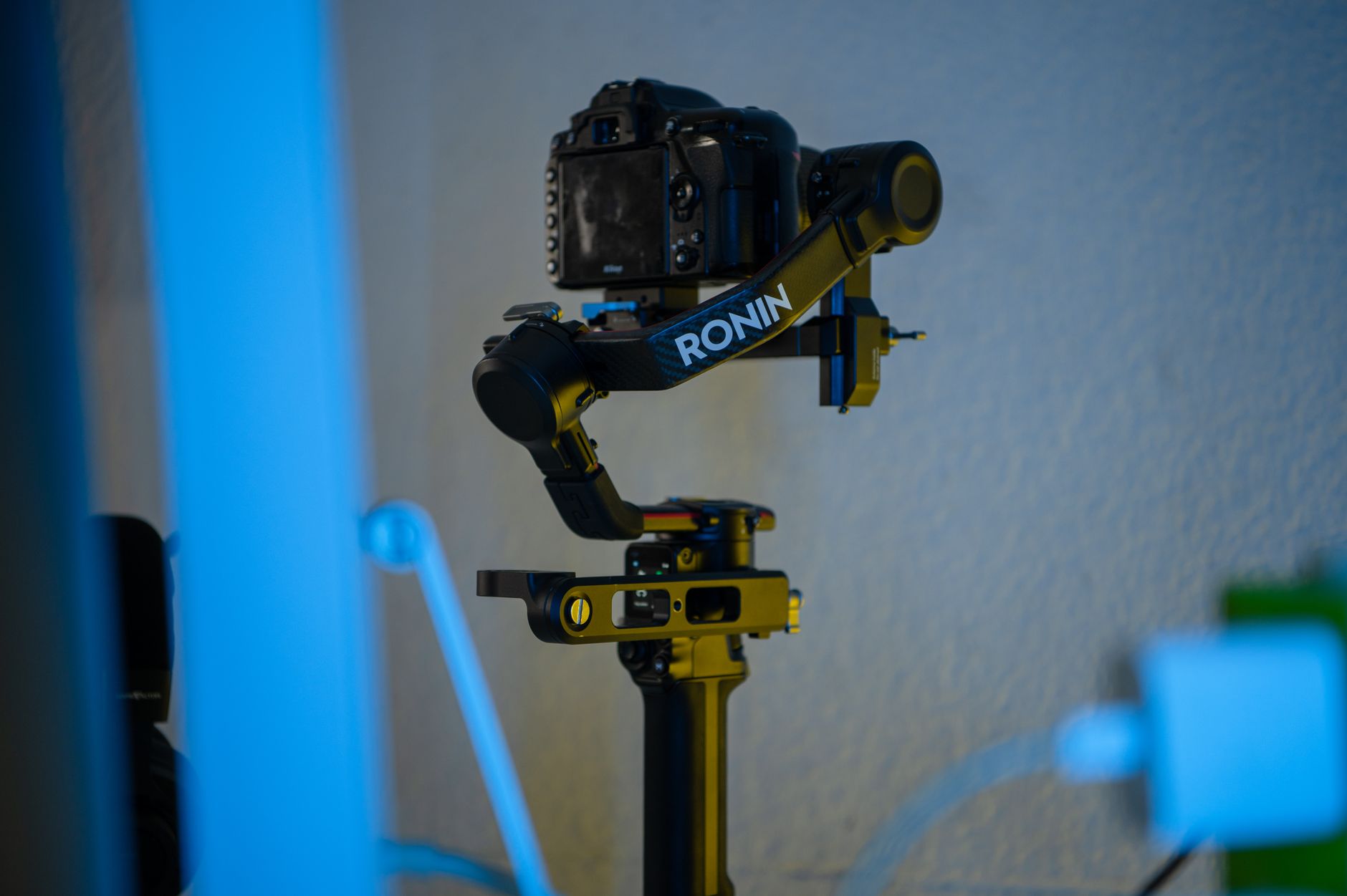
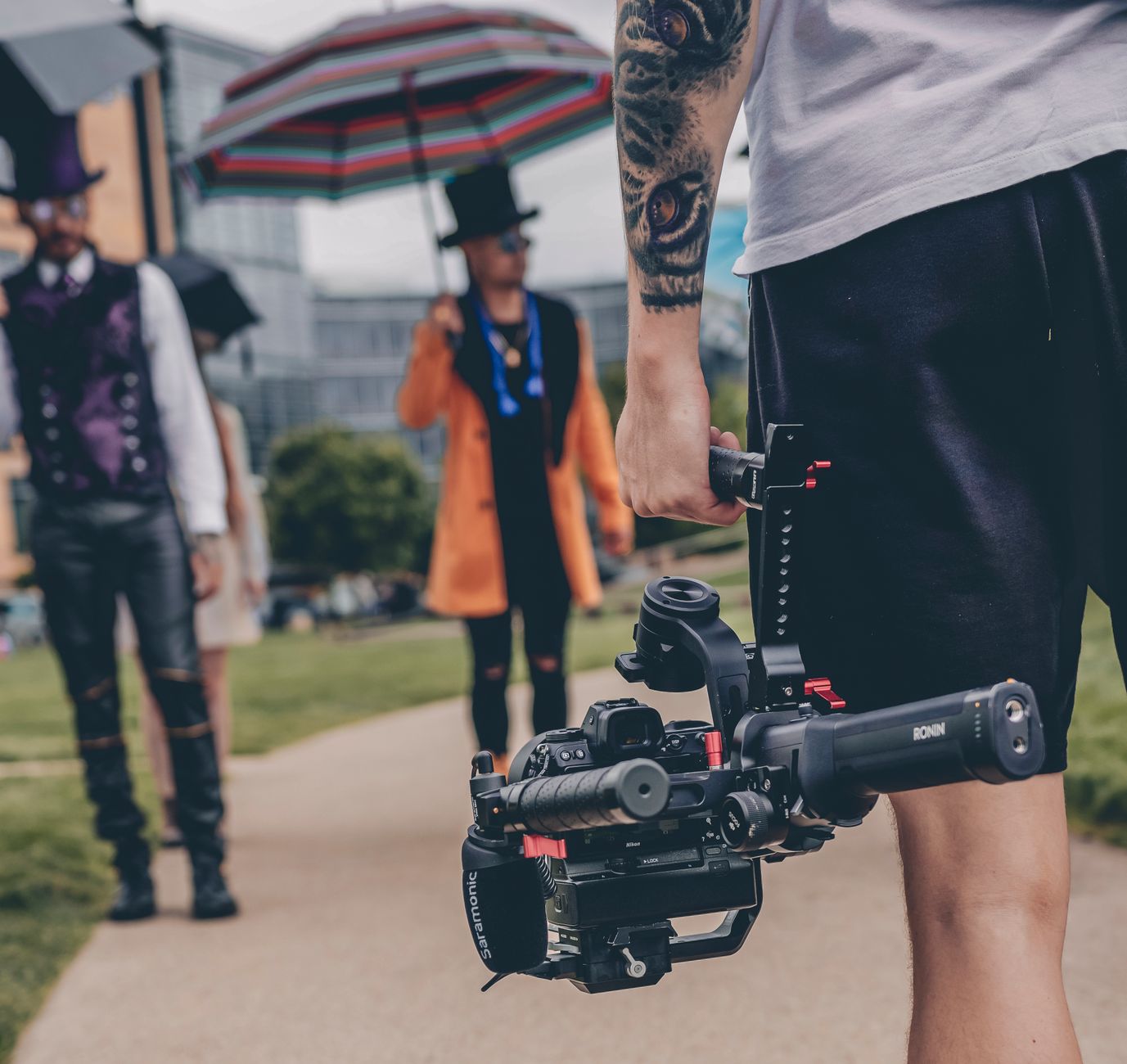
A gimbal is a motorized stabilizer that holds your camera level and steady, counteracting your movements with motors on three axes. This smooths out the bumps and shakes of handheld shooting, producing fluid, floating, cinematic motion.
Gimbals have transformed accessible filmmaking, letting anyone capture the kind of smooth movement that once required expensive equipment. Understanding how to set up and use one properly is what unlocks that professional, stabilized look.
Balance Your Gimbal
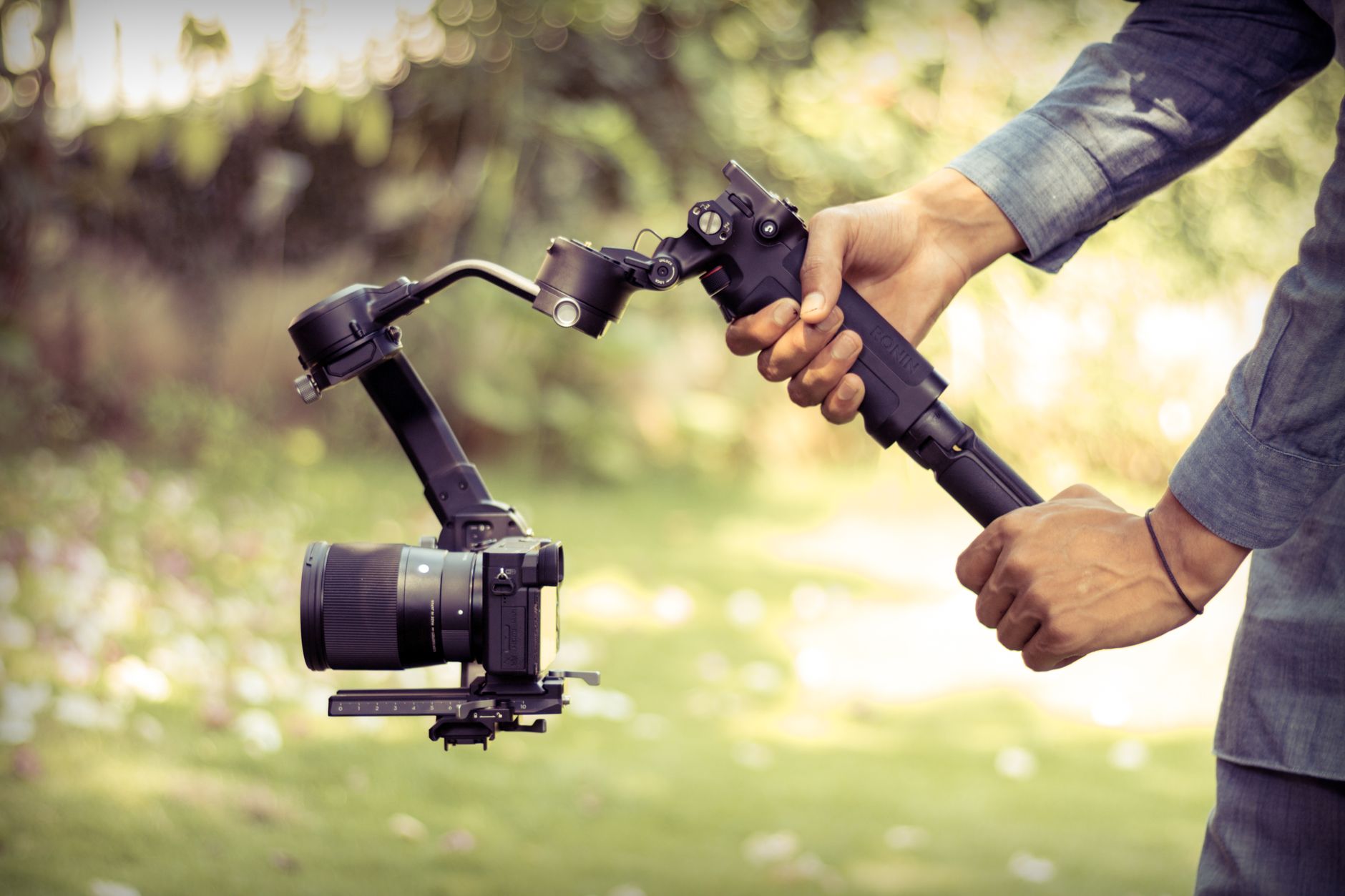
Proper balancing is essential before powering on. The camera must be physically balanced on the gimbal so it stays level on its own across all three axes, which reduces strain on the motors and produces the best stabilization.
Skipping balancing forces the motors to work harder, draining battery and reducing performance. Taking the time to balance the camera carefully — adjusting each axis until it holds position unpowered — is the foundation of smooth gimbal footage.
Set It Up Correctly
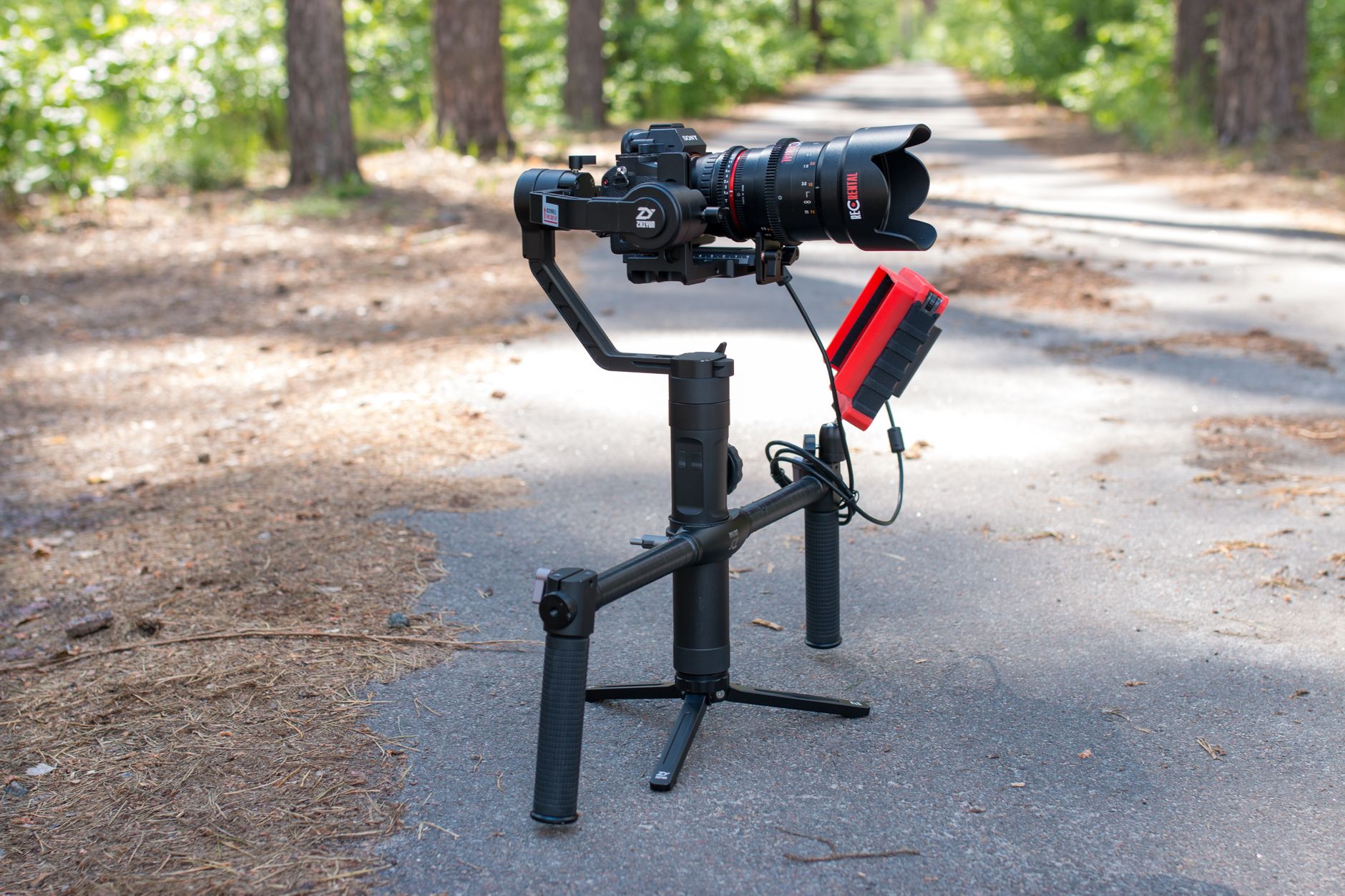
Beyond balancing, set up the gimbal’s modes and settings for your shot. Modes like follow, lock, and POV change how the gimbal responds to your movements, letting you choose the right behavior for tracking, locking off, or dynamic shots.
Calibrating the gimbal and choosing the appropriate mode for each shot ensures it behaves as you expect. Familiarizing yourself with the modes and settings lets you adapt the gimbal to different situations, from smooth tracking to fixed framing.
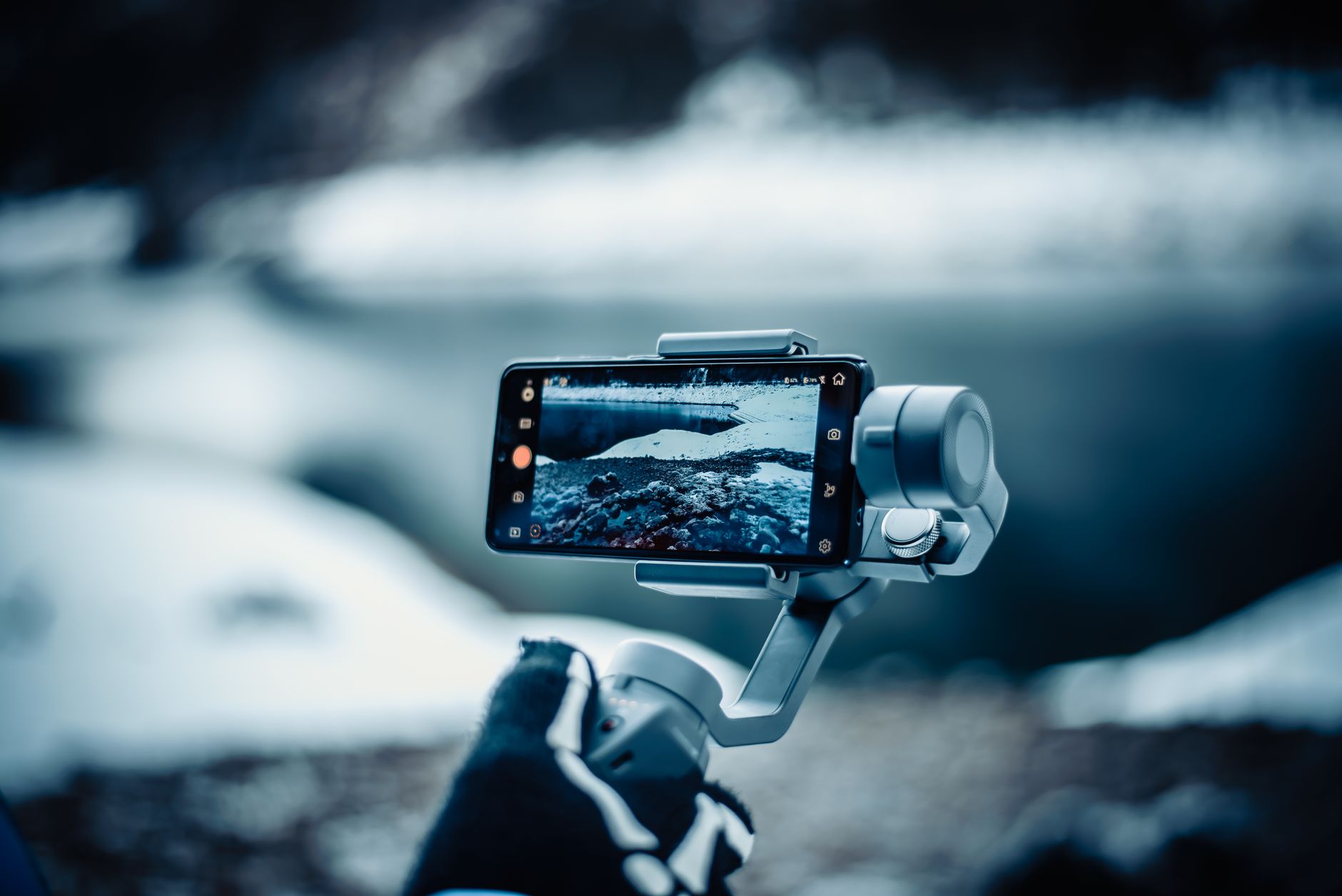
Master the Movement
Smooth gimbal footage still depends on your movement. Walking smoothly — bending your knees, rolling your feet, and moving deliberately — minimizes the residual bounce the gimbal can’t fully remove, the so-called ‘ninja walk.’
The gimbal handles rotation, but your steps create vertical bounce, so a smooth walking technique is crucial. Practicing controlled, gliding movement is what separates truly cinematic gimbal footage from footage that still bobs with each step.
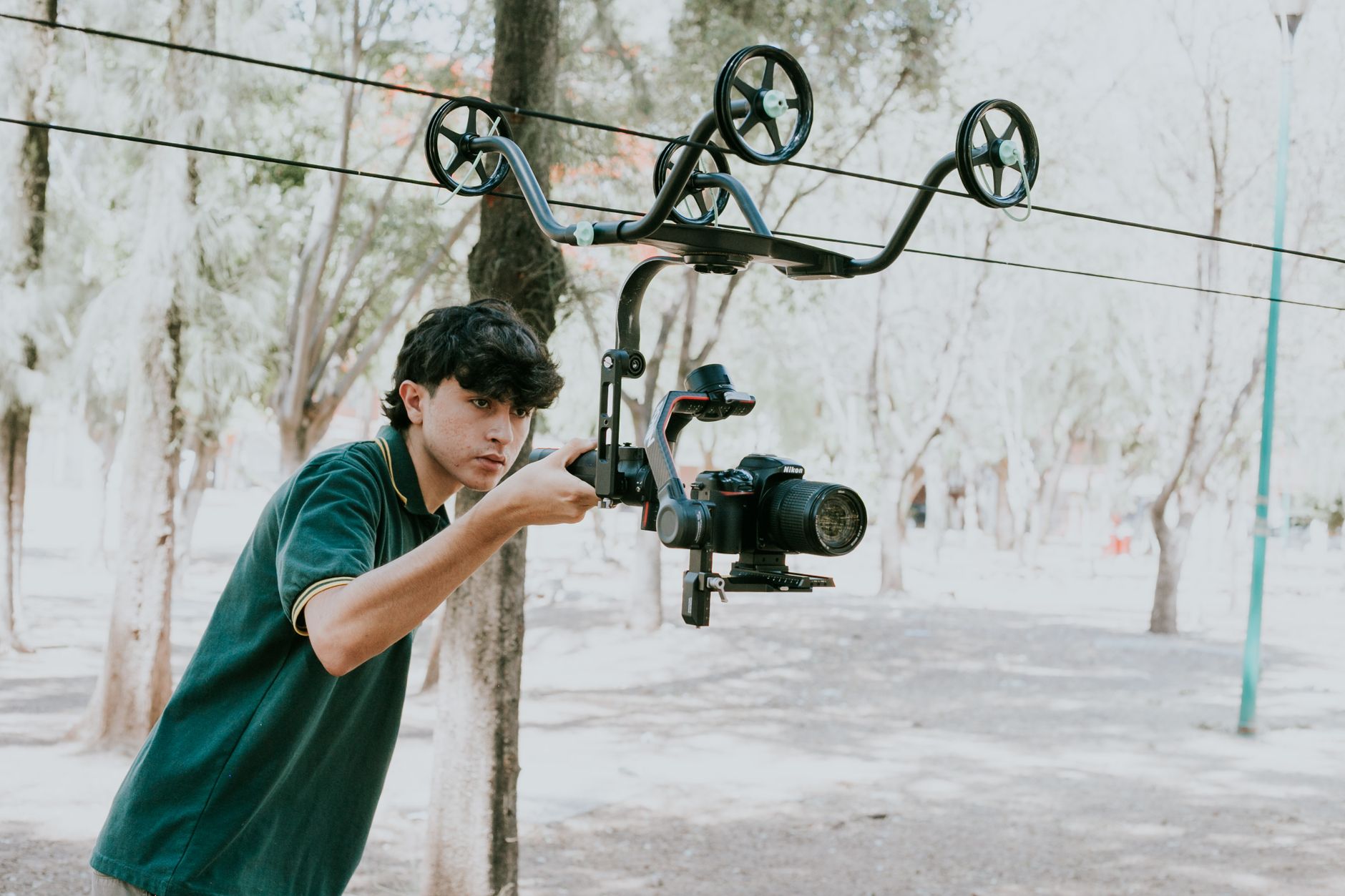
Use Gimbal Movement Techniques
Gimbals enable signature moves — smooth tracking alongside a subject, orbiting around them, low-to-high reveals, and flowing push-ins. Learning these camera movements lets you use the gimbal creatively rather than just walking forward.
These dynamic moves, executed smoothly, are what make gimbal footage exciting. Practicing techniques like the orbit, the reveal, and smooth tracking expands what you can capture, turning the gimbal into a tool for creative, cinematic movement.
Keep the Camera Settings Right
Smooth movement pairs with correct camera settings. Maintaining the proper shutter speed for natural motion blur is especially important with movement, since the blur helps the motion read as smooth and cinematic.
Using ND filters to keep that shutter speed in bright light, and ensuring good exposure, completes the setup. The gimbal smooths the motion, but proper settings ensure the moving footage looks filmic, with the right motion blur for fluid movement.
Practice for Smooth Results
Great gimbal work comes with practice. Mastering balancing, walking smoothly, and executing moves takes repetition, so practicing regularly builds the muscle memory and technique that produce consistently smooth, professional footage.
Even with a good gimbal, technique makes the difference, and that comes from doing it often. Practicing your movements and moves until they’re second nature is what lets you confidently capture the smooth, cinematic motion gimbals are capable of.
Gimbal Best Practices
- Balance the camera carefully before powering on.
- Choose the right mode for each shot.
- Walk smoothly with bent knees to minimize bounce.
- Practice movement techniques like orbits and reveals.
Common Gimbal Mistakes
- Skipping balancing, straining the motors.
- Walking with stiff legs, leaving vertical bounce.
- Using the wrong mode for the shot.
- Forgetting correct shutter speed for natural motion blur.
A Real Gimbal Shot Example
Picture capturing a reveal of a mountain cabin. You balance the camera carefully on the gimbal, set it to follow mode, and start low near the ground before rising and walking forward with smooth, bent-knee steps so the cabin gradually reveals over a foreground rock. The gimbal smooths the rotation while your controlled walk minimizes the bounce.
The result is a fluid, cinematic reveal that looks like it came off a professional crane or dolly. That combination of careful balancing, the right mode, and smooth walking technique is what unlocks the floating, premium movement gimbals are loved for — and it’s far more about technique than the gear itself.
Gimbal Moves for Storytelling
A gimbal is most powerful when its moves serve the story rather than showing off. A slow push-in on a gimbal builds intimacy, an orbit around a subject adds energy and reveals dimension, and a smooth follow keeps the audience traveling with a character. Each move should have a reason, just like any camera movement.
Resisting the urge to constantly swoop and orbit, and instead choosing motivated moves, keeps gimbal footage feeling intentional rather than gimmicky. Combined with the principles in our camera movement guide, a gimbal becomes a storytelling tool that adds meaning and emotion, not just smoothness for its own sake.
Maintain and Travel with Your Gimbal
Gimbals are precision tools with motors and batteries that need care. Keeping the firmware updated, charging the batteries, and recalibrating periodically all keep the stabilization performing well, while a padded case protects the delicate motors during transport and storage.
Balancing the camera before each shoot and powering down properly also extends the gimbal’s life and reliability. A little maintenance ensures the gimbal is ready when you need it, so you can focus on the smooth movement and creative shots rather than fighting equipment problems on location.
Gimbal vs Other Stabilization
A gimbal is one of several stabilization options, each with strengths. Gimbals excel at smooth moving shots, tripods at locked-off stability, sliders at controlled linear moves, and good handheld technique at organic energy, so the gimbal is a tool for specific shots rather than a universal solution.
Choosing the right stabilization for each shot — gimbal for flowing movement, tripod for static framing, handheld for raw immediacy — gives your footage variety and the right feel. Understanding where the gimbal fits among these options, alongside our camera movement guide, makes it part of a complete toolkit.
A gimbal is among the camera accessories that make a real difference to your footage, alongside power, storage, and support gear.
Those flowing property tours are captured on a gimbal and finished in editing real estate videos.
Smooth walking shots through markets and streets are the backbone of editing a travel film.
Key Takeaways
- A gimbal stabilizes your camera for smooth, cinematic motion.
- Balance the camera carefully before use.
- Walk smoothly and choose the right mode for each shot.
- Practice movement techniques and keep settings correct.
Frequently Asked Questions
How do I use a gimbal for smooth video?
Balance the camera carefully before powering on, choose the right mode for your shot, walk smoothly with bent knees to minimize bounce, and practice movement techniques. Proper balancing and smooth walking are key to fluid footage.
Why do I need to balance a gimbal?
Balancing means the camera stays level on its own across all three axes, which reduces strain on the motors, improves battery life, and produces the best stabilization. An unbalanced gimbal forces the motors to overwork.
Why is my gimbal footage still bouncy?
The gimbal handles rotation, but your steps create vertical bounce it can’t fully remove. Walk smoothly with bent knees, rolling your feet — the ‘ninja walk’ — to minimize the bounce and get truly smooth footage.
Sources: Wikipedia’s article on the gimbal.
Move smoothly at Adobe Video World
Train hands-on with Adobe Certified Instructors across 100+ Premiere Pro & After Effects sessions.



