Browse
Category: Tutorials
Premiere Pro & After Effects tutorials from Adobe Video World instructors.
-
How to Create a Cinematic Look in After Effects
Create a cinematic look in After Effects — add film color grading, letterbox bars, grain, subtle vignette, and light leaks to give…
-
How to Loop a Video in After Effects
Loop a video or animation in After Effects — use loopOut expressions for keyframes, loop footage with time remapping, and create seamless…
-
How to Add a Glow Effect in After Effects
Add a glow effect in After Effects — apply and tune the Glow effect, create neon and light bloom looks, glow text…
-
How to Create a Countdown Timer in After Effects
Create a countdown timer in After Effects — use a Slider Control and a simple expression to count down automatically, then style…
-
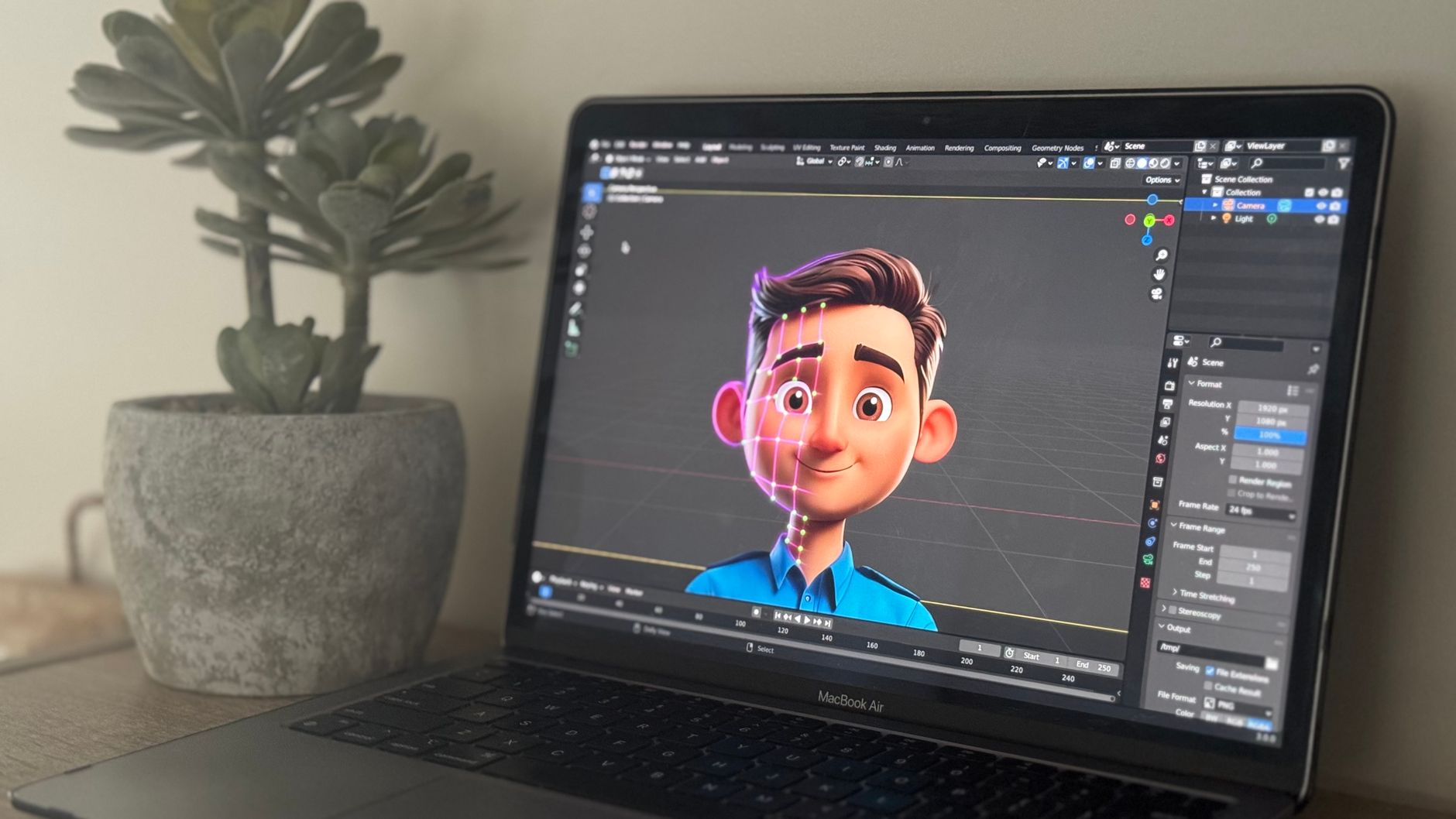
How to Use Pre-Compositions in After Effects
Learn pre-compositions in After Effects — group layers, apply effects to a whole group, keep projects organized, and avoid the common pre-comp…
-
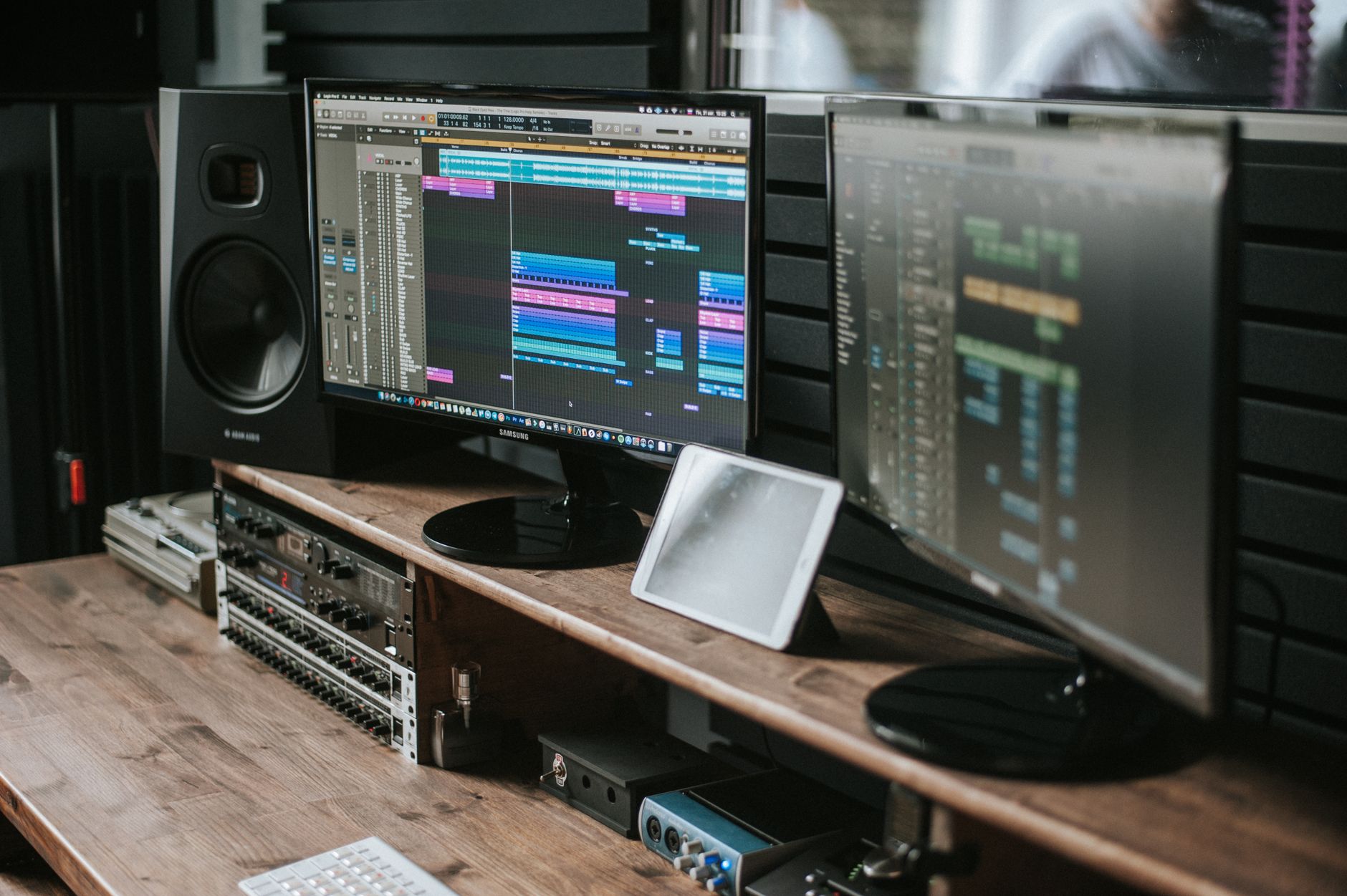
How to Add Audio and Sound Effects in After Effects
Add audio and sound effects in After Effects — import sound, adjust levels and keyframe volume, sync animation to audio, and know…
-
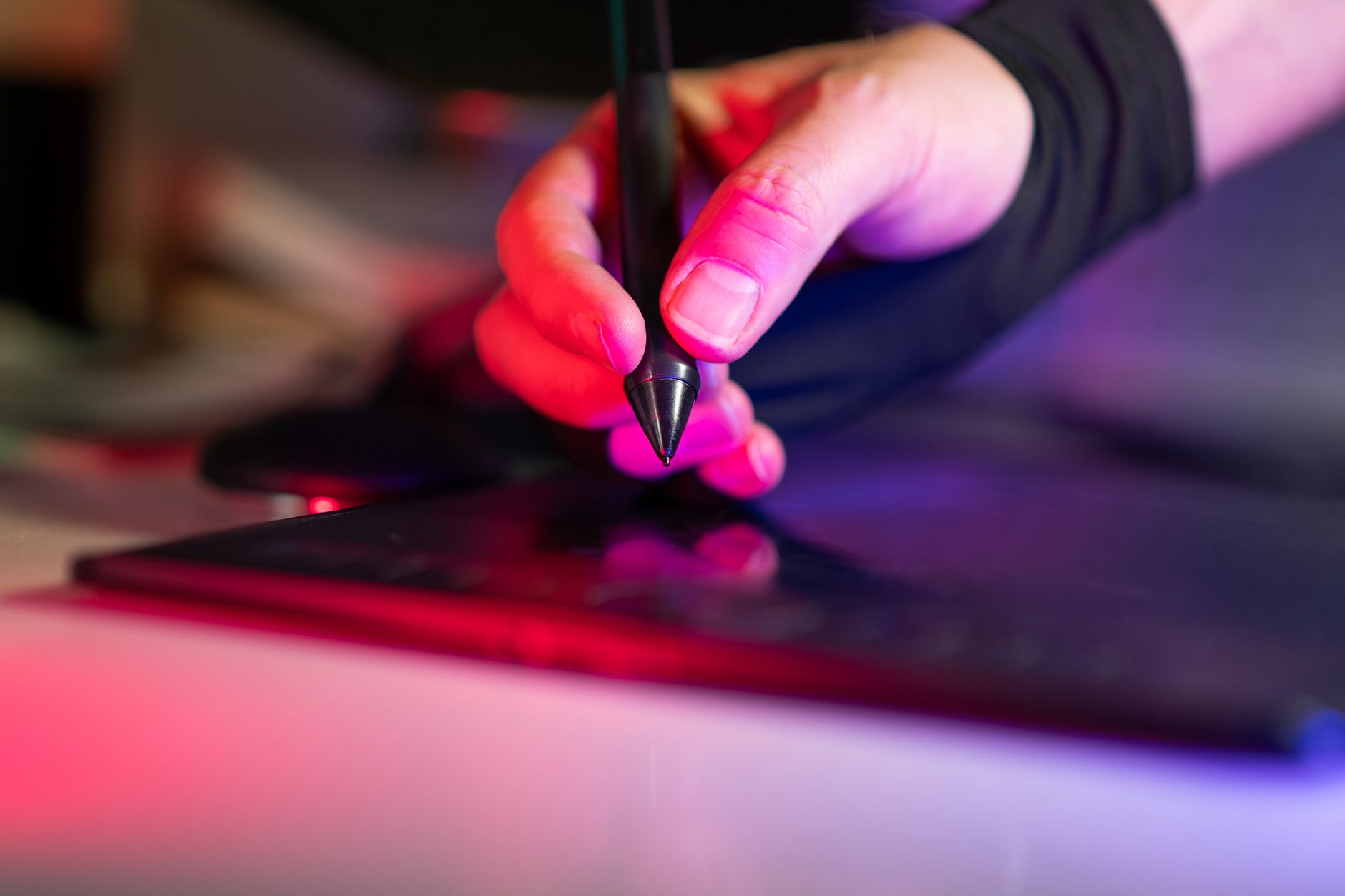
How to Use the Pen Tool in After Effects
Master the Pen tool in After Effects — draw straight and curved paths, control Bezier handles, create masks and shapes, and animate…
-
How to Animate a Logo in After Effects
Animate a logo in After Effects — prepare layered artwork, reveal it with scale and masks, add motion blur and easing, and…
-
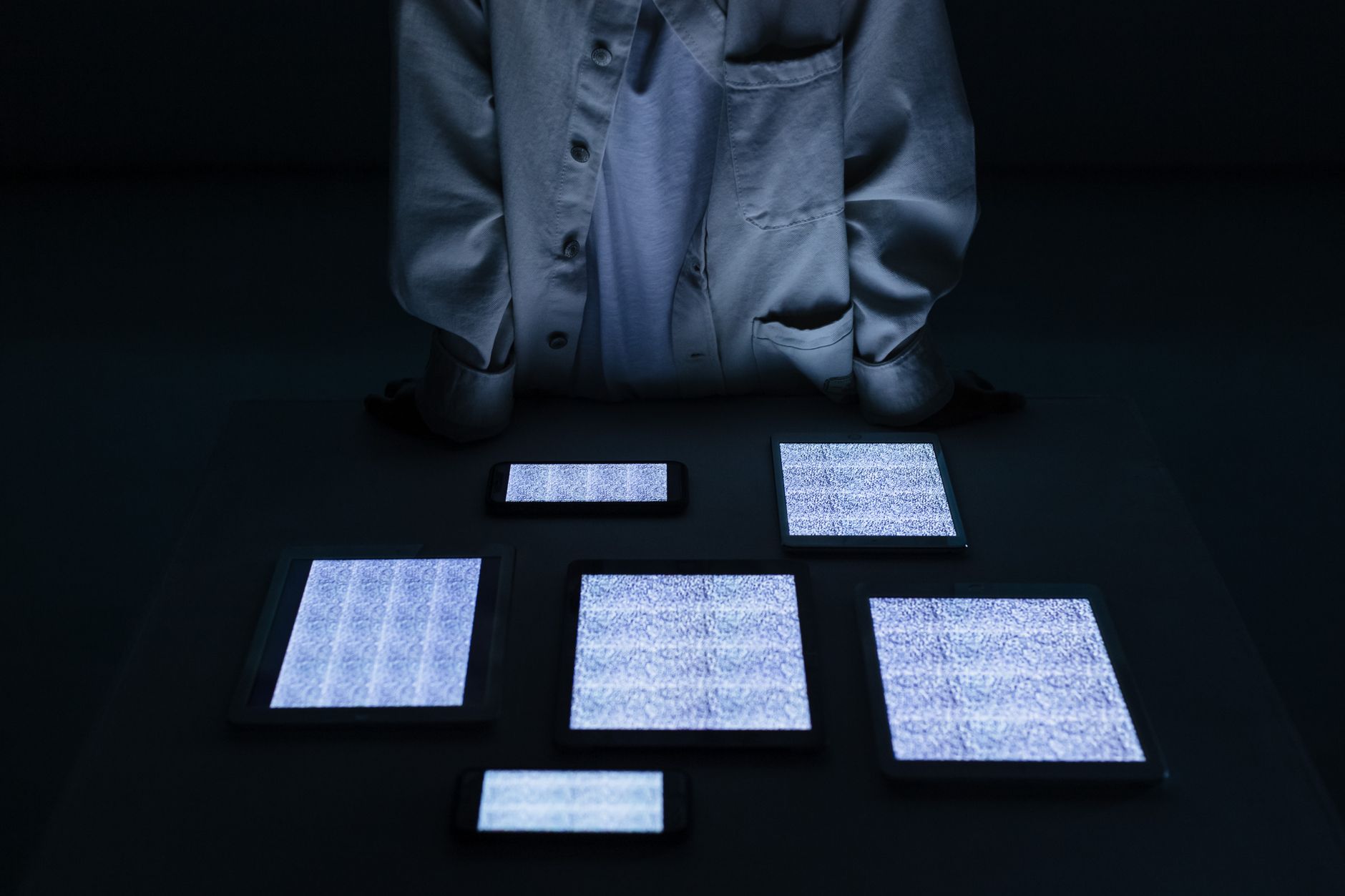
How to Create a Glitch Effect in After Effects
Create a glitch effect in After Effects — use displacement, RGB split, and noise to build digital distortion, then time it for…
-
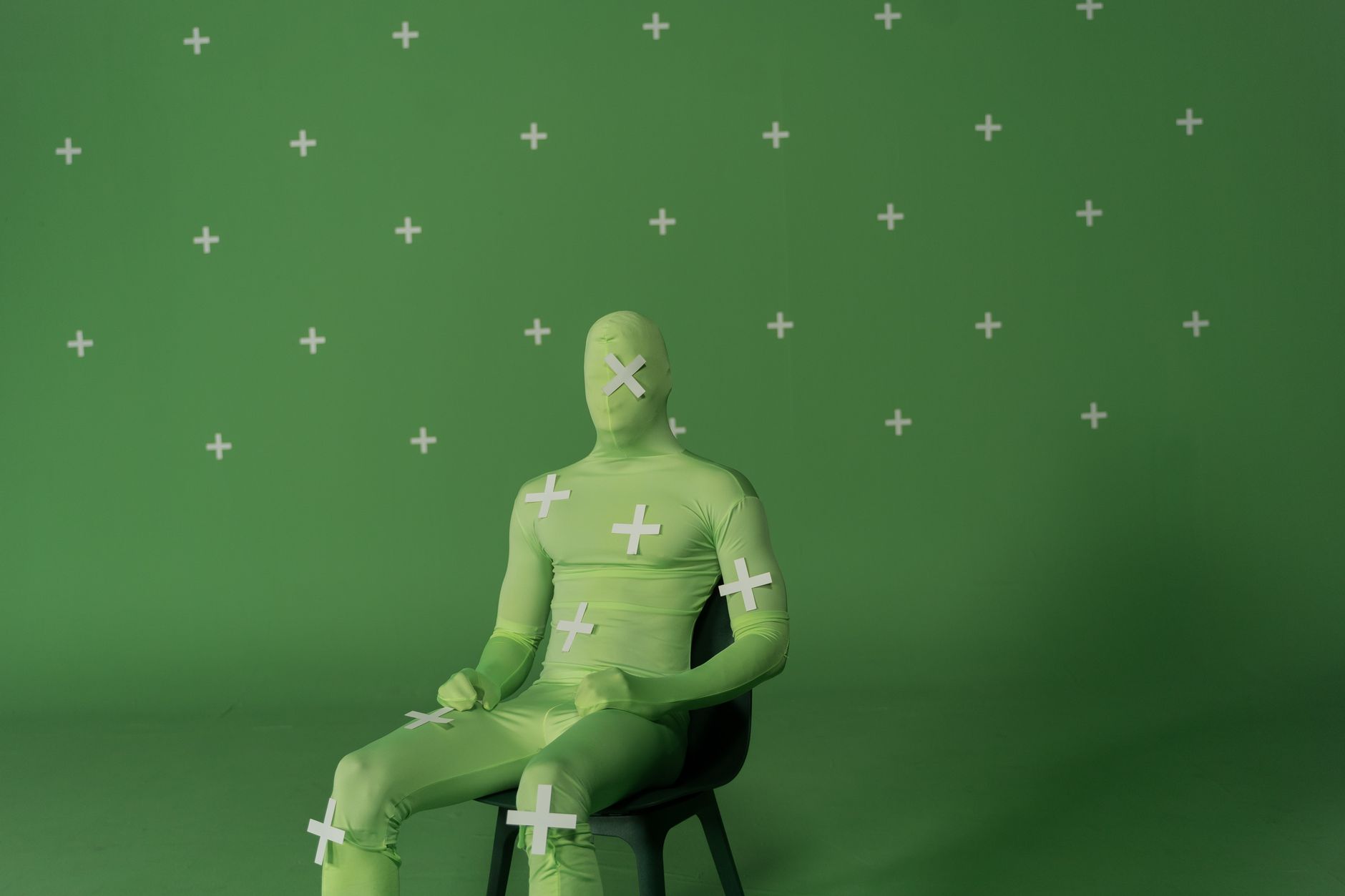
How to Use Masks in After Effects
Learn how to use masks in After Effects — draw masks with shape and pen tools, set mask modes, feather edges, animate…