A workflow taught by Adobe Certified Instructors at Adobe Video World.
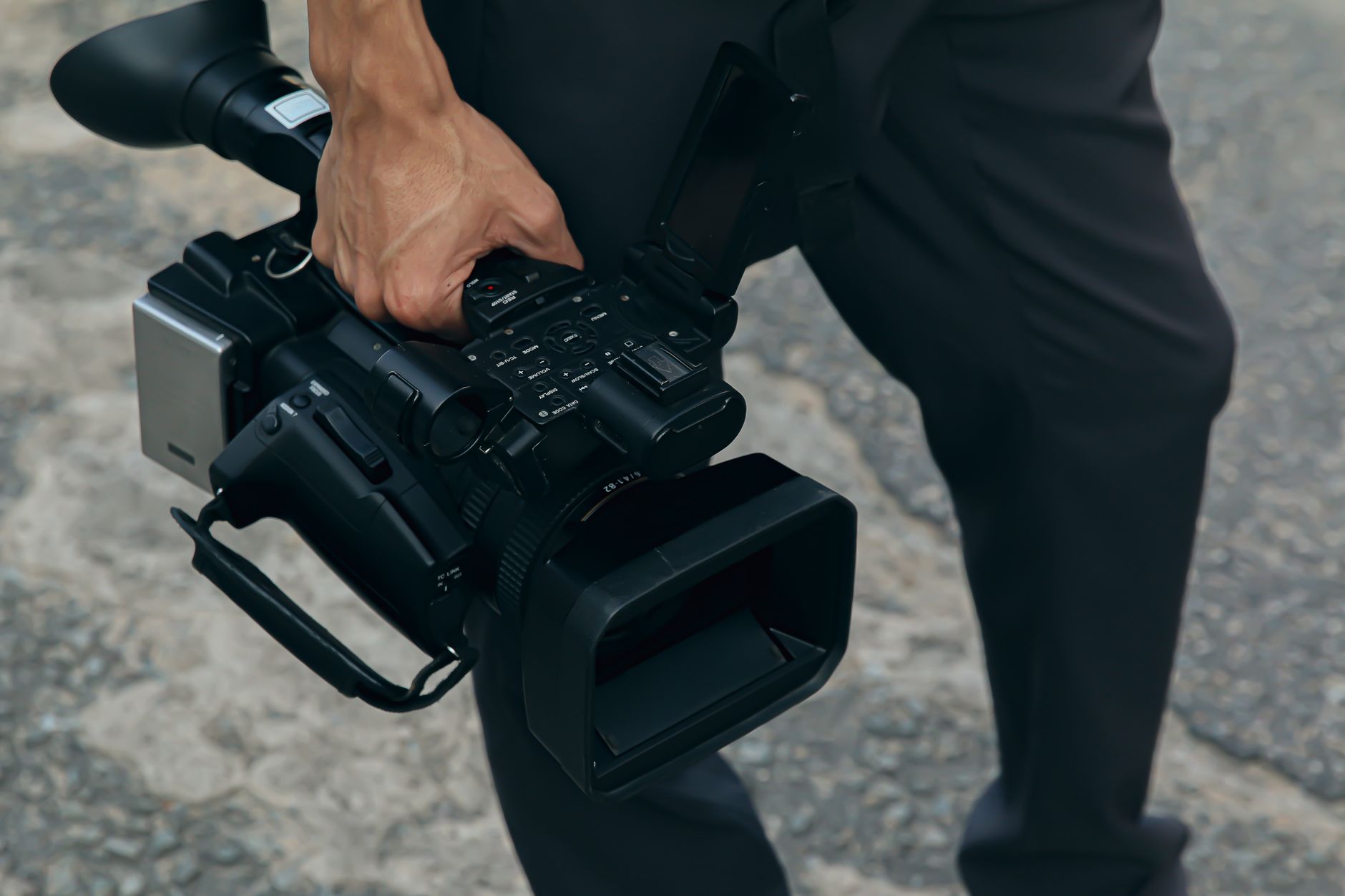
Handheld shooting gives footage an organic, immediate feel, but without technique it becomes shaky and amateurish. With proper grip, posture, and movement, you can capture remarkably stable handheld video — no gimbal required. This guide covers the techniques for smooth, controlled handheld footage that looks intentional rather than wobbly.
Why Handheld Technique Matters
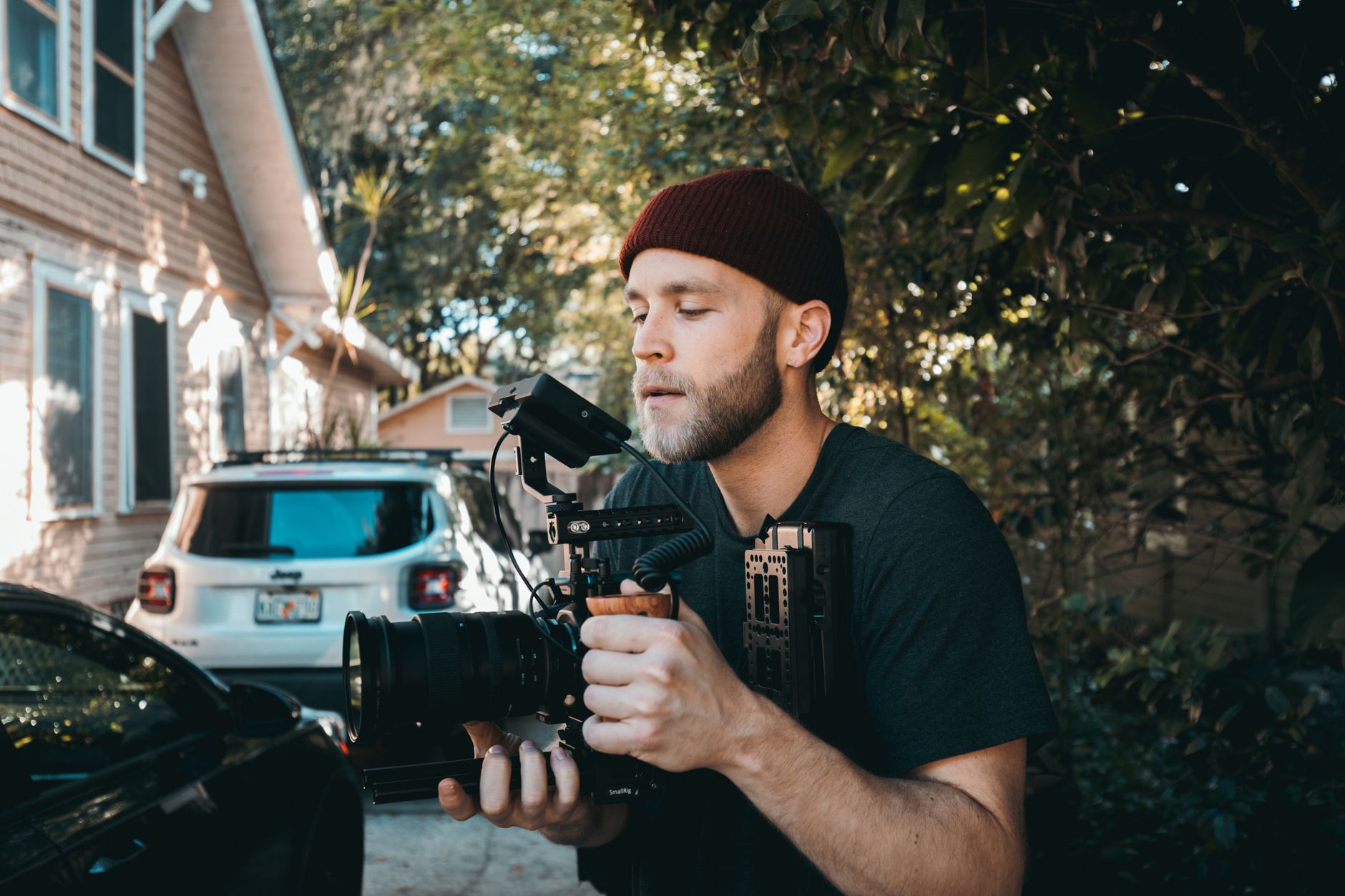
Handheld footage has a raw, immediate quality that suits documentary, action, and intimate styles. But uncontrolled handheld is just shaky, distracting footage, while controlled handheld has a deliberate, organic feel that reads as professional.
The difference is technique. Learning to hold and move the camera properly transforms handheld from a liability into a creative tool, letting you capture the energy and immediacy of handheld while keeping it stable enough to watch comfortably.
Hold the Camera Properly
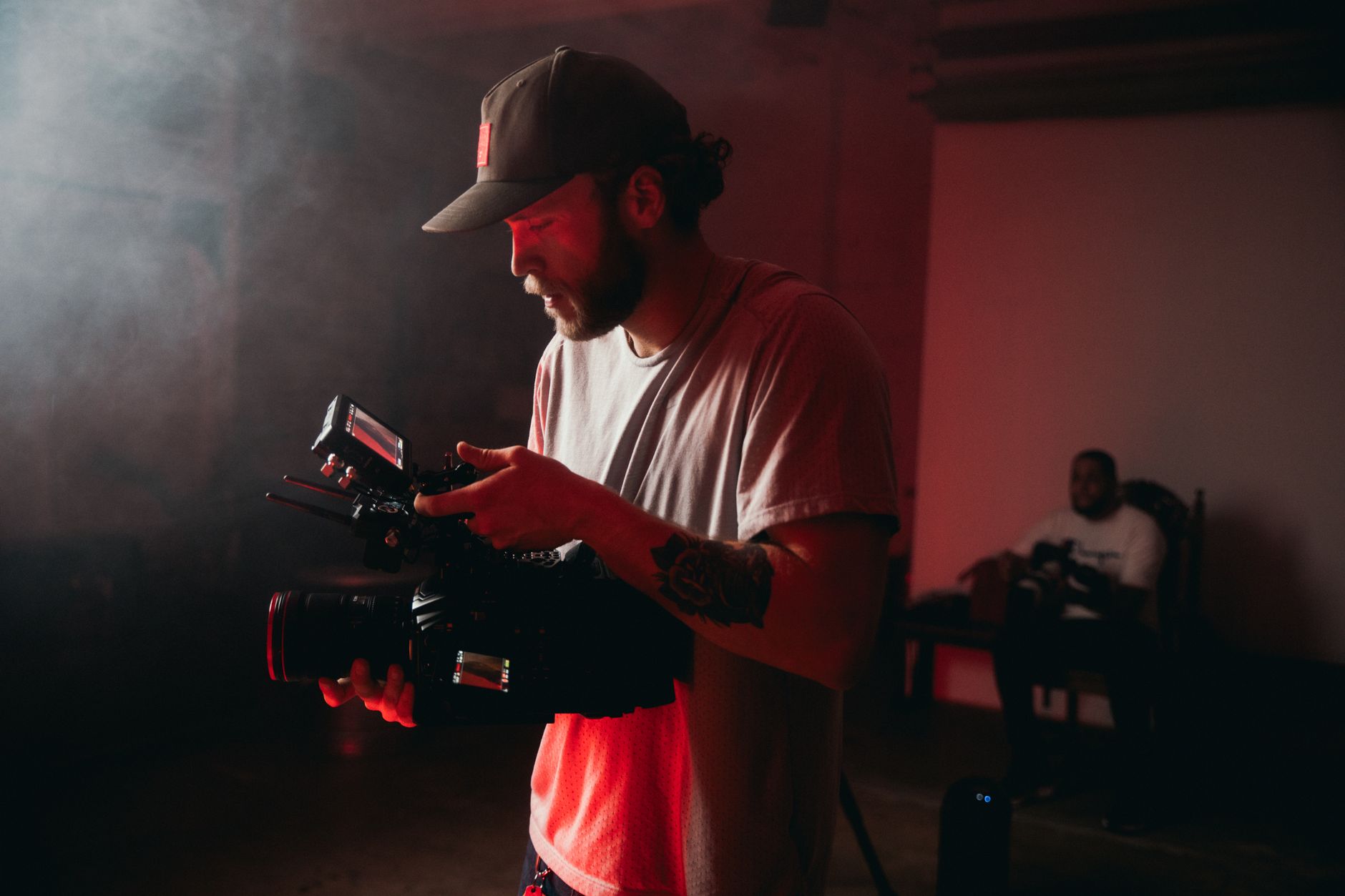
A stable grip is the foundation. Holding the camera with both hands, keeping your elbows tucked into your body, and supporting the camera from beneath creates a stable platform that resists shake far better than holding it out at arm’s length.
Pulling the camera in close to your body, with elbows braced against your torso, turns your body into a support structure. This tucked, braced grip is the single biggest factor in steady handheld footage, dramatically reducing the wobble.
Use Your Body as a Stabilizer
Your whole body stabilizes the shot. Standing with feet shoulder-width apart, keeping your core engaged, and moving from your legs rather than your arms turns your body into a human stabilizer that smooths out movement.
Bracing against a wall, leaning on something solid, or even kneeling adds further stability. Using your body’s structure and any available support, rather than relying on your arms alone, is how you achieve steady shots without equipment.
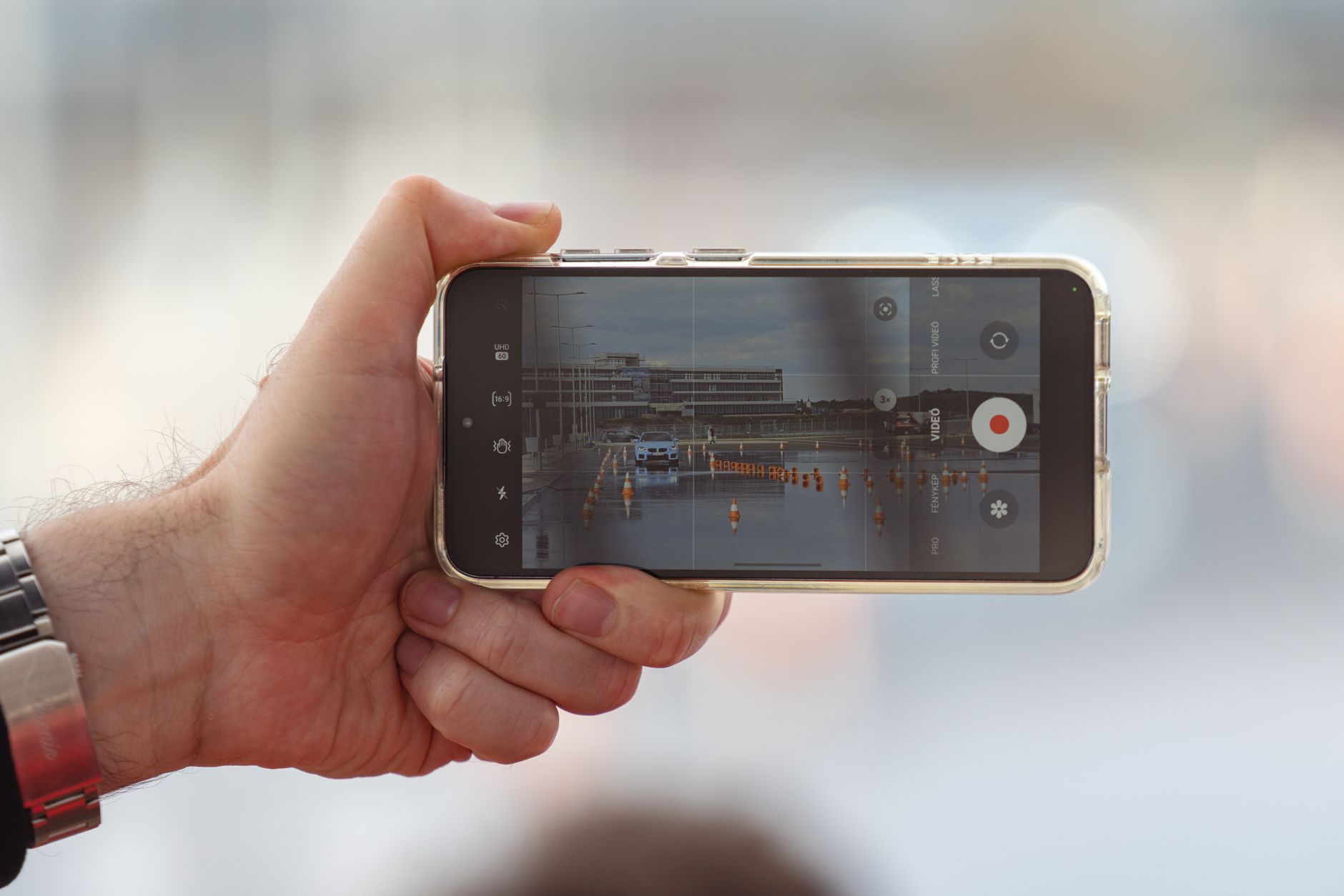
Breathe and Move Deliberately
Small movements cause shake, so controlling them matters. Breathing slowly and steadily, and moving deliberately and smoothly rather than abruptly, minimizes the micro-movements that create handheld jitter.
Holding your breath briefly for a static shot, and moving in slow, controlled motions, keeps the camera steady. This deliberate, calm approach to movement and breathing is a subtle but real factor in smooth handheld footage.
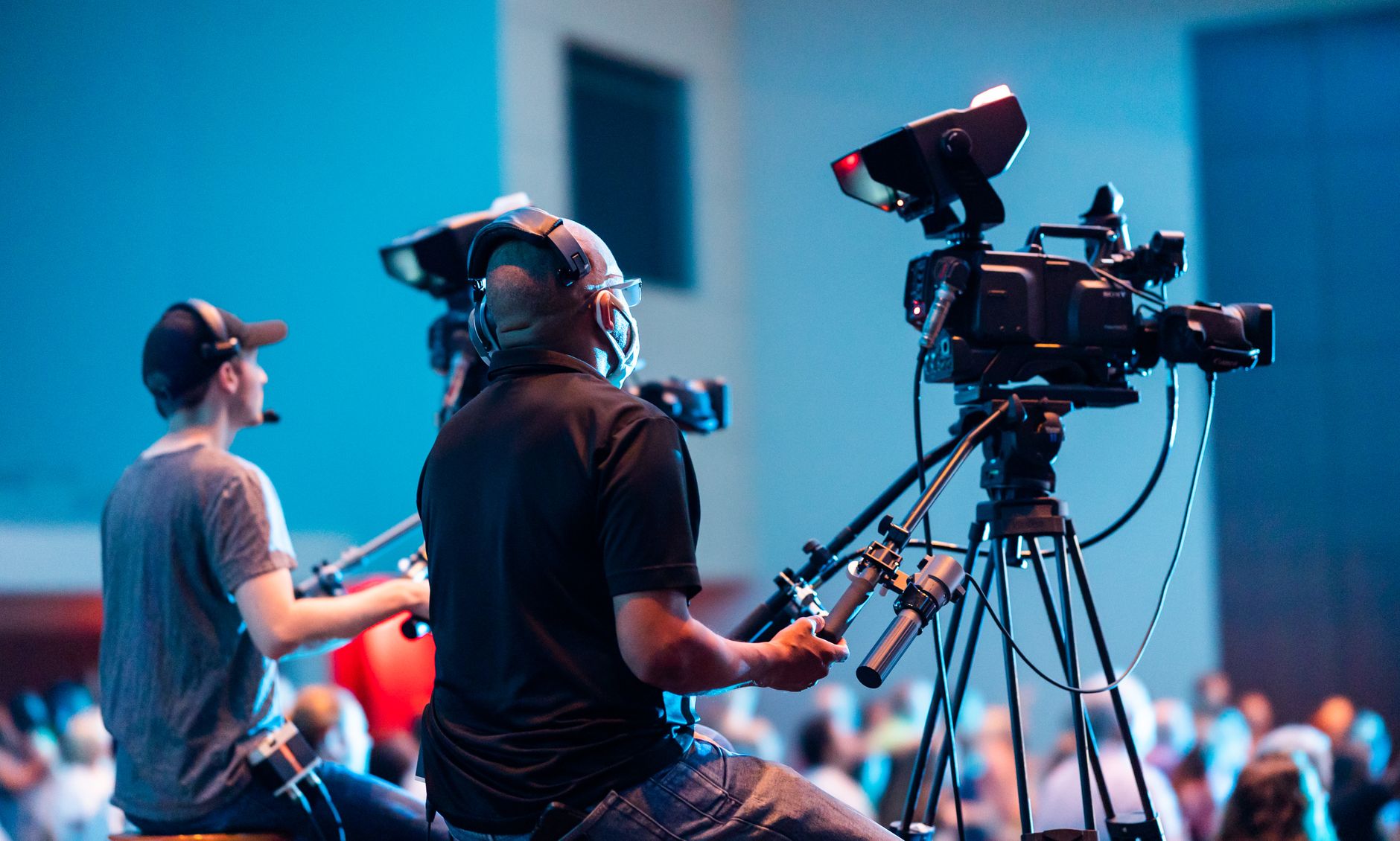
Walk Smoothly
Moving handheld shots require smooth walking, much like with a gimbal. Bending your knees, rolling your feet heel to toe, and gliding rather than bouncing minimizes the vertical movement that makes walking shots shaky.
This controlled walk, similar to the technique in our gimbal guide, keeps moving handheld footage as smooth as possible. Practicing a soft, gliding walk is essential for any handheld shot where you’re moving through a space.
Use a Wider Lens
Lens choice affects handheld stability. A wider lens shows shake less than a telephoto, because telephoto lenses magnify movement along with the image, making handheld footage look much shakier.
Shooting handheld on a wider focal length hides the residual shake your technique can’t eliminate. When you need a tighter shot handheld, extra care or stabilization is required, but defaulting to wider lenses keeps handheld footage more forgiving.
Stabilize in Post if Needed
Even good handheld footage can benefit from a touch of post-stabilization. Premiere’s Warp Stabilizer smooths residual shake, refining your already-steady footage into something polished.
Combining solid handheld technique with light post-stabilization gives the best results — the organic handheld feel with the worst wobble removed. Relying on post alone can’t fix badly shaky footage, but it perfects footage that’s already reasonably steady.
Handheld Best Practices
- Hold the camera with both hands, elbows tucked in.
- Use your body and any support as a stabilizer.
- Breathe and move deliberately and smoothly.
- Use a wider lens and stabilize lightly in post if needed.
Common Handheld Mistakes
- Holding the camera out at arm’s length.
- Tense, abrupt movements that cause jitter.
- Shooting handheld on a telephoto, magnifying shake.
- Relying on post-stabilization to fix very shaky footage.
A Real Handheld Example
Picture following a chef through a busy kitchen handheld. You pull the camera in tight to your chest, tuck your elbows hard against your ribs, mount a wide 24mm lens, and glide forward with bent knees, rolling heel to toe. The footage has the energy and immediacy of being right there, but it’s steady enough to watch comfortably.
A light pass of Warp Stabilizer in post removes the last bit of residual wobble without killing the organic feel. That blend of solid grip, a forgiving wide lens, smooth walking, and gentle post-stabilization is exactly how filmmakers get controlled, cinematic handheld footage with nothing more than their own body as the rig.
When to Choose Handheld
Handheld isn’t just a budget fallback for missing a gimbal — it’s a deliberate aesthetic choice. The subtle, organic movement of handheld conveys immediacy, tension, and realism, which is why documentaries, action scenes, and intimate dramas often choose it on purpose over perfectly smooth motion.
Matching the shooting style to the emotional tone of a scene is part of the craft. A locked-off tripod feels formal and controlled, a gimbal feels floating and dreamlike, and handheld feels alive and present, so choosing handheld when the story wants that raw energy, alongside the principles in our camera movement guide, makes it a creative decision rather than a compromise.
Handheld Rigs and Accessories
While good technique is the foundation, accessories can extend what handheld shooting achieves. A shoulder rig distributes the camera’s weight and adds stability, a chest brace steadies static shots, and even a simple strap pulled taut creates tension that reduces shake.
These tools complement technique rather than replacing it, helping you hold steadier for longer. Combining solid grip and movement habits with a supportive rig, where useful, lets you capture the organic handheld feel with even greater control and less fatigue on longer shoots.
Handheld and the Documentary Look
Handheld is the signature look of documentary and verite filmmaking, where its organic movement conveys authenticity and immediacy that polished, stabilized footage can’t. The subtle life in a handheld frame makes viewers feel present in the moment, as if witnessing events firsthand rather than watching a produced scene.
Embracing controlled handheld for this effect, rather than smoothing every shot, is a deliberate creative choice. Matching the degree of movement to the emotional energy of a scene, and keeping it intentional, is what makes handheld a powerful storytelling tool instead of a sign of missing equipment.
Key Takeaways
- Controlled handheld has an organic, professional feel.
- Tuck your elbows and use your body as a stabilizer.
- Breathe, move deliberately, and walk smoothly.
- Use wider lenses and stabilize lightly in post if needed.
Frequently Asked Questions
How do I shoot smooth handheld video?
Hold the camera with both hands and your elbows tucked into your body, use your core and any support as a stabilizer, breathe and move deliberately, walk smoothly with bent knees, and use a wider lens that shows shake less.
Why is my handheld footage shaky?
Common causes are holding the camera at arm’s length, tense abrupt movements, and shooting on a telephoto lens that magnifies shake. Tuck your elbows in, move deliberately, and use a wider lens to reduce visible shake.
Can I fix shaky handheld footage in post?
Light post-stabilization like Premiere’s Warp Stabilizer can refine already-steady footage, removing residual wobble. But it can’t fully fix very shaky footage, so good handheld technique on set remains essential.
Sources: Wikipedia’s overview of handheld camera technique.
Steady your shots at Adobe Video World
Train hands-on with Adobe Certified Instructors across 100+ Premiere Pro & After Effects sessions.



