A workflow taught by Adobe Certified Instructors at Adobe Video World.
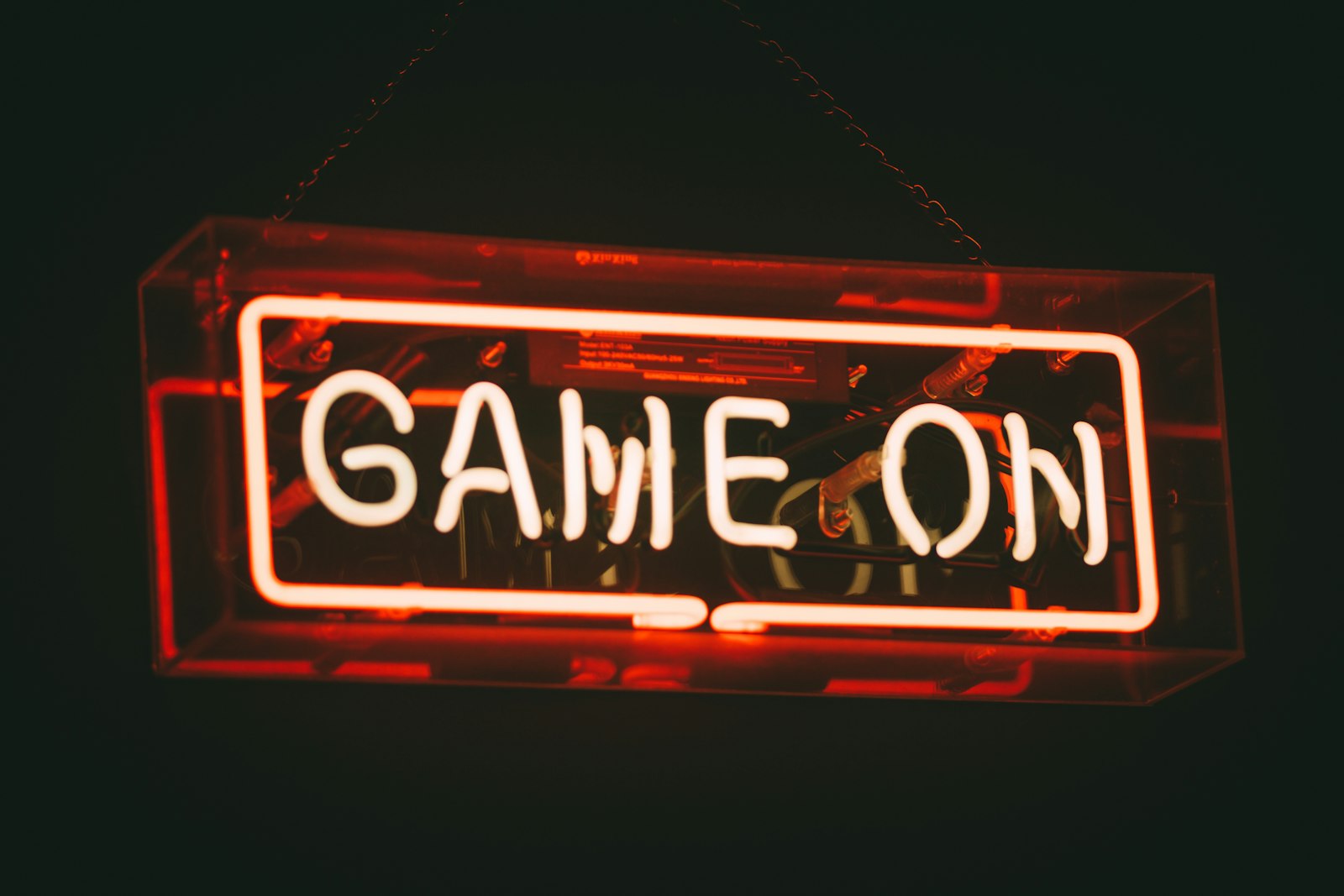
A neon sign effect makes text and shapes glow like real neon tubing — vibrant, luminous, and retro. It’s perfect for titles, logos, and stylish motion graphics. After Effects creates it by layering glow, color, and flicker. This guide covers building a convincing neon look, from the tubing to the flicker and atmosphere.
What Makes Neon Look Real
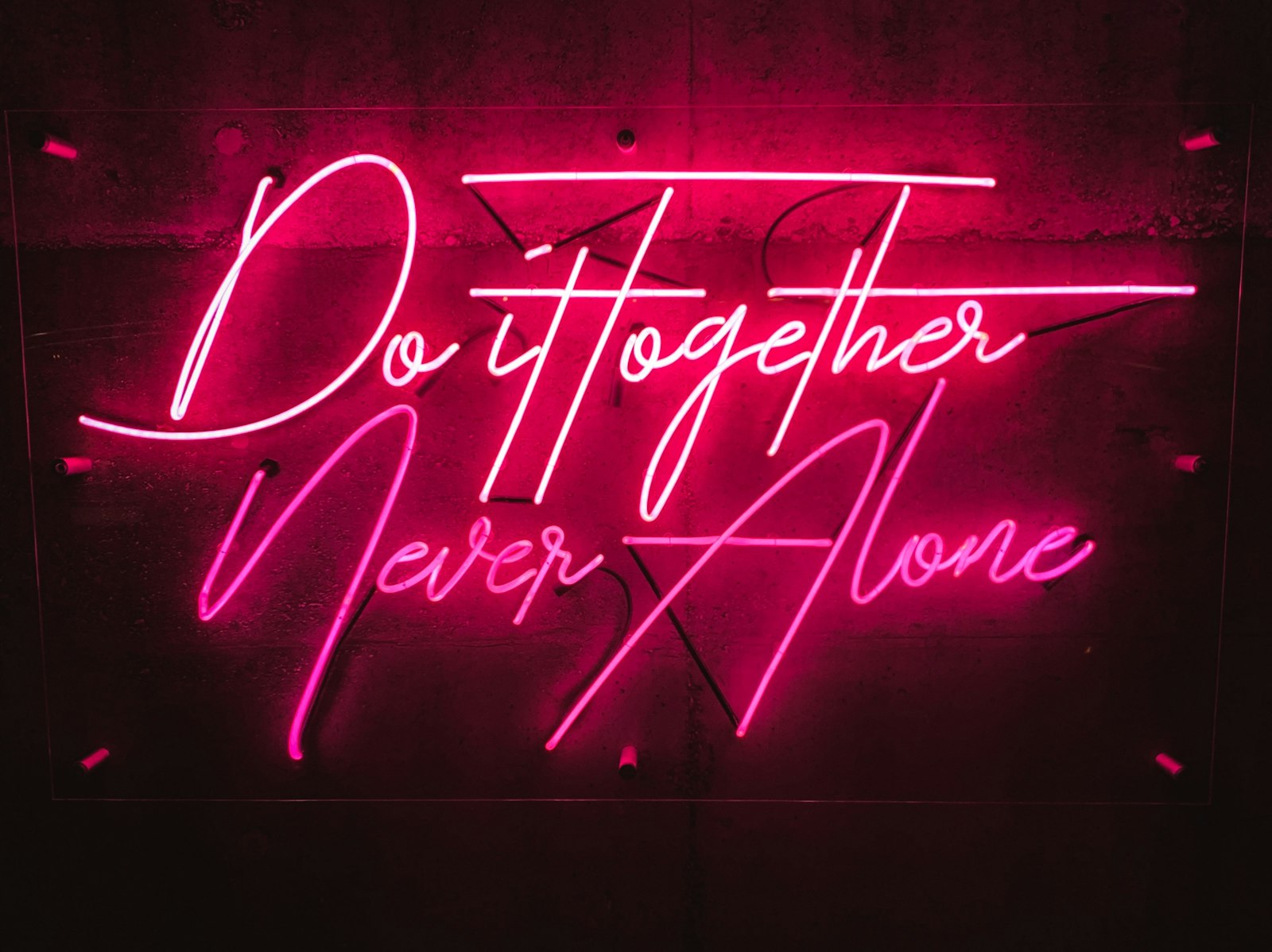
Real neon has several qualities: a bright, saturated core that looks like glowing glass tubing, a soft halo of light spreading around it, intense color, and often a subtle flicker. Capturing these together is what sells a convincing neon sign.
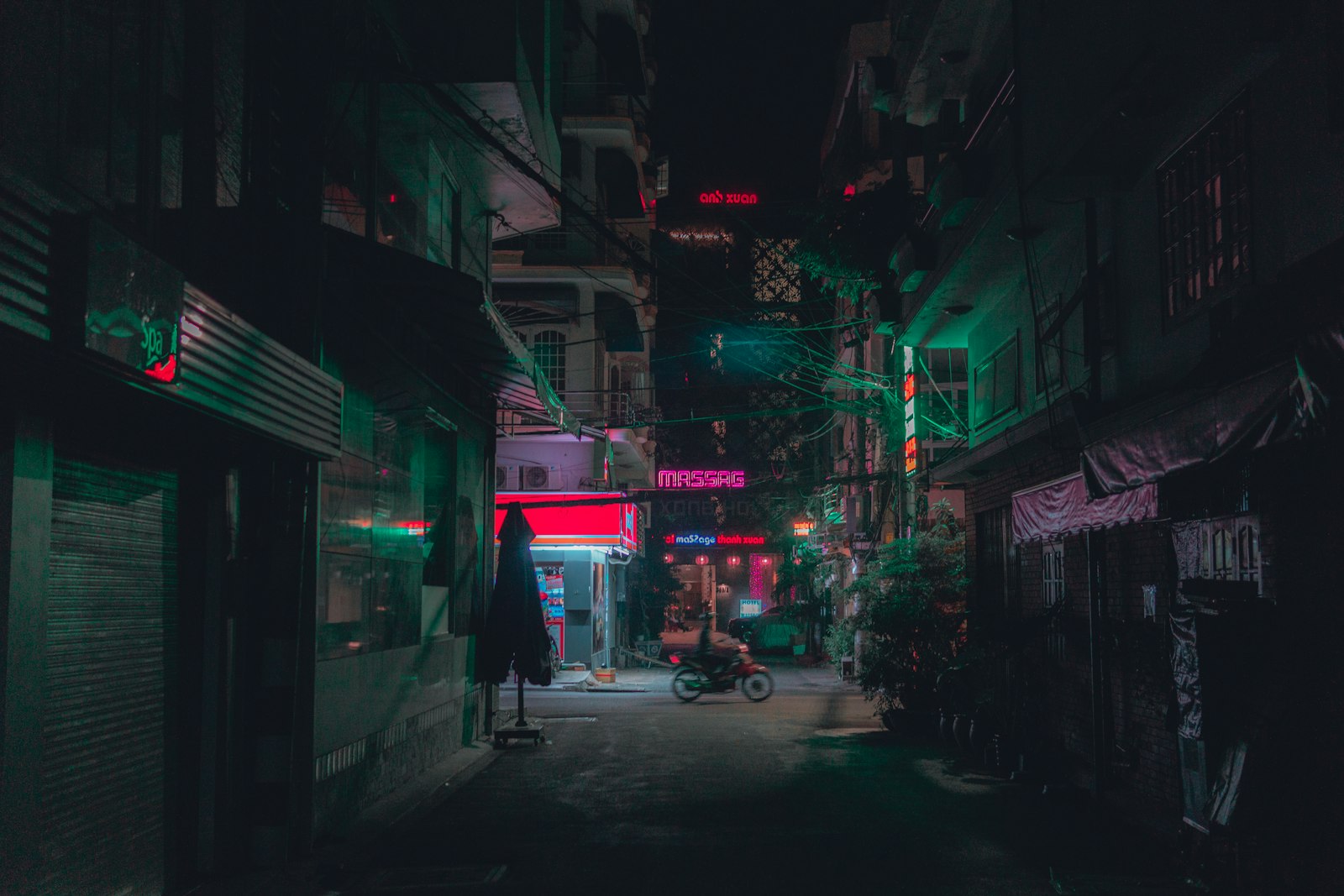
Neon also lights its surroundings, casting a colored glow on nearby surfaces. Recreating the bright tube, the surrounding bloom, the rich color, and the flicker — plus the way it illuminates its environment — is the recipe for a believable neon effect.
Create the Tubing
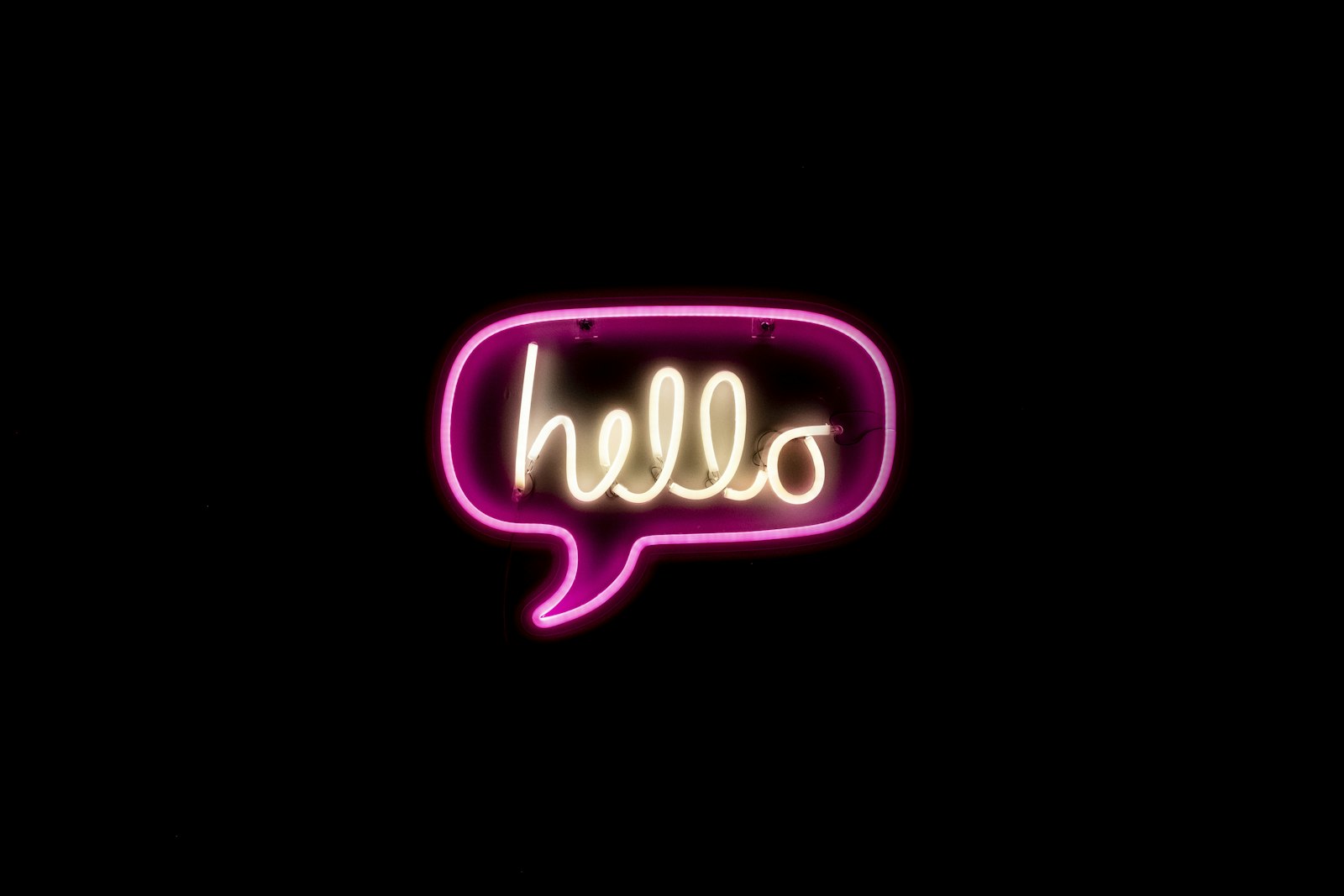
Start with your text or shape styled to look like glass tubing. A rounded stroke with no sharp corners mimics bent neon tubes, and a bright, saturated color forms the glowing core, often with a lighter center for the hot heart of the tube.
Using a shape layer or text with a thick rounded stroke gives the right tube shape. This bright core is the foundation that the glow will then radiate from, so getting its color and shape right comes first.
Add the Glow
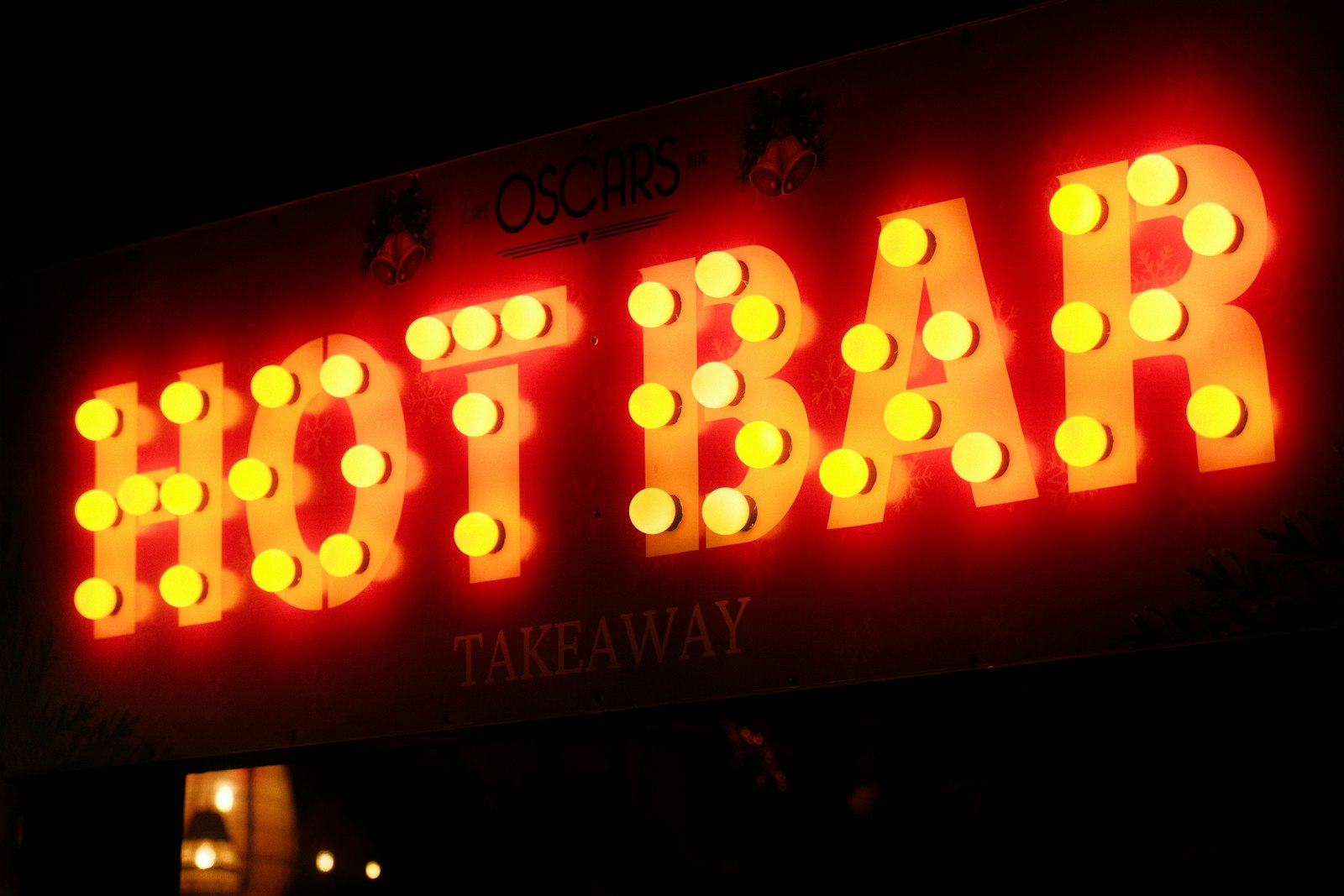
The signature neon halo comes from the Glow effect. Applying glow — often two glows, a tight bright one and a wider soft one — makes the tubing radiate light, blooming outward exactly as real neon does.
Layering two glows of different radii creates depth, with an intense inner glow and a soft outer haze. This bloom is what transforms flat colored text into something that genuinely appears to emit light, the heart of the neon look.
Get the Color Right
Neon is defined by vivid, saturated color. Pushing the color to be bright and intense, with the core nearly white-hot at its center fading to the saturated hue at the edges, mimics the way real neon glass glows from within.
Classic neon colors — hot pink, electric blue, vivid green, warm orange — read instantly as neon. Matching the glow color to the tubing and keeping the saturation high, using our color principles, gives the authentic vibrant look.
Add a Flicker
Real neon often flickers, especially older or damaged signs. Animating the layer’s opacity or glow intensity with a subtle wiggle, or keyframing occasional stutters, adds the lifelike flicker that sells the effect.
A gentle continuous flicker suggests a living, buzzing sign, while an occasional sharp stutter implies a faulty tube. This flicker, kept tasteful, adds character and realism, turning a static glow into a believable, animated neon sign.
Light the Environment
Neon casts colored light on its surroundings, so for realism, add a glow of the sign’s color onto nearby surfaces or a dark background. This spill of light grounds the sign in its environment rather than floating it on black.
A subtle wash of the neon’s color on a wall behind it, brightest near the tubing, completes the illusion. This environmental lighting is a finishing touch that makes the difference between a sign sitting on a layer and one genuinely glowing in a space.
Add Atmosphere and Reflection
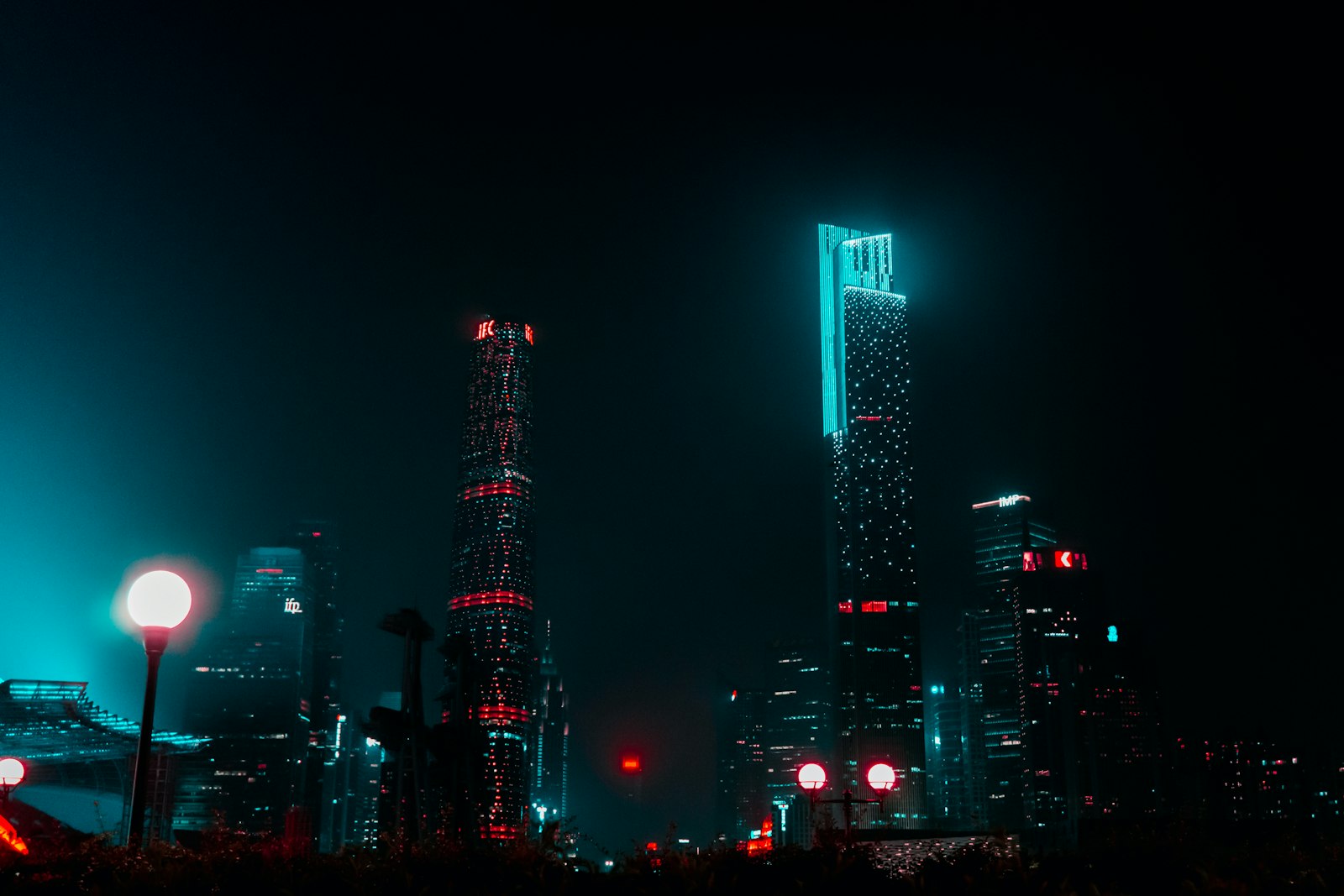
Extra touches deepen the effect. A wet, reflective surface beneath the sign reflecting its glow, a hint of haze for the light to catch, or a dark textured background all evoke the moody, urban setting neon belongs in.
These atmospheric details place the neon in a believable world — a rainy street, a dim bar, a city night. Building this context around the glowing sign, rather than showing it in isolation, makes the whole scene feel cinematic and real.
Animate the Neon On
A great reveal is the sign powering on. Animating the tubing lighting up — perhaps flickering to life, or drawing on with Trim Paths as if the tube fills with light — creates a dynamic, satisfying entrance.
This power-on animation, timed with a buzzing sound effect, brings the sign to life dramatically. Whether it stutters on like an old sign or smoothly illuminates, animating the neon switching on is a polished way to introduce it.
Neon Sign Best Practices
- Build the tubing with a rounded stroke and bright core.
- Layer two glows for an intense inner and soft outer bloom.
- Use vivid, saturated colors and add a subtle flicker.
- Light the environment and add atmosphere for realism.
Common Neon Mistakes
- Sharp-cornered text that doesn’t look like bent tubing.
- A single weak glow with no bloom.
- Dull, unsaturated color that doesn’t read as neon.
- A sign floating on black with no environmental glow.
A Real Neon Sign Example
Picture building a glowing pink ‘OPEN’ sign for a retro diner intro. You set the word in a rounded script font, give it a hot pink core nearly white at the center, and stack a tight bright glow with a wide soft one so it blooms convincingly. A faint wiggle on the glow intensity adds a living buzz, and one letter occasionally stutters like a tired tube.
Then you wash the pink glow onto a dark brick wall behind it and add a wet reflection below, and the flat text becomes an atmospheric neon sign glowing in a night scene. That layering of tube, double glow, color, flicker, and environment is exactly what turns simple text into believable neon.
Neon for Titles and Branding
The neon look is a popular choice for titles, logos, and branding that wants an energetic, retro, or nightlife feel. A neon-styled channel name or product logo stands out instantly and carries strong associations with fun, music, and the city after dark, making it memorable and on-trend.
Matching the neon color to your brand palette keeps it cohesive, and animating the sign powering on gives the reveal personality. Built alongside the techniques in our logo animation guide, a neon treatment turns an ordinary title into a vibrant, eye-catching signature that suits everything from music channels to retro-themed promos.
The glowing aesthetic behind a neon build also drives the After Effects light leaks effect.
The glow techniques behind a neon sign carry directly into adding volumetric light rays.
After a neon build, creating a light sweep in After Effects is an easy way to add a premium shine.
The additive glow behind neon also underlies the After Effects lens flare effect.
Key Takeaways
- Neon needs a bright tube, a soft glow halo, and vivid color.
- Layer two glows for inner intensity and outer bloom.
- Add a subtle flicker and light the environment.
- Animate the sign powering on for a dynamic reveal.
Frequently Asked Questions
How do I create a neon sign effect in After Effects?
Style your text or shape as glowing tubing with a rounded stroke and bright core, then apply the Glow effect (often two glows) for the halo, use vivid saturated color, add a subtle flicker, and light the environment with the sign’s color.
How do I make neon look like it’s glowing?
Layer two Glow effects — a tight, intense inner glow and a wider, soft outer bloom — over a bright, saturated core. This radiating bloom is what makes flat colored text appear to genuinely emit light like real neon.
How do I add a neon flicker?
Animate the layer’s opacity or glow intensity with a subtle wiggle expression for a continuous flicker, or keyframe occasional sharp stutters to suggest a faulty tube. Keep it tasteful so it adds life without being distracting.
Sources: Adobe’s reference for the glow and generate effects in After Effects.
Light up your text at Adobe Video World
Train hands-on with Adobe Certified Instructors across 100+ Premiere Pro & After Effects sessions.



