A workflow taught by Adobe Certified Instructors at Adobe Video World.
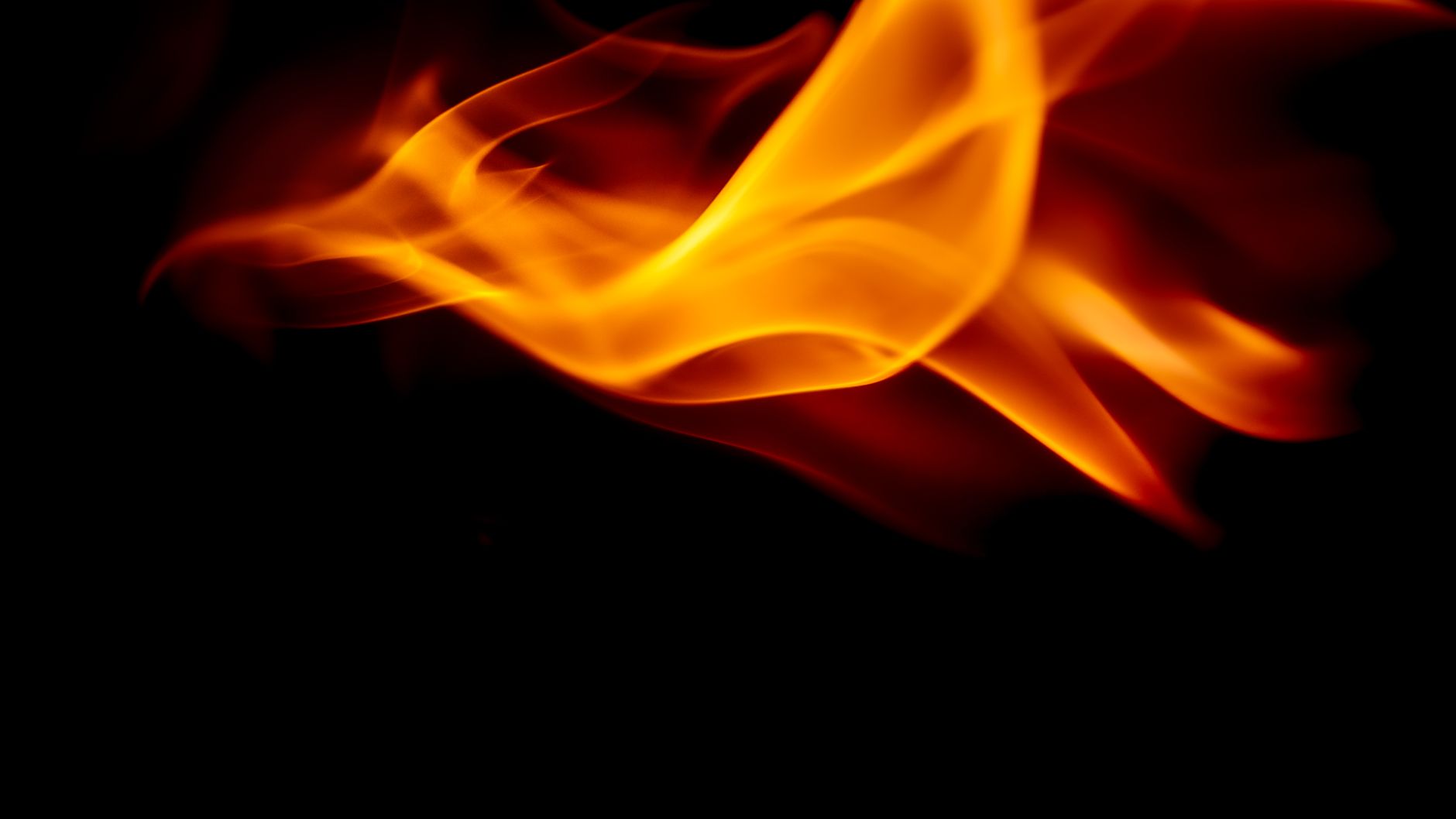
Fire adds drama, danger, and energy to a shot — flickering flames, glowing embers, a burning logo. After Effects can generate fire with effects like Fractal Noise or composite real fire footage for realism. This guide covers building flames from scratch, using fire overlays, and adding the glow and distortion that make fire believable.
What Makes Fire Look Real
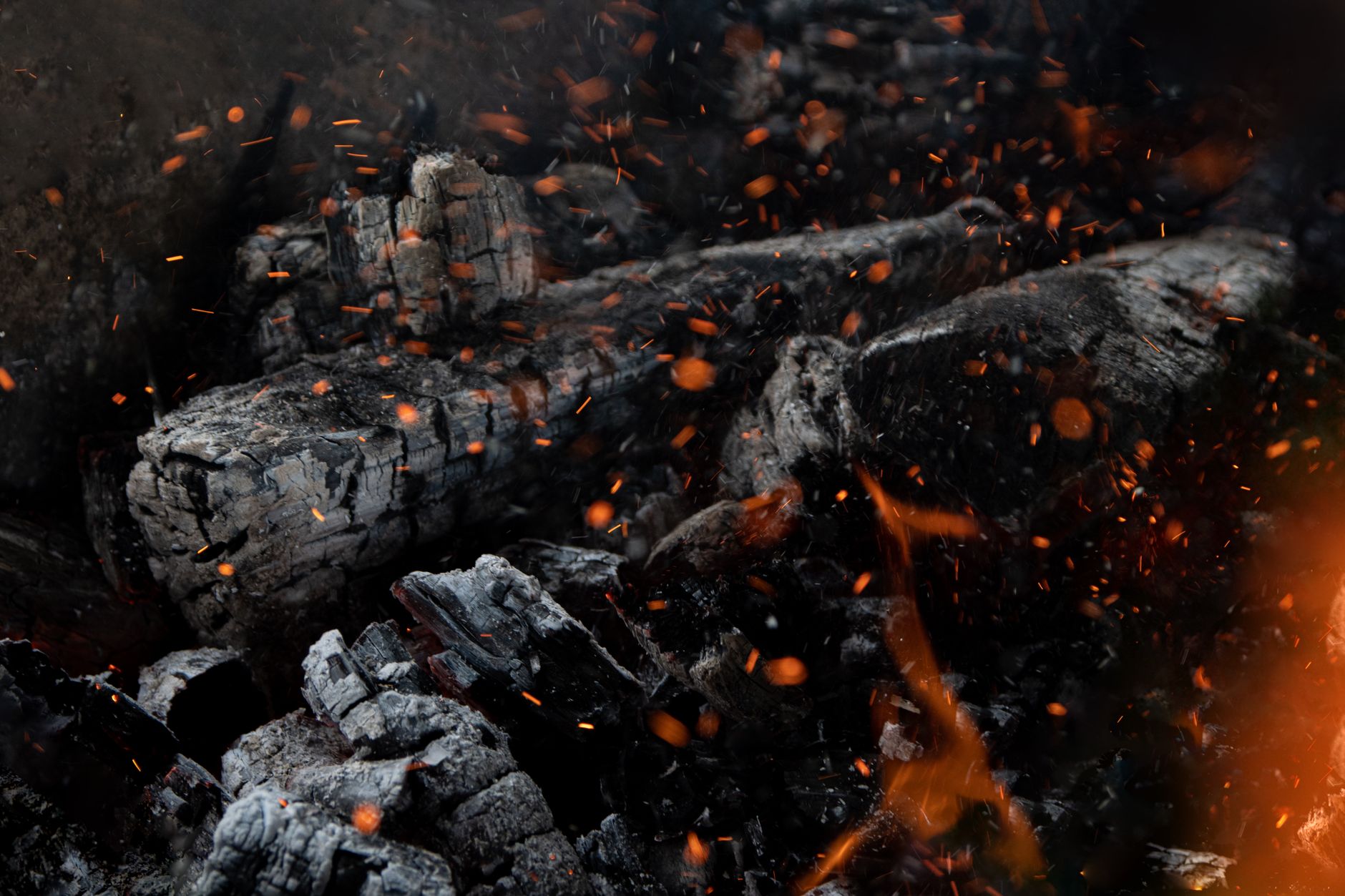
Convincing fire has several ingredients: flickering, upward-licking flames, a hot glowing core fading to cooler edges, rising heat distortion, and embers drifting upward. Capturing these qualities is what separates believable fire from a flat orange blob.
Fire is also defined by how it lights its surroundings, casting a warm, dancing glow. Recreating these characteristics — movement, color gradient, glow, and distortion — is the goal whether you generate fire or composite real footage.
Generate Flames with Fractal Noise
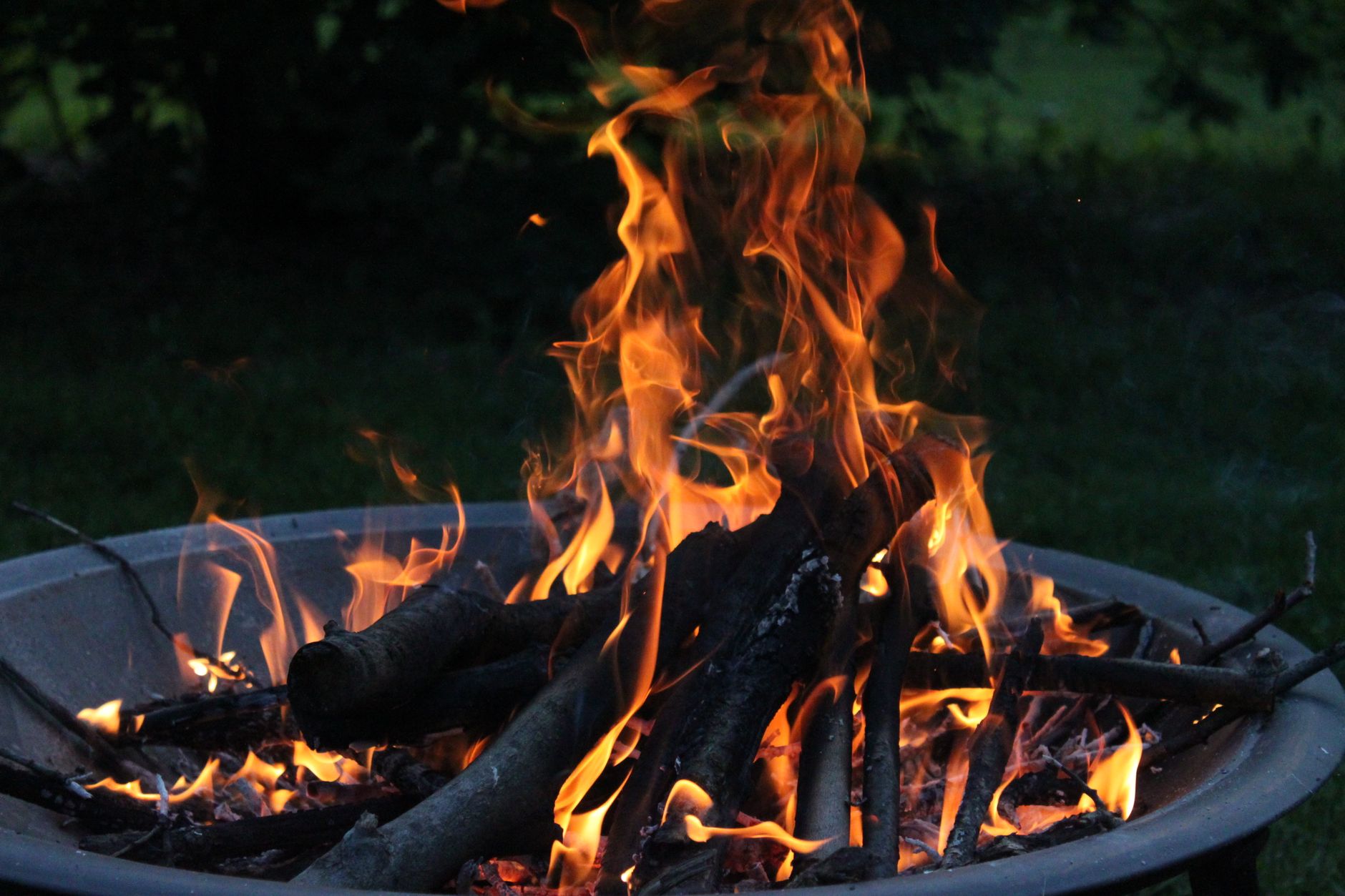
A common build starts with Fractal Noise, the same tool used for smoke. Animate its evolution and stretch it vertically to create churning, rising shapes, then use it as the basis for flame-like movement.
Fractal Noise gives you the turbulent, organic motion fire needs. Shaping its contrast and scale to read as flickering tongues of flame, much like the approach in our smoke and fog guide, is the foundation of generated fire.
Color the Fire
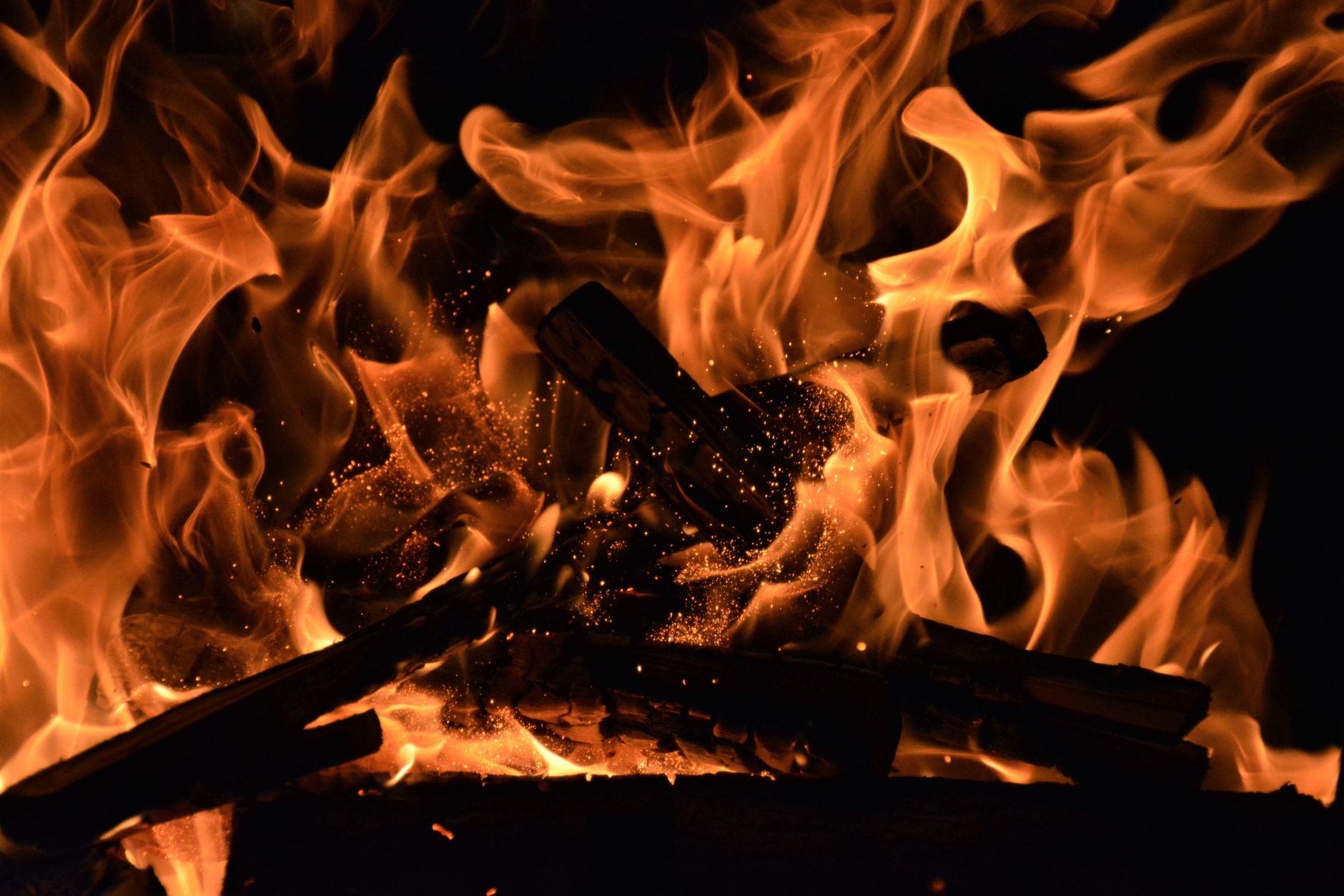
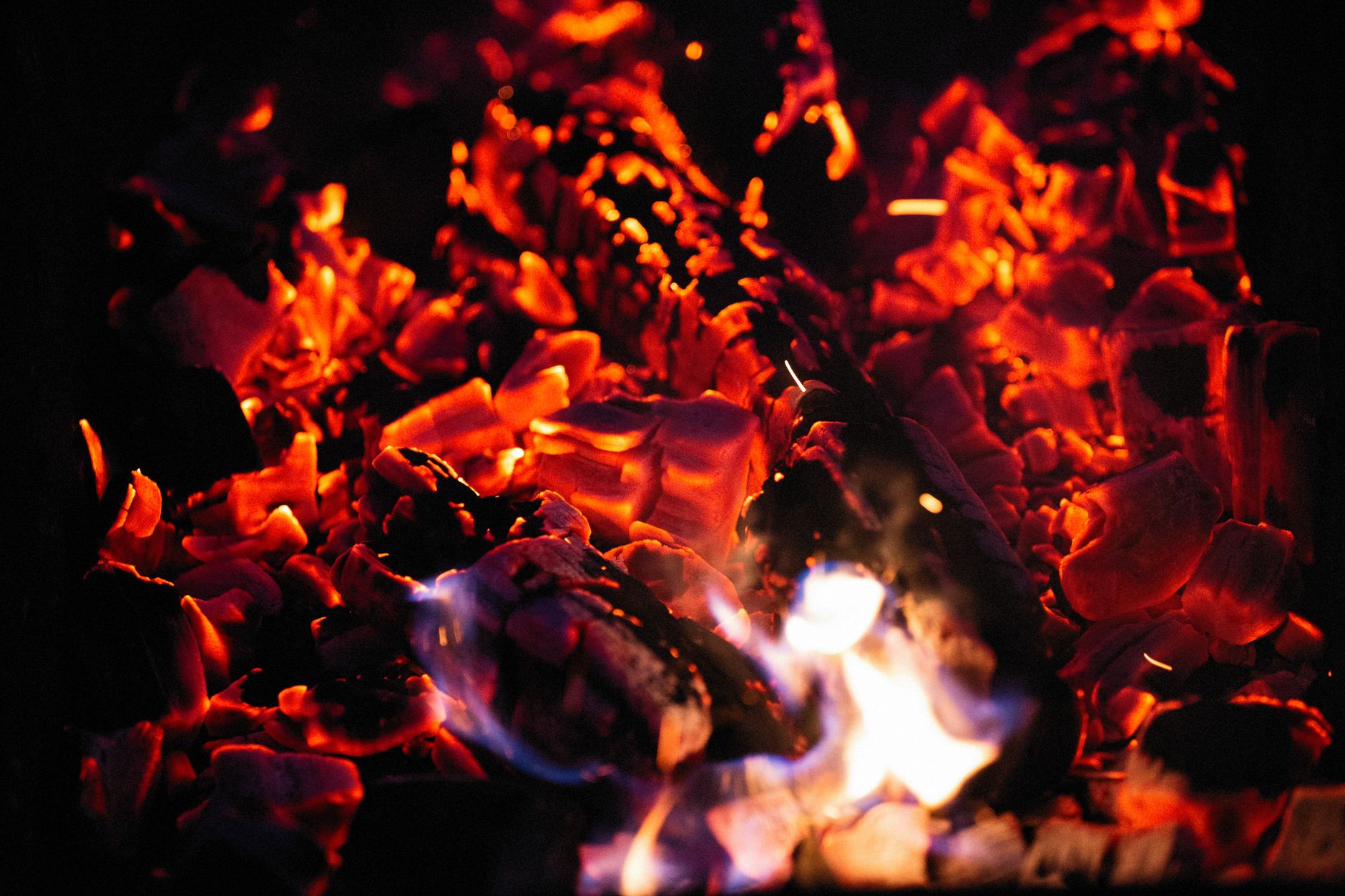
Fire’s color comes from mapping the noise to a fire gradient. Apply a gradient or colorama-style effect so the brightest areas become white-hot yellow, the midtones glowing orange, and the edges deep red, recreating the temperature gradient of real flame.
This hot-core-to-cool-edge gradient is essential — flat orange never looks like fire. Tuning the gradient so the flames glow from white through orange to red gives the generated fire its convincing, heat-driven color.
Use Real Fire Overlays
For realism, real fire footage shot against black is the most reliable route. Drop a fire overlay onto a layer set to Add or Screen, and the black drops out, leaving genuine flames to composite over your scene.
Real fire carries detail, flicker, and light interaction that’s hard to fully generate. Using overlays, blended with the techniques from our blending modes guide, is how many artists add the most authentic flames to a shot quickly.
Add Glow and Heat
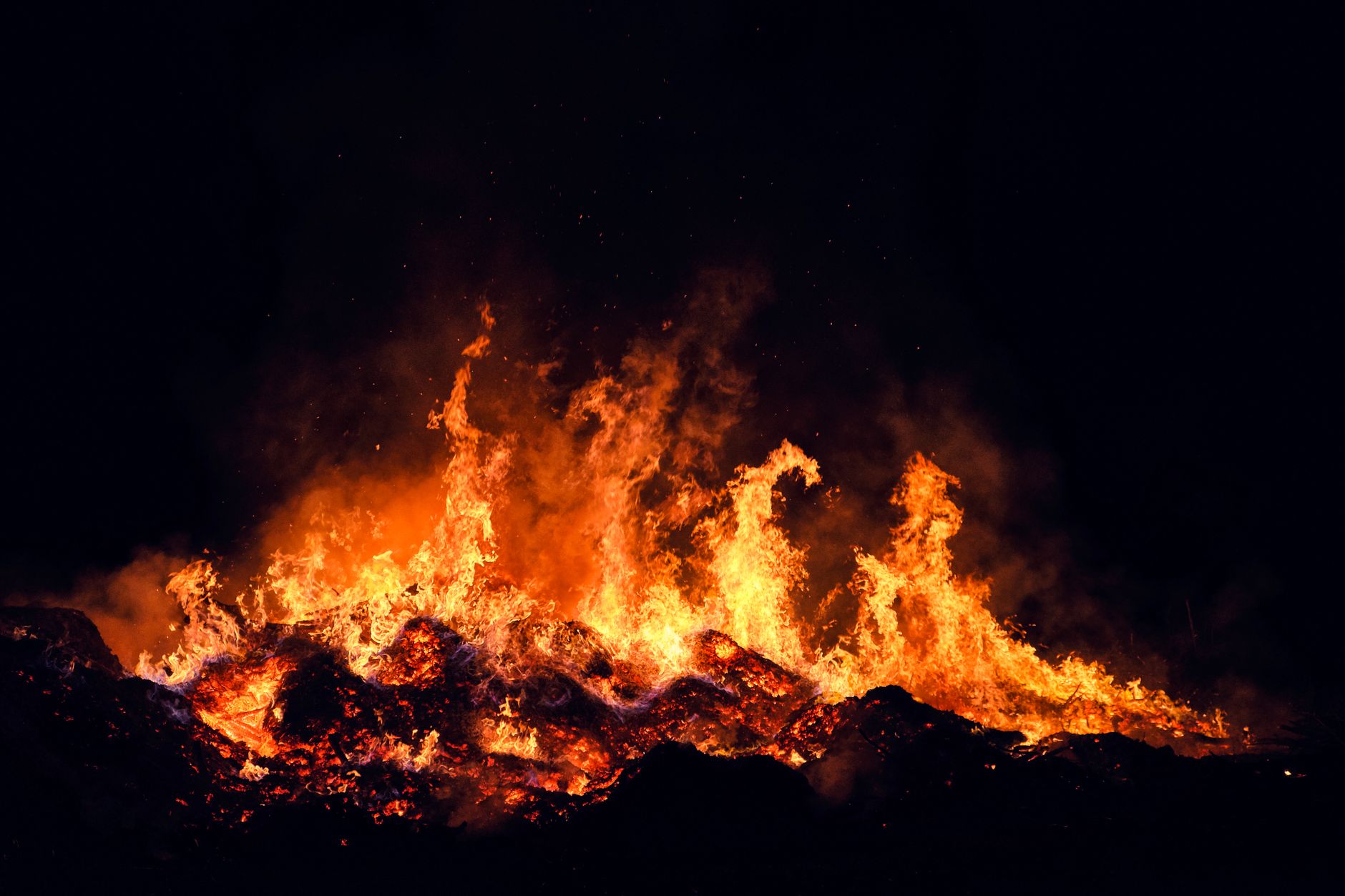
Fire glows, so adding a glow effect over your flames makes them radiate light convincingly. A warm glow spreading from the fire sells its brightness and helps it interact with the darkness around it.
Heat distortion completes the realism — a subtle displacement above the flames makes the air shimmer as hot air rises. Together, glow and heat distortion turn flat flames into fire that feels genuinely hot and luminous.
Add Drifting Embers
Real fires throw off embers, so adding small glowing particles rising and fading above the flames dramatically boosts believability. A scattering of upward-drifting sparks gives the fire life and a sense of intense heat.
Animate the embers floating up and dying out, with a touch of glow so they shine. These small details are often what convince the eye, taking a fire effect from passable to genuinely realistic with relatively little effort.
Light Your Scene with the Fire
Fire that doesn’t affect its surroundings looks pasted on. Add a warm, flickering light to the rest of your scene so nearby surfaces glow and dance in response to the flames, grounding the fire in the environment.
A subtle animated warm wash, brightest near the fire, makes the effect feel integrated rather than floating. Matching the scene’s lighting to the fire is the finishing touch that makes a composited or generated flame truly belong in the shot.
Consider Fire Plugins
For demanding shots, dedicated fire and simulation plugins produce highly realistic, controllable flames with proper physics. These specialized tools go beyond what the built-in effects achieve, useful for hero fire that’s central to a scene.
That said, Fractal Noise builds and real overlays cover the vast majority of needs. Mastering the built-in and overlay approaches first means you understand fire well enough to know when a project genuinely justifies a plugin.
Fire Effect Best Practices
- Build flames from Fractal Noise with a hot-to-cool gradient.
- Use real fire overlays on Add or Screen for the most realism.
- Add glow and heat distortion to sell the fire.
- Include drifting embers and a warm light on the scene.
Common Fire Mistakes
- Flat orange flames with no temperature gradient.
- Forgetting glow, so the fire doesn’t radiate light.
- Fire that doesn’t light or affect its surroundings.
- Skipping embers and heat distortion that add realism.
A Real Burning Logo Example
Imagine a logo that bursts into flame. You place real fire footage behind and around the logo on layers set to Add so the black drops away and the flames lick up its edges. A glow spreads warm light from the burning areas, and a subtle heat-distortion displacement makes the air above the logo shimmer.
Then you scatter rising embers and add a flickering warm light across the whole composition so the scene pulses with the fire. The clean logo appears to genuinely ignite, dramatic and cinematic — built by compositing real flames with glow, distortion, and embers rather than generating every flame from scratch.
Match Fire to Your Scene’s Lighting
Fire only looks real when the scene around it responds to the light it throws. If you composite flames into existing footage, the surrounding surfaces need a warm, flickering glow that matches where the fire sits, or the flames will look pasted on top no matter how good they are on their own.
Adding an animated warm light, brightest nearest the fire and dancing in time with the flicker, grounds the effect in the environment. Carrying that warmth through your overall grade, with the techniques in our color grading guide, ties the fire and the scene into a single believable image.
Where fire rises, the After Effects rain effect falls, and both are built from particle systems and turbulence.
The same fractal energy that fuels flame drives creating a lightning effect in After Effects.
A dramatic explosion often combines flame with creating a shatter effect in After Effects for the flying debris.
Key Takeaways
- Real fire needs flicker, a color gradient, glow, and distortion.
- Generate flames with Fractal Noise and a fire gradient.
- Use real fire overlays on Add or Screen for realism.
- Add glow, embers, and scene lighting to complete the effect.
Frequently Asked Questions
How do I create fire in After Effects?
Generate flames by animating Fractal Noise stretched vertically, then map it to a fire gradient (white-hot to orange to red). Alternatively, composite real fire footage on a layer set to Add or Screen, and add glow and heat distortion.
What’s the easiest way to add realistic fire?
Use real fire footage shot against black, dropped onto a layer set to Add or Screen so the black disappears. Real fire carries detail and flicker that’s hard to generate, making overlays the quickest route to realism.
How do I make my fire effect more believable?
Add a warm glow so the flames radiate light, heat distortion above them so the air shimmers, drifting glowing embers, and a flickering warm light on the surrounding scene so the fire interacts with its environment.
Sources: the Adobe reference for After Effects simulation effects used to build fire.
Ignite your scenes at Adobe Video World
Train hands-on with Adobe Certified Instructors across 100+ Premiere Pro & After Effects sessions.



