Search
Search results for: “video editing”
-

How to Use the Liquify Effect in After Effects
Use the Liquify effect in After Effects to warp and reshape — push, twist, and bloat pixels, create smooth morphs and organic…
-

How to Use HSL Secondary in Premiere Pro
Use HSL Secondary in Premiere Pro to grade specific colors — isolate and adjust a single color or skin tones, refine the…
-

How to Edit a Montage
Edit a compelling montage — choose a track, select your best shots, cut to the beat, build energy and variety, and tell…
-

How to Use Jump Cuts, J-Cuts, and L-Cuts
Master jump cuts, J-cuts, and L-cuts — learn what each editing cut does, when to use them, and how these techniques control…
-
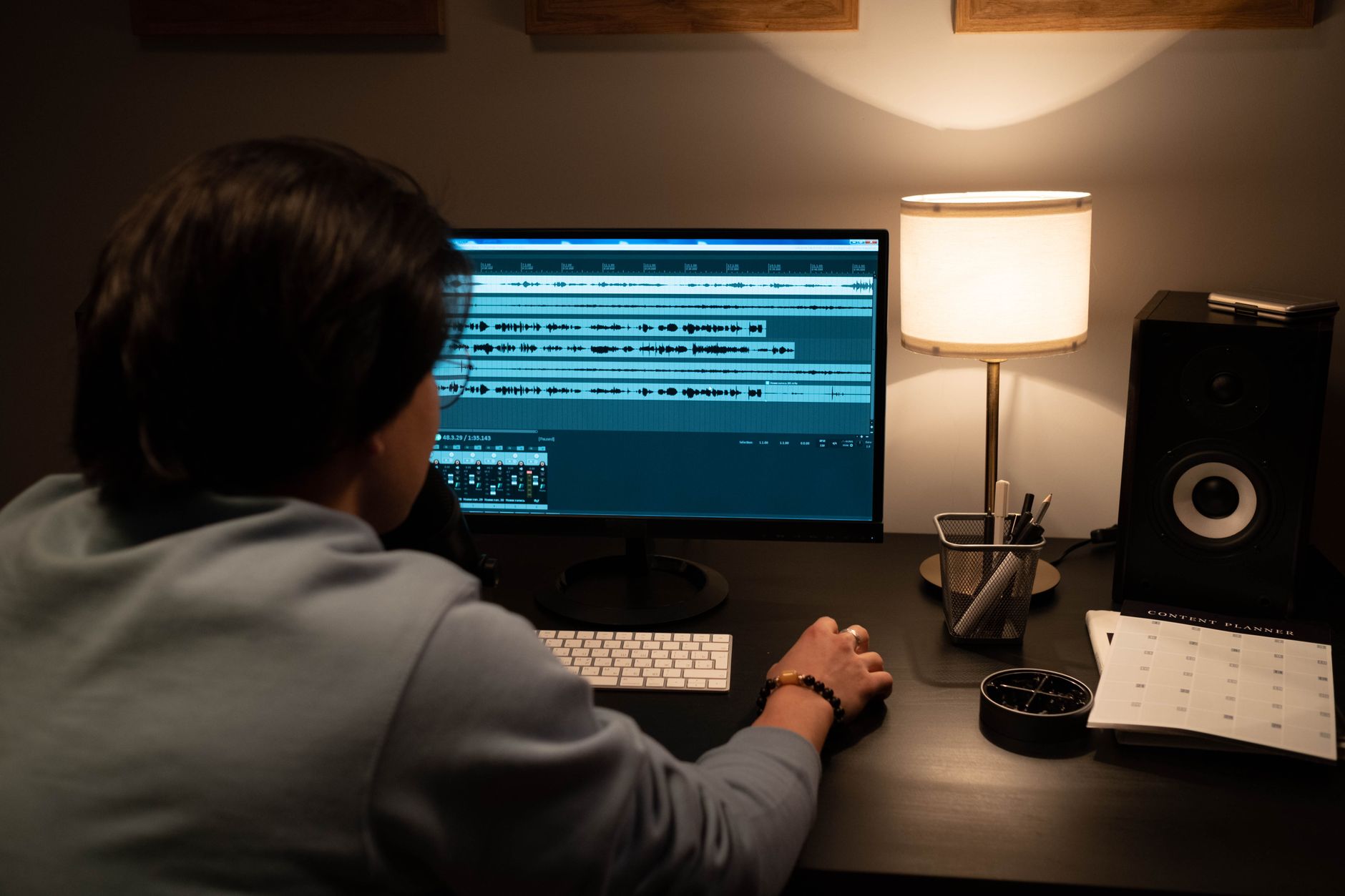
How to Use the Remix Tool in Premiere Pro
Use the Remix tool in Premiere Pro to automatically retime music to any length — fit a song to your edit, shorten…
-
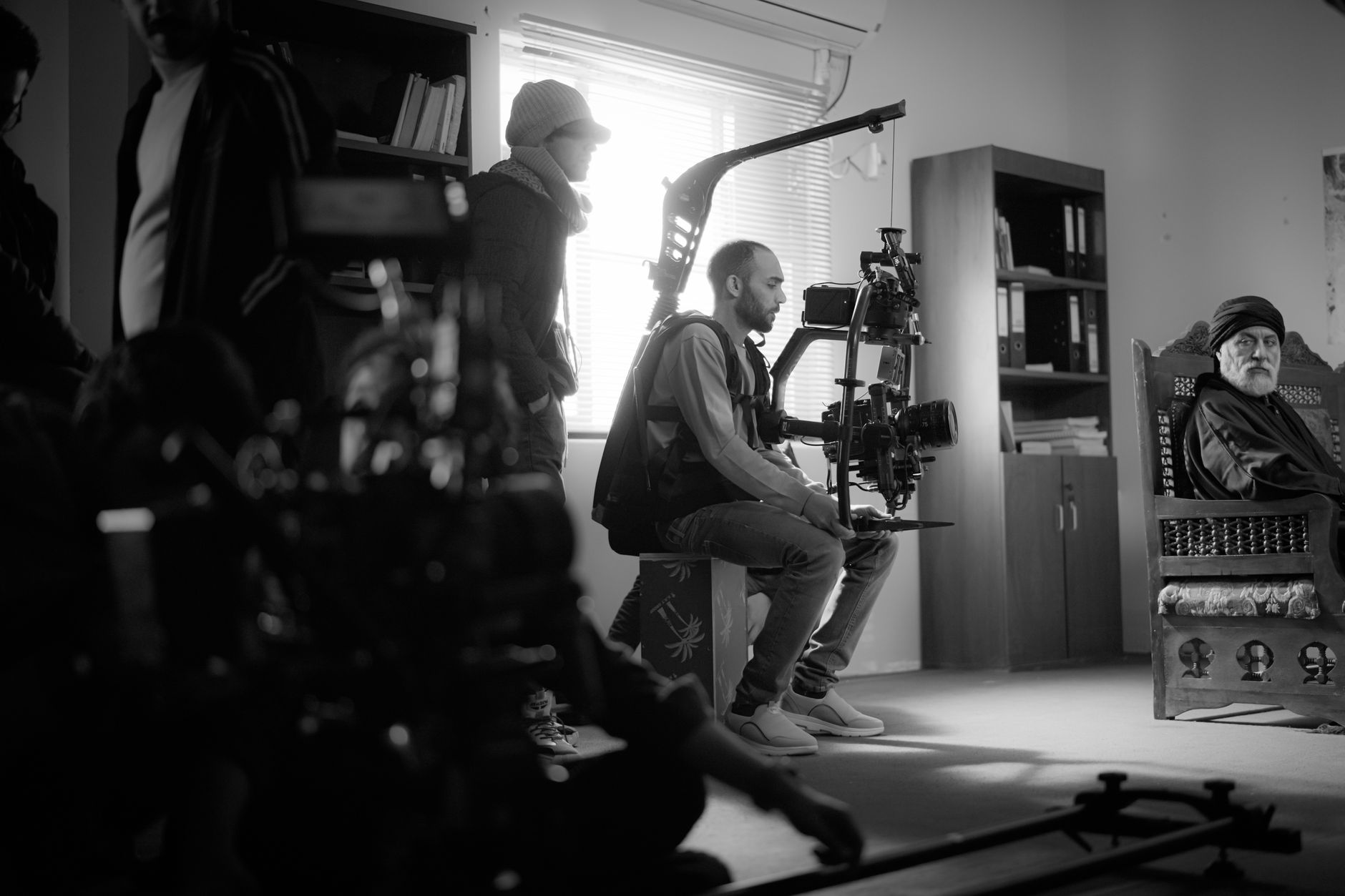
How to Shoot and Use B-Roll Footage
Learn what B-roll is and how to shoot and use it — gather supporting footage, cover cuts, add visual interest, and edit…
-

How to Use the Audio Track Mixer in Premiere Pro
Use the Audio Track Mixer in Premiere Pro — control track levels and pan, apply effects per track, automate volume, and mix…
-

How to Use Scene Edit Detection in Premiere Pro
Use Scene Edit Detection in Premiere Pro to automatically find cuts in a flattened video — split clips at every edit, add…
-

How to Change Frame Rate in Premiere Pro
Change frame rate in Premiere Pro — set sequence frame rate, interpret footage to a new rate, conform 24/30/60fps clips, and convert…
-

How to Create Rolling End Credits in Premiere Pro
Create rolling end credits in Premiere Pro — use the Essential Graphics roll feature, format names and roles cleanly, control scroll speed,…