Search
Search results for: “video editing”
-
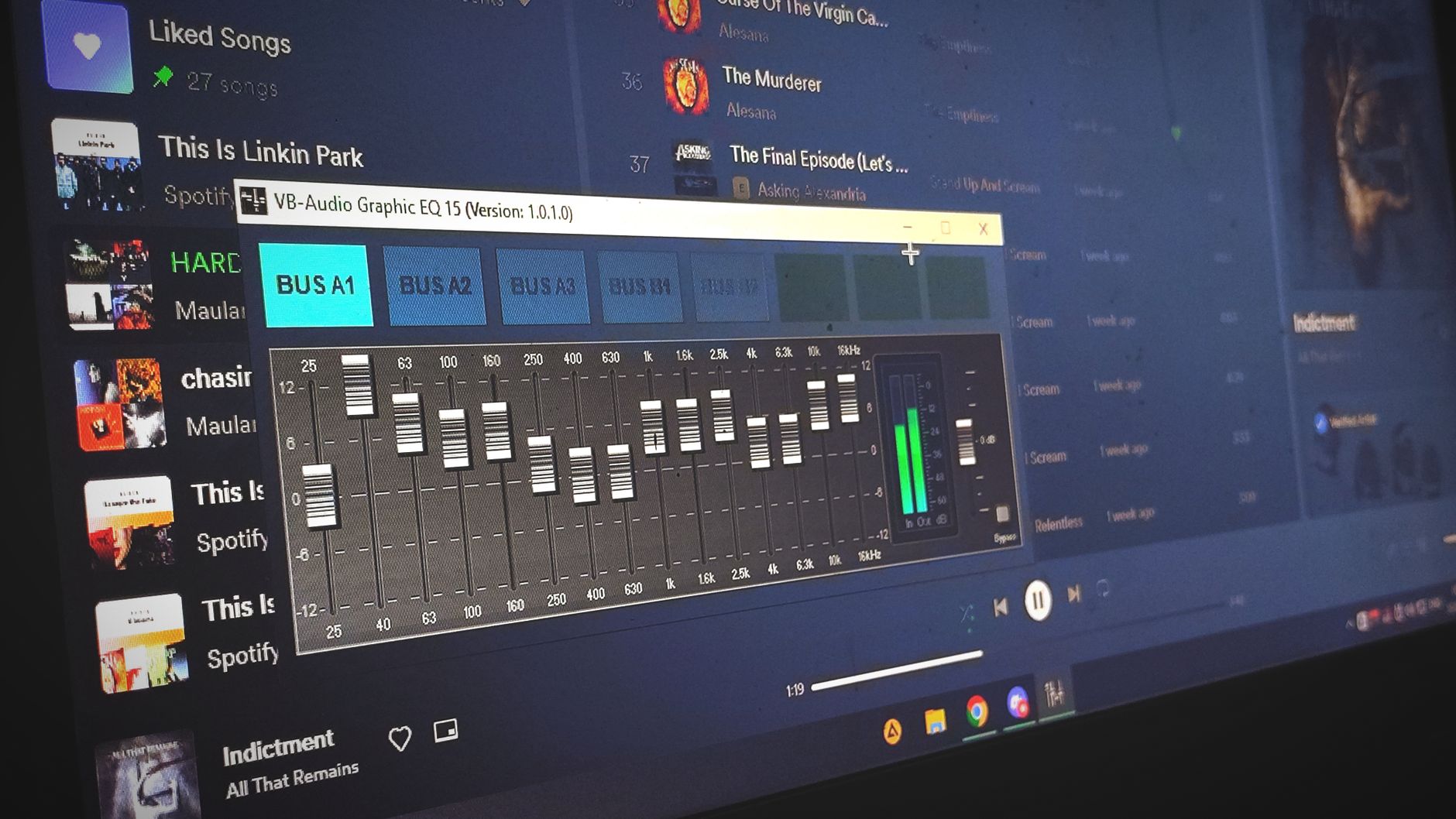
How to Clean Up Audio in Adobe Audition
Clean up audio in Adobe Audition — remove background noise, reduce hum and hiss, fix clipping, and use the spectral display to…
-
How to Use Markers in After Effects
Use markers in After Effects to sync animation to music, leave notes, navigate comps, and hit precise timing — comp markers, layer…
-

How to Blur a Face or Object in Premiere Pro
Blur a face or object in Premiere Pro — apply a Gaussian or Mosaic blur, mask the area, track it as it…
-

How to Use Motion Graphics Templates in Premiere Pro
Use Motion Graphics templates (.mogrt) in Premiere Pro — install them, customize text and color in Essential Graphics, and speed up titles,…
-

How to Use Adobe Media Encoder
Use Adobe Media Encoder to export and convert video — queue renders, apply presets, batch process files, and free up Premiere Pro…
-
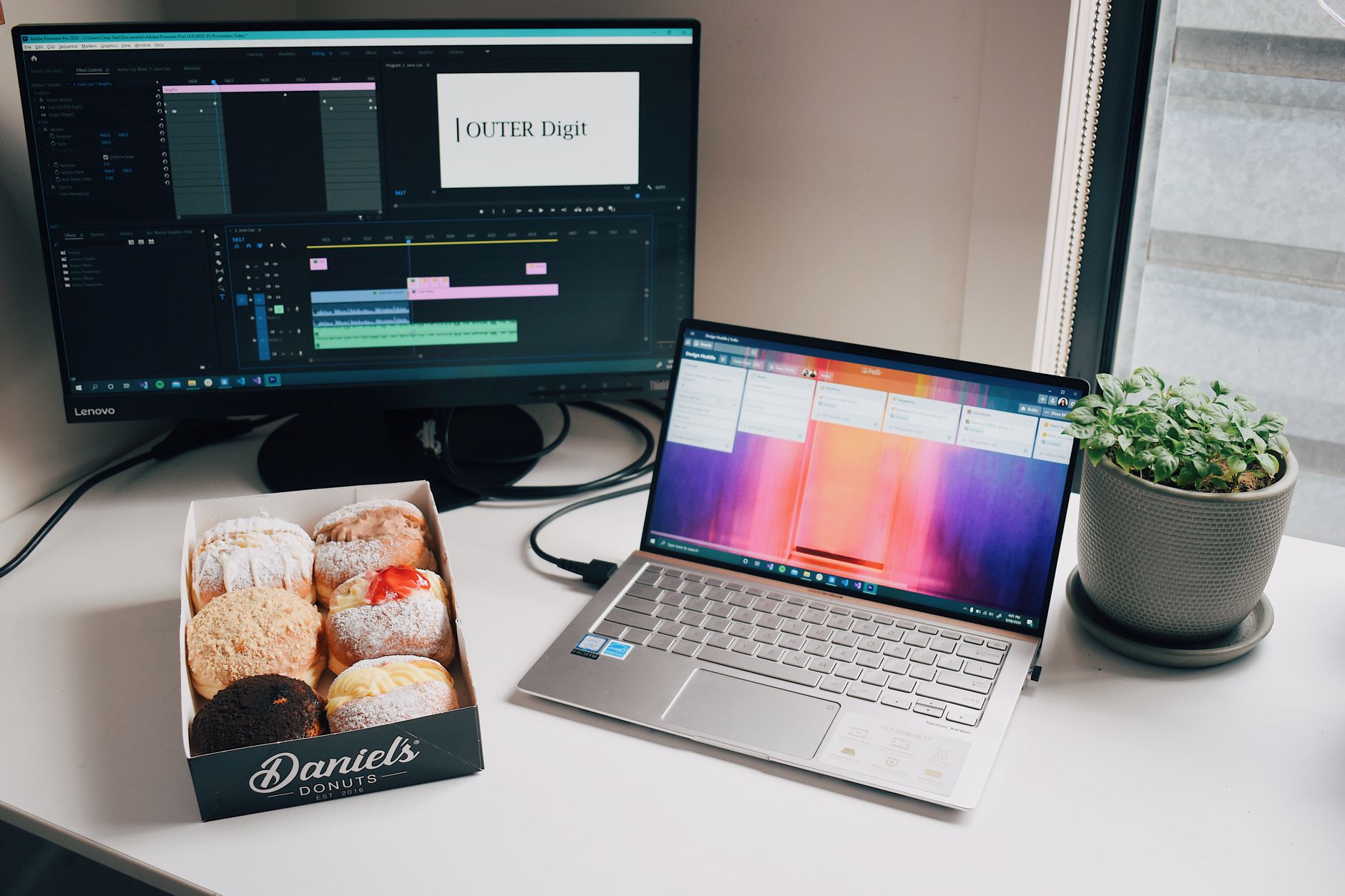
How to Replace a Clip or Footage in Premiere Pro
Replace a clip or footage in Premiere Pro — swap a clip while keeping effects and timing with Replace Footage and Replace…
-
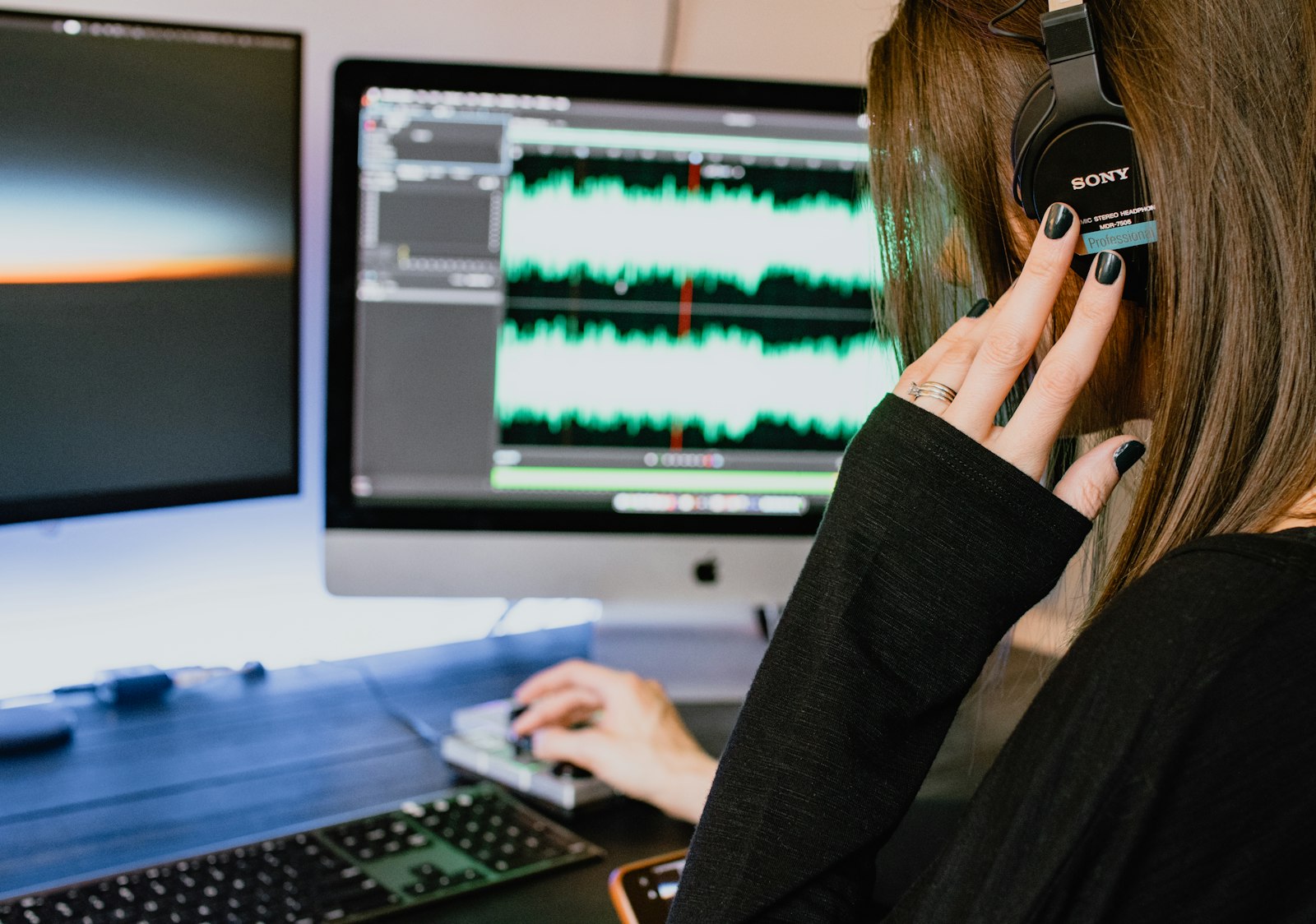
How to Fade Audio In and Out in Premiere Pro
Fade audio in and out in Premiere Pro — use audio transitions, keyframe volume by hand, create smooth crossfades between clips, and…
-
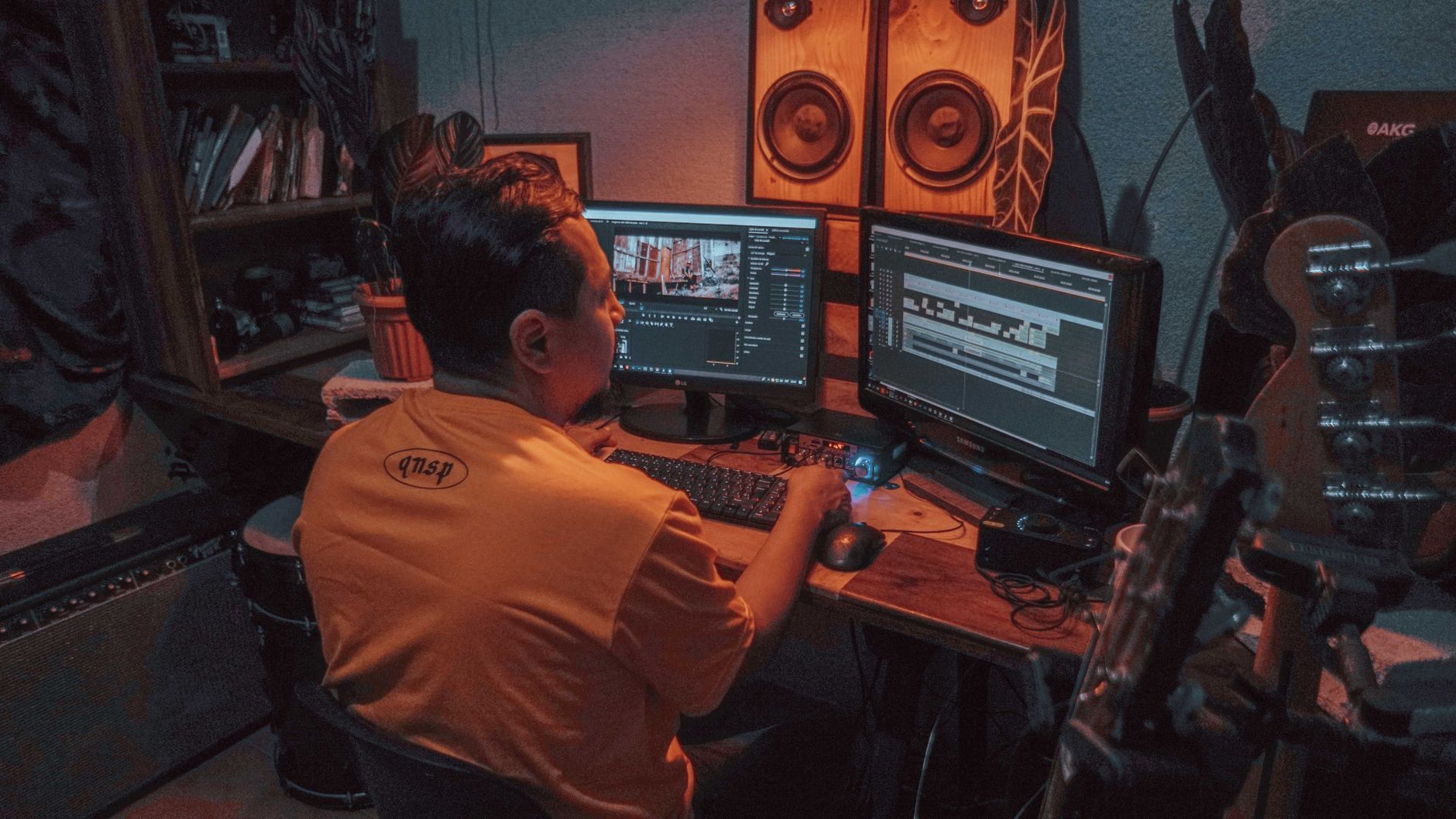
How to Use Nested Sequences in Premiere Pro
Use nested sequences in Premiere Pro to group clips, apply effects to a whole section, stay organized, and reuse edits — plus…
-
How to Create a Cinematic Look in After Effects
Create a cinematic look in After Effects — add film color grading, letterbox bars, grain, subtle vignette, and light leaks to give…
-
How to Create a Countdown Timer in After Effects
Create a countdown timer in After Effects — use a Slider Control and a simple expression to count down automatically, then style…