A workflow taught by Adobe Certified Instructors at Adobe Video World.
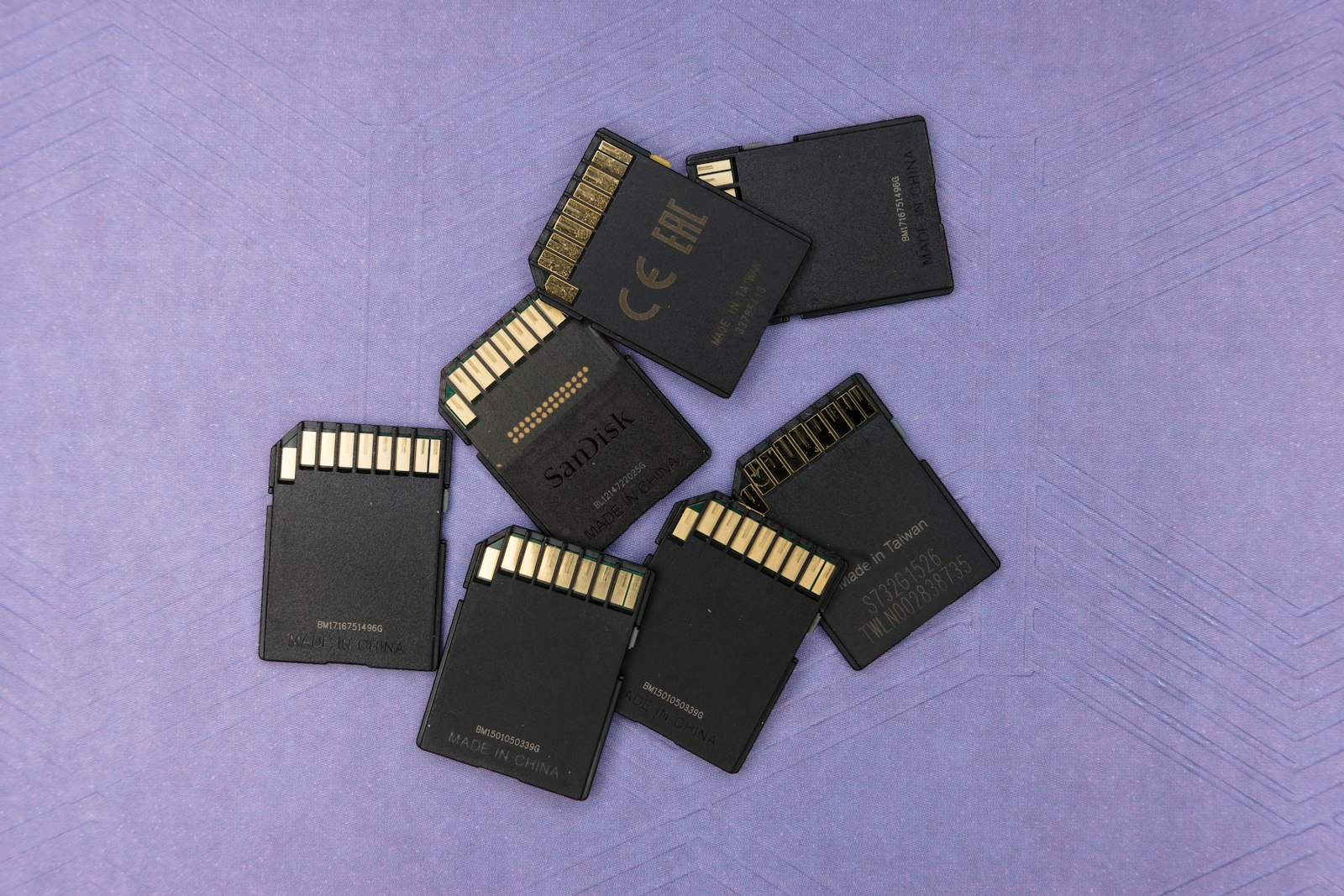
Memory cards are easy to overlook, but the wrong card can drop frames, fail mid-shoot, or fail to record high-bitrate video at all. Understanding speed, capacity, and types ensures reliable recording. This guide covers choosing memory cards for video, so your footage records cleanly and your cards don’t let you down.

Why Memory Cards Matter for Video
Video, especially high-resolution and high-bitrate, demands fast, reliable memory cards. A card too slow to keep up can drop frames or stop recording, while a failing card can lose footage, making the right card essential for dependable recording.
Unlike photos, video writes a continuous stream of data, requiring sustained speed. Choosing a card that can handle your camera’s video bitrate reliably ensures your footage records cleanly without dropouts, which is critical for video work.
Understand Speed Classes
Memory cards have speed ratings indicating their minimum write speed. Video Speed Class (like V30, V60, V90) and UHS Speed Class ratings tell you the sustained speed, which must meet your camera’s recording requirements.
These ratings matter because video needs guaranteed sustained write speed, not just peak speed. Matching the card’s video speed class to your camera’s bitrate demands — higher for 4K and high frame rates — ensures it can keep up without dropping frames.

Match the Card to Your Camera
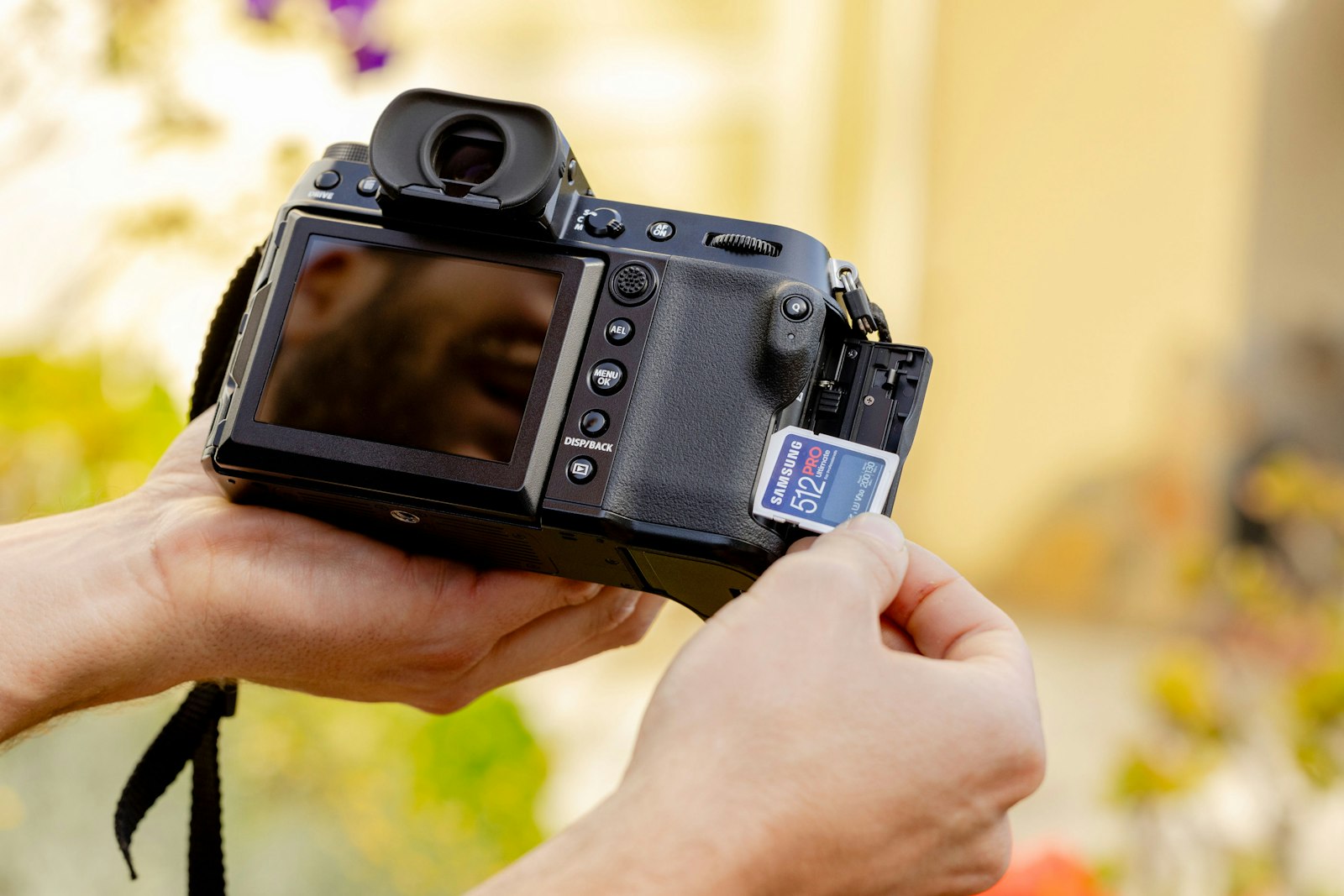
Different cameras use different card types and have different speed needs. Checking your camera’s required card type (SD, microSD, CFexpress) and minimum speed for your recording modes ensures the card is compatible and capable.
A card that’s the wrong type or too slow won’t work properly, so matching it to your camera is essential. Consulting your camera’s recommended cards for the video modes you use guarantees compatibility and reliable, drop-free recording.

Consider Card Capacity
Video files are large, so capacity matters. Choosing cards with enough capacity for your shooting — balancing the cost of larger cards against the convenience of fewer card swaps — ensures you don’t run out of space mid-shoot.
High-resolution video fills cards quickly, especially at high bitrates. Selecting capacity based on how much you record between offloads, and carrying spares, ensures you have room for your footage without constantly swapping or filling cards.

Buy Reliable Brands
Card reliability protects your footage. Buying cards from reputable brands, and avoiding cheap or counterfeit cards, reduces the risk of failure and lost footage, since a failed card can ruin a shoot.
Cheap, off-brand, or fake cards are a common cause of dropped frames and data loss. Investing in quality cards from trusted brands is cheap insurance against losing irreplaceable footage, making reliability worth the cost.
Carry Spares and Manage Cards
Smart card management prevents disasters. Carrying multiple cards so you never run out, and offloading and backing up footage promptly, as our media management guide covers, protects your shoot and your data.
Relying on a single card risks running out of space or losing everything if it fails. Using several cards, backing up footage before reformatting, and managing them carefully ensures reliable recording and protects the footage you can’t reshoot.
Test New Cards
Before relying on a card for an important shoot, test it. Verifying that a new card records your camera’s video modes reliably catches any issues — incompatibility, slow speed, or defects — before they ruin real footage.
A quick test recording confirms the card keeps up with your camera without dropping frames. Testing new cards, especially before critical shoots, gives you confidence they’ll perform when it matters, avoiding nasty surprises during important recording.
Memory Card Best Practices
- Match the speed class to your camera’s bitrate needs.
- Use the correct card type for your camera.
- Choose enough capacity and carry spares.
- Buy reliable brands and test new cards.
Common Memory Card Mistakes
- A card too slow for the camera’s video bitrate.
- Cheap or counterfeit cards that fail and lose footage.
- Relying on a single card with no spares.
- Not backing up before reformatting a card.
A Real Memory Card Example
Imagine prepping cards for a 4K shoot. You check your camera’s recommended cards and buy two V60-rated SD cards with enough capacity for a full day, plus a spare. Before the shoot you test-record each in your camera’s highest video mode to confirm none drop frames, and you bring a card reader and a drive to offload and back up footage at lunch.
Throughout the day the cards keep up flawlessly, and because you back up before reformatting, nothing is ever at risk. That discipline — matching the speed class, buying reliable cards, testing them, and backing up promptly — is exactly what prevents the dropped frames and lost footage that careless card choices cause.
Card Care and Longevity
Memory cards are reliable but not invincible, so good habits extend their life and protect your footage. Formatting cards in-camera rather than on a computer, ejecting them safely, keeping them in protective cases, and retiring cards after heavy use all reduce the risk of corruption and failure.
Treating cards as the critical link they are, rather than an afterthought, prevents the heartbreak of lost footage from a card that fails mid-shoot. Combined with the backup discipline in our media management guide, careful card handling keeps your recording reliable and your irreplaceable footage safe.
Cards Are a Critical Link
Memory cards are the critical link between capturing footage and keeping it, yet they’re easy to underinvest in. Since a slow or failing card can drop frames or lose an entire shoot, treating cards as the important component they are protects your work.
Buying reliable cards rated for your camera’s video, testing them, and handling them carefully prevents the disasters that careless card choices cause. This small investment in quality and good habits is cheap insurance against losing irreplaceable footage.
Combined with prompt backup before reformatting, careful card management keeps your recording reliable and your footage safe. Understanding that cards are not an afterthought but a critical part of the capture chain ensures your shoots run smoothly and nothing is lost.
Key Takeaways
- Video needs fast, reliable cards to record without dropping frames.
- Match the speed class and card type to your camera.
- Choose enough capacity and carry spares.
- Buy reliable brands, test new cards, and back up promptly.
Frequently Asked Questions
How do I choose a memory card for video?
Match the card’s speed class (like V30, V60, V90) to your camera’s bitrate needs — higher for 4K and high frame rates — use the correct card type for your camera, choose enough capacity, buy reliable brands, and carry spares.
What speed memory card do I need for 4K video?
4K and high-bitrate video need a high sustained write speed, typically a V30, V60, or V90 Video Speed Class card depending on your camera’s bitrate. Check your camera’s recommended cards for the video modes you use.
Why does my camera stop recording video?
Often the memory card is too slow to keep up with the video bitrate, causing it to stop or drop frames. Use a card with the right speed class for your camera’s recording mode, and avoid cheap or counterfeit cards.
Sources: Wikipedia’s overview of SD cards.
Record reliably at Adobe Video World
Train hands-on with Adobe Certified Instructors across 100+ Premiere Pro & After Effects sessions.



