A primer from the team behind Adobe Video World.
If you’re new to Adobe’s video tools, the first question is always the same: Premiere Pro or After Effects? They look similar and share a timeline, but they’re built for very different jobs. Here’s how to know which to reach for.

What Premiere Pro Is For
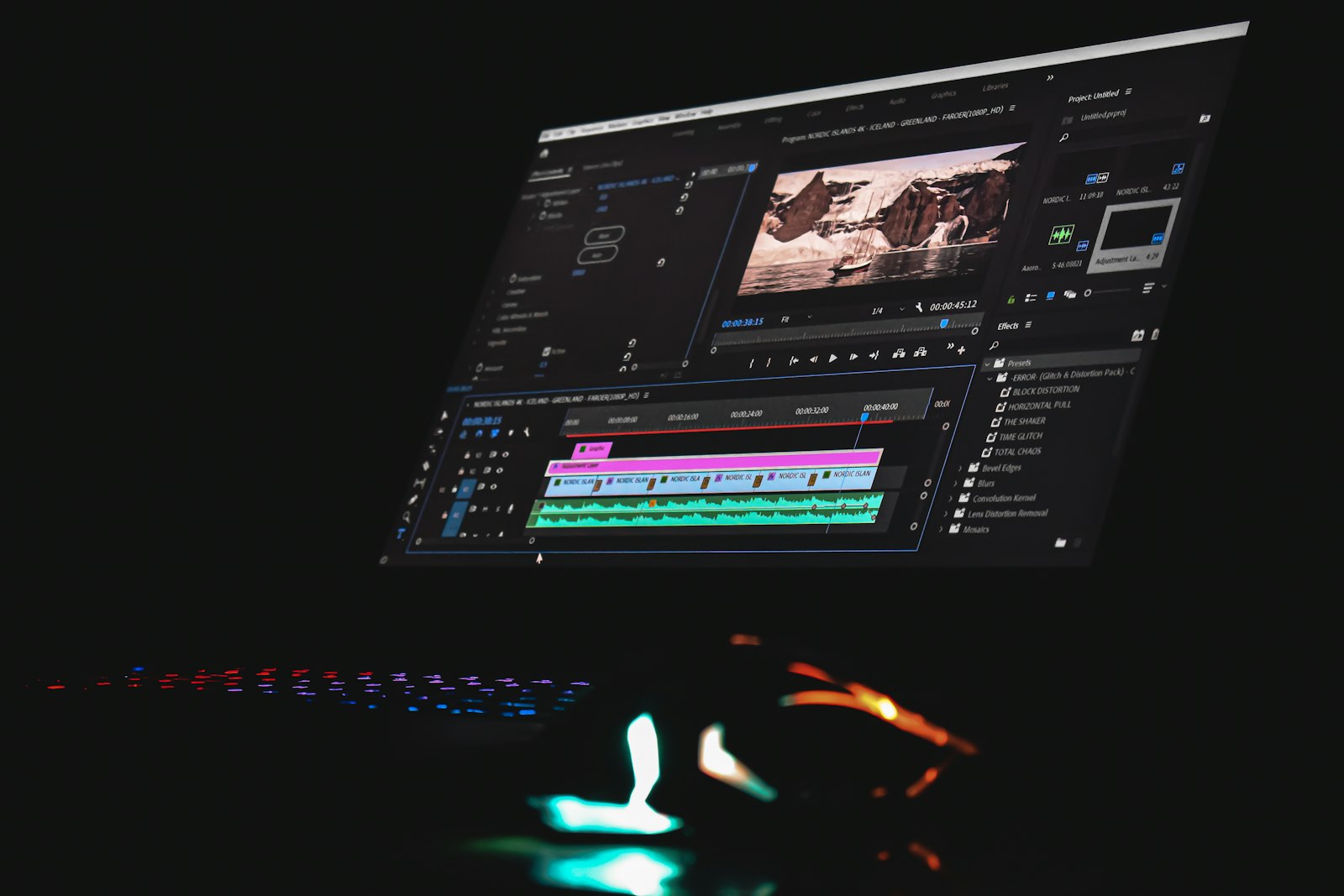
Premiere Pro is a non-linear editor (NLE) — it’s where you assemble a finished video. Think cutting interviews, building a narrative, syncing audio, color grading with Lumetri, and exporting the final film. If your job is “put the clips in order and tell the story,” you live in Premiere Pro.
- Multi-track editing and trimming
- Audio mixing with the Essential Sound panel
- Color grading with Lumetri Color
- Final delivery and export

What After Effects Is For
After Effects is a compositing and motion graphics app — it works on shots, not whole timelines. Reach for it when you need to create or manipulate, not just arrange:
- Motion graphics, titles, and animated text
- Visual effects, green screen keying, and rotoscoping
- Compositing multiple layers into one shot
- Tracking, stabilization, and clean-up

They’re Built to Work Together
You don’t have to choose — most pros use both. With Dynamic Link, you can right-click a clip in Premiere Pro and “Replace with After Effects Composition.” Your shot opens in AE; when you save, Premiere updates automatically — no rendering or exporting between apps. Edit in Premiere, enhance in After Effects.
Which Should You Learn First?
Learn Premiere Pro first if your goal is editing videos — it’s the faster path to a finished project. Learn After Effects first if you’re drawn to motion graphics and VFX. Either way, the two share Adobe’s interface conventions, so skills transfer quickly. The best editors are fluent in both.
Go deeper at Adobe Video World
Learn hands-on from Adobe Certified Instructors across 100+ Premiere Pro & After Effects sessions.
Just as you might weigh Premiere against After Effects, comparing Premiere Pro versus DaVinci Resolve helps you pick the right tool for a project.
Sources: the official Premiere Pro user guide and the official After Effects user guide.



