
From the motion design sessions at Adobe Video World.
Animated text is everywhere — titles, lower thirds, social videos, kinetic typography. After Effects gives you three levels of text animation, from one-click presets to fully custom motion. This crash course covers all three.
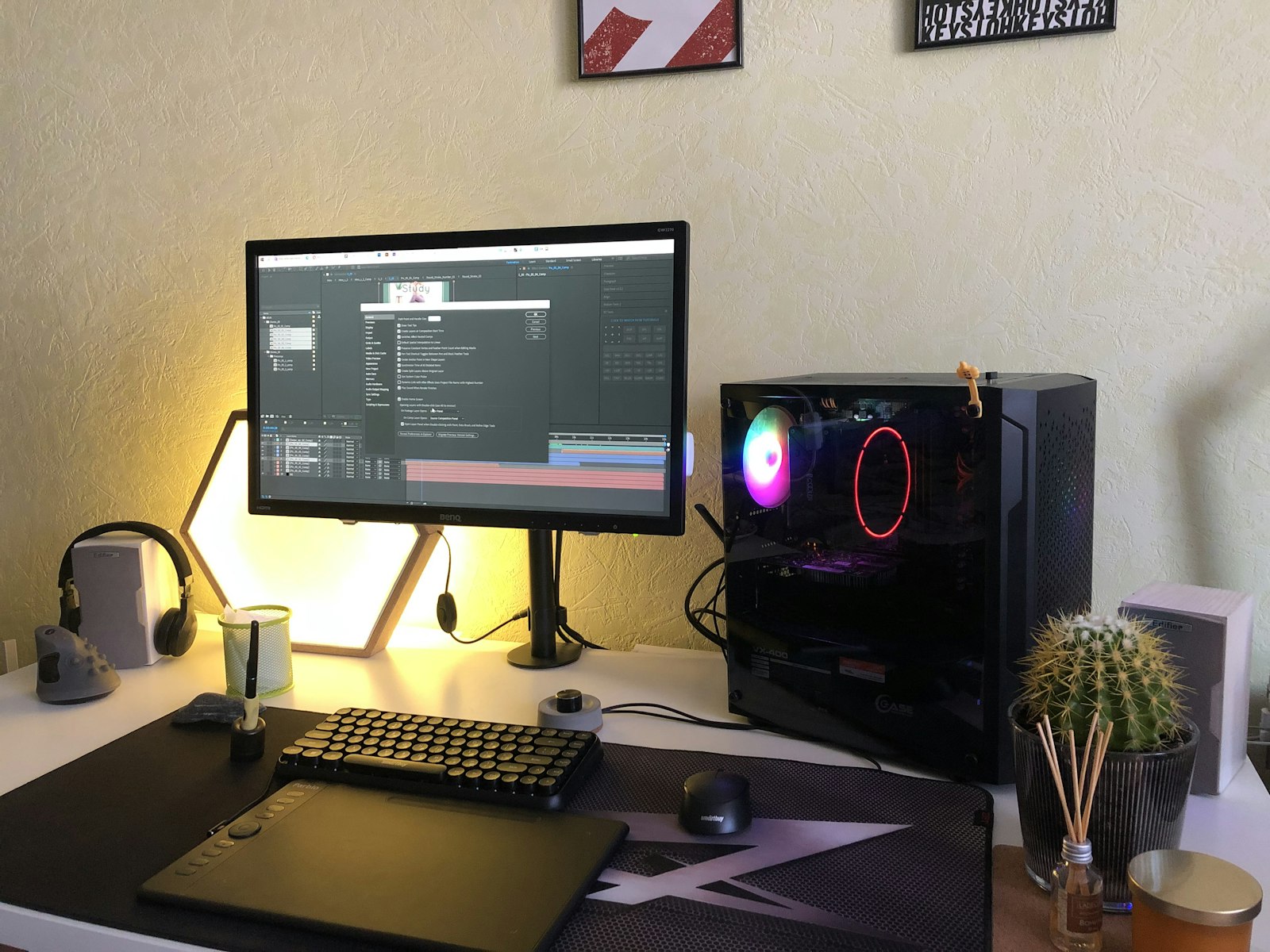
Create Your First Text Layer
Grab the Type tool (Ctrl/Cmd+T) and click in the Composition panel. Style it in the Character and Paragraph panels. Every text layer carries a hidden superpower called the Animate menu — that’s where the magic is.
The Quick Win: Text Presets
Open the Effects & Presets panel and expand Animation Presets > Text. Drag any preset (like “Fade Up Characters” or “Typewriter”) onto your text layer and it animates instantly. Browse them visually in Adobe Bridge via Animation > Browse Presets. Great for fast results — but the real power is one level down.

Text Animators: The Real Power
With your text layer selected, click the Animate button and choose a property — Position, Scale, Opacity, Rotation, Tracking, and more. After Effects adds an Animator with a Range Selector. Animating one Animator’s properties lets you move every character at once, with full control.

Range Selectors Make It Sequential
The Range Selector’s Start and End values control which characters are affected. Keyframe the Offset from -100% to 100% and your animation cascades across the text one character at a time. Change the selector’s Units to Index and Based On to Words or Lines for different reveals.
Add Easing for Polish
Linear keyframes look robotic. Select your keyframes and press F9 for Easy Ease, then open the Graph Editor to shape the velocity. For an extra-organic feel, add the Smoothness and Randomize Order options in the Range Selector’s Advanced group.
Go deeper at Adobe Video World
Learn hands-on from Adobe Certified Instructors across 100+ Premiere Pro & After Effects sessions.
Animated callouts and kinetic text are central to editing engaging explainer videos.
When your typography needs custom vector shapes, using Illustrator files in After Effects brings that artwork into the timeline.
Beyond preset text moves, creating a write-on effect in After Effects traces letters or a signature as if written live.
Turning an animated title into a reusable template relies on using master properties in After Effects.
Sources: Adobe’s official guide to animating text in After Effects.



