
A workflow taught by Adobe Certified Instructors at Adobe Video World.
Corporate videos communicate a company’s message — promoting a brand, explaining a product, or sharing a story — and editing them well means clarity, professionalism, and on-brand polish. From interviews to B-roll to graphics, the editor shapes an effective business message. This guide covers editing a corporate video that’s clear, polished, and on-brand.
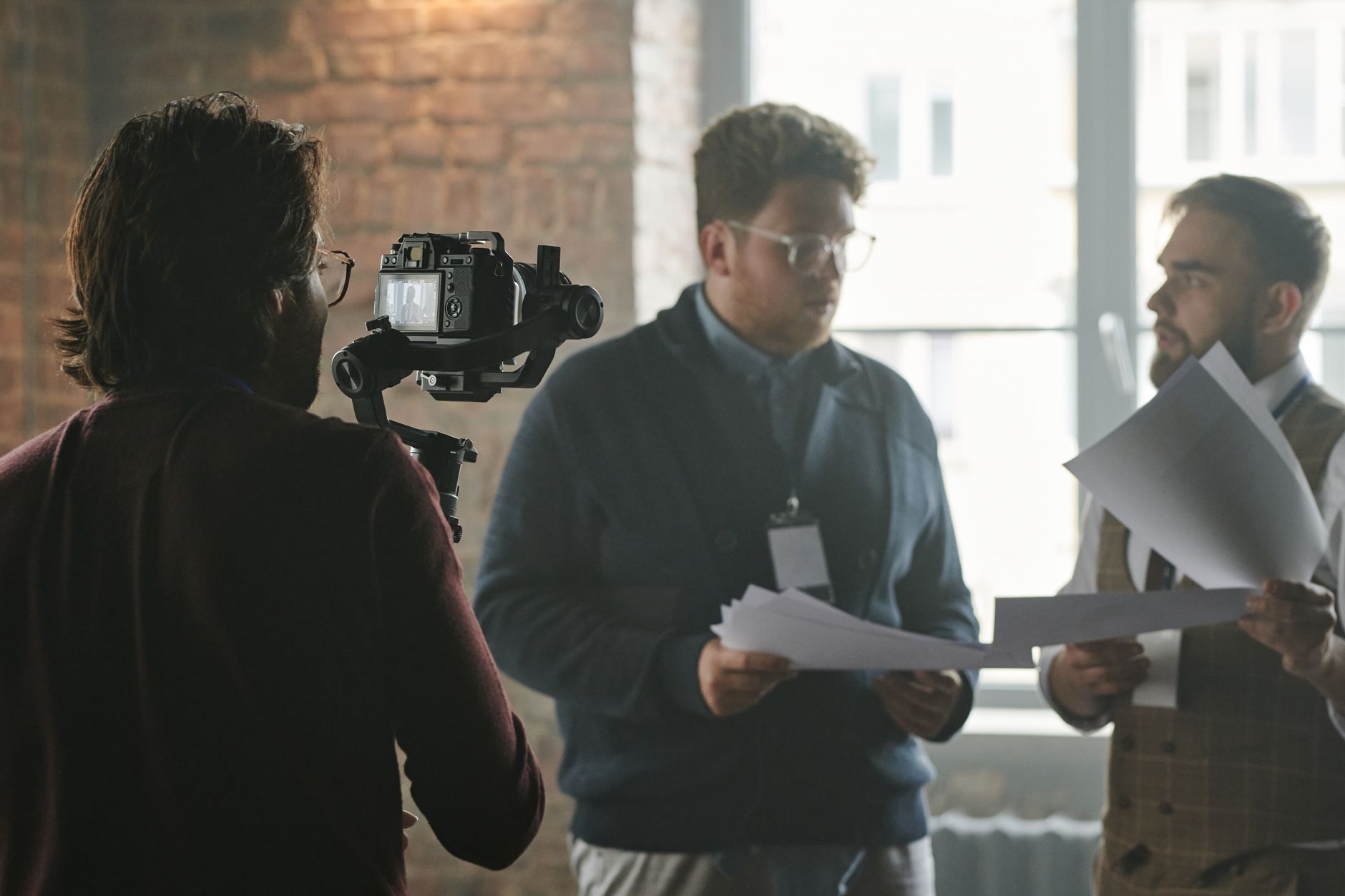
Start with the Message
Corporate videos exist to communicate a specific message or goal. Understanding what the company wants to convey — and to whom — shapes every editing decision, so the video stays focused on delivering that message clearly and persuasively.
Keeping the goal central prevents a corporate video from becoming an unfocused montage. Editing in service of the message, with a clear structure that builds toward the key point or call to action, is what makes the video effective for the business.

Structure for Clarity
Corporate videos benefit from clear structure. Organizing the content logically — introducing the topic, developing it, and concluding with a takeaway or call to action — guides viewers through the message in a way that’s easy to follow.
This clarity, often built around a script or interview narrative, keeps the video coherent. A well-structured corporate video communicates efficiently, respecting the viewer’s time while ensuring the company’s message lands clearly and memorably.

Balance Interviews and B-Roll
Many corporate videos pair interviews with supporting footage. Cutting between talking-head interviews and relevant B-roll that illustrates what’s being said keeps the video visual and engaging rather than a static talking head.
This balance, using our talking-head techniques, makes interviews dynamic. Laying B-roll over the interview audio to show the company, products, or people being discussed gives the corporate video visual interest and supports the message.
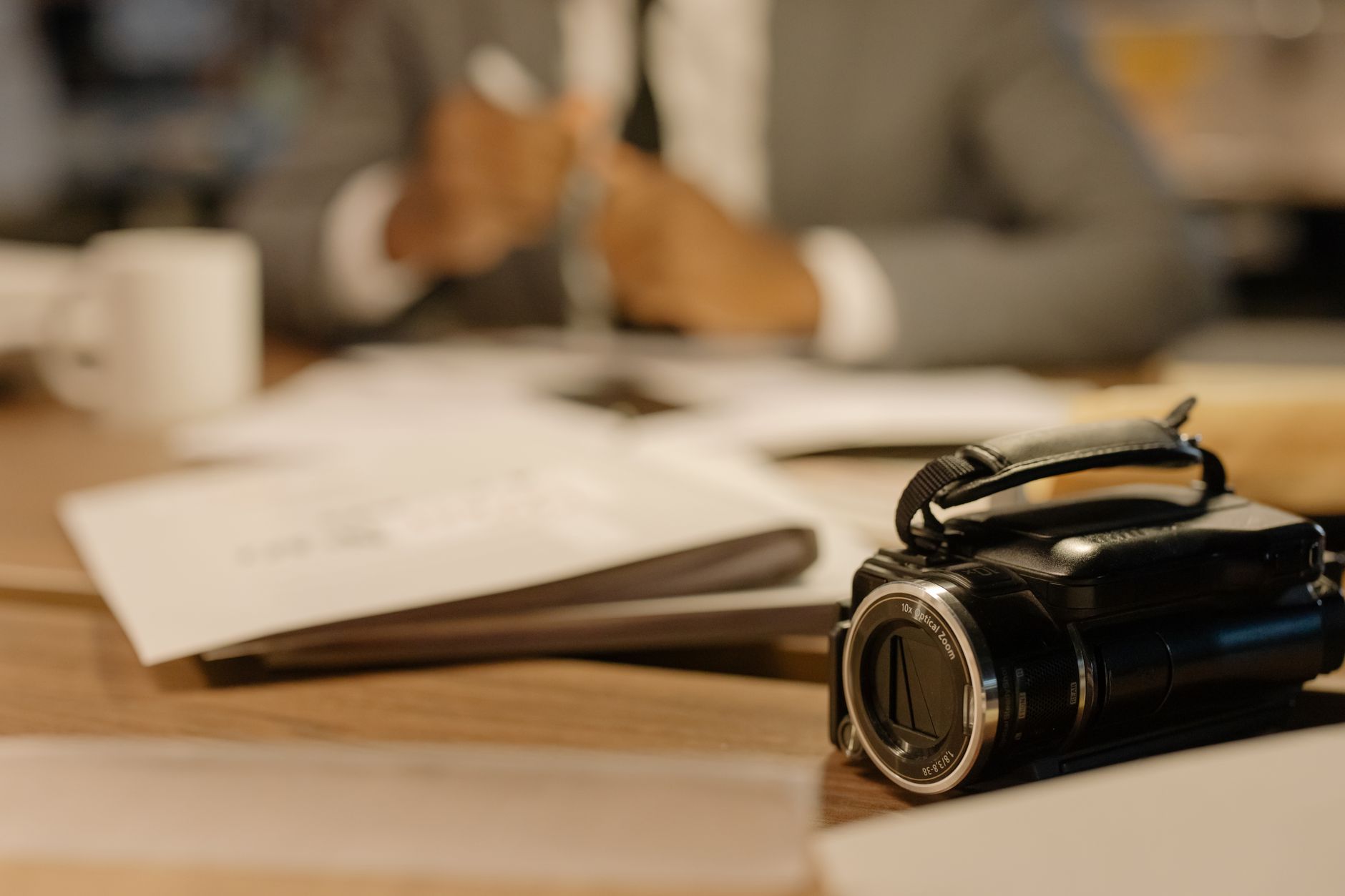
Keep It On-Brand
Corporate video must reflect the company’s brand. Using the company’s colors, fonts, logo, and visual style throughout — in graphics, grading, and overall feel — ensures the video looks like an authentic extension of the brand.
Consistency with the brand’s identity is essential for corporate work. Applying the brand’s palette and style, and including its logo and branding appropriately, makes the video feel professional and unmistakably tied to the company it represents.

Add Professional Graphics
Graphics clarify and polish corporate videos. Adding clean lower thirds for names and titles, on-screen text for key points and data, and branded motion graphics enhances communication and reinforces professionalism.
These graphics, built with our titles techniques and kept on-brand, aid comprehension and add polish. Clear, professional graphics that reinforce the message and the branding are a hallmark of effective corporate video.
Ensure Clean Audio
Corporate video relies on clear communication, so audio is critical. Cleaning and balancing interview audio, ensuring the message is crisp and intelligible, and adding tasteful background music keeps the video professional and easy to follow.
Since the spoken message carries the content, clean audio is non-negotiable. Using our audio techniques to deliver clear dialogue with appropriate music underneath gives the corporate video the polished sound that professional business content requires.
Keep It Polished and Concise
Corporate videos should be polished and respect the viewer’s time. Tight editing that delivers the message efficiently, with professional pacing and a clean finish, keeps business audiences engaged and reflects well on the company.
A bloated or sloppy corporate video undermines the brand, while a tight, professional one builds confidence. Keeping the video concise and the editing clean, with a clear message and polished execution, is what makes corporate content effective.
Corporate Video Editing Best Practices
- Keep the company’s message central to every decision.
- Structure for clarity with a clear arc and call to action.
- Balance interviews with illustrative B-roll.
- Stay on-brand and ensure clean, clear audio.
Common Corporate Video Mistakes
- An unfocused video that loses the message.
- Static talking heads with no B-roll.
- Off-brand graphics, color, or style.
- Poor audio that obscures the message.
A Real Corporate Edit Example
Picture editing a company brand film. You build it around a CEO interview, cutting their key points tightly and laying B-roll of the team at work, the product in use, and happy customers over their words. The company’s colors and logo appear in clean lower thirds and a closing card, the grade matches their brand’s warm palette, and a subtle uplifting track underscores the message.
It ends on a clear call to action to visit their site. The result is polished, on-brand, and persuasive, communicating the company’s story efficiently. That combination of a focused message, interview-and-B-roll structure, consistent branding, and clean execution is what makes corporate video genuinely effective business content.
Collaborate with the Client
Corporate editing is a collaboration with the client, who has specific goals and brand standards. Understanding their objectives, getting their brand assets and guidelines upfront, and using a clear feedback process keeps the project aligned and avoids endless revisions on a video that must represent them precisely.
Because the company’s reputation is on the line, communication and professionalism matter as much as editing skill. Using an organized review workflow, like the one in our Frame.io guide, and delivering on the brief builds the client trust that leads to ongoing corporate work.
Corporate Video and Measurable Goals
Corporate videos usually serve measurable business goals — generating leads, explaining a product, training staff, or building a brand. Understanding the specific objective and how success will be measured shapes the editing toward delivering that result.
This goal-orientation distinguishes corporate work from purely creative video, since the client cares about outcomes, not just aesthetics. Editing with the business purpose front of mind, and structuring the video to drive the desired action, makes it genuinely effective.
Demonstrating that your corporate videos achieve results — clear communication, engagement, conversions — is what builds client relationships and repeat business. Aligning your editing with the client’s measurable goals, not just visual polish, is the foundation of valuable corporate work.
Corporate Video and Distribution
A corporate video only delivers value if it reaches its audience, so thinking about distribution shapes the edit. Versions tailored for the website, social media, internal channels, and presentations each need appropriate length, framing, and pacing to perform where they live.
Planning these versions from the start, and editing with each placement in mind, maximizes a corporate video s impact across every channel. Delivering a coherent set of formats from one production ensures the company s message reaches its audience wherever they encounter it.
Client stories are a staple of branded content, and editing authentic testimonial videos is where authentic delivery matters most.
Key Takeaways
- Corporate video communicates a clear business message.
- Structure for clarity and keep the message central.
- Balance interviews with B-roll and stay on-brand.
- Ensure clean audio and keep it polished and concise.
Frequently Asked Questions
How do I edit a corporate video?
Keep the company’s message central, structure the content for clarity with a clear arc and call to action, balance interviews with illustrative B-roll, stay on-brand with colors and graphics, ensure clean audio, and keep it polished and concise.
How do I keep a corporate video on-brand?
Use the company’s colors, fonts, logo, and visual style throughout — in graphics, grading, and overall feel — so the video looks like an authentic extension of the brand and reinforces its identity consistently.
What makes a corporate video effective?
A clear, focused message, logical structure, a balance of engaging interviews and supporting B-roll, on-brand professional graphics, clean audio, and tight, polished editing that respects the viewer’s time and reflects well on the company.
Sources: Wikipedia’s overview of corporate video.
Polish your message at Adobe Video World
Train hands-on with Adobe Certified Instructors across 100+ Premiere Pro & After Effects sessions.



