A workflow taught by Adobe Certified Instructors at Adobe Video World.
Speed lines — the radiating or streaking lines that convey motion and impact in anime and comics — add explosive energy to action moments. They’re built with radial patterns and animation in After Effects. This guide covers creating anime-style speed lines, both radial and directional, and animating them for dynamic, high-energy effects.
What Speed Lines Convey
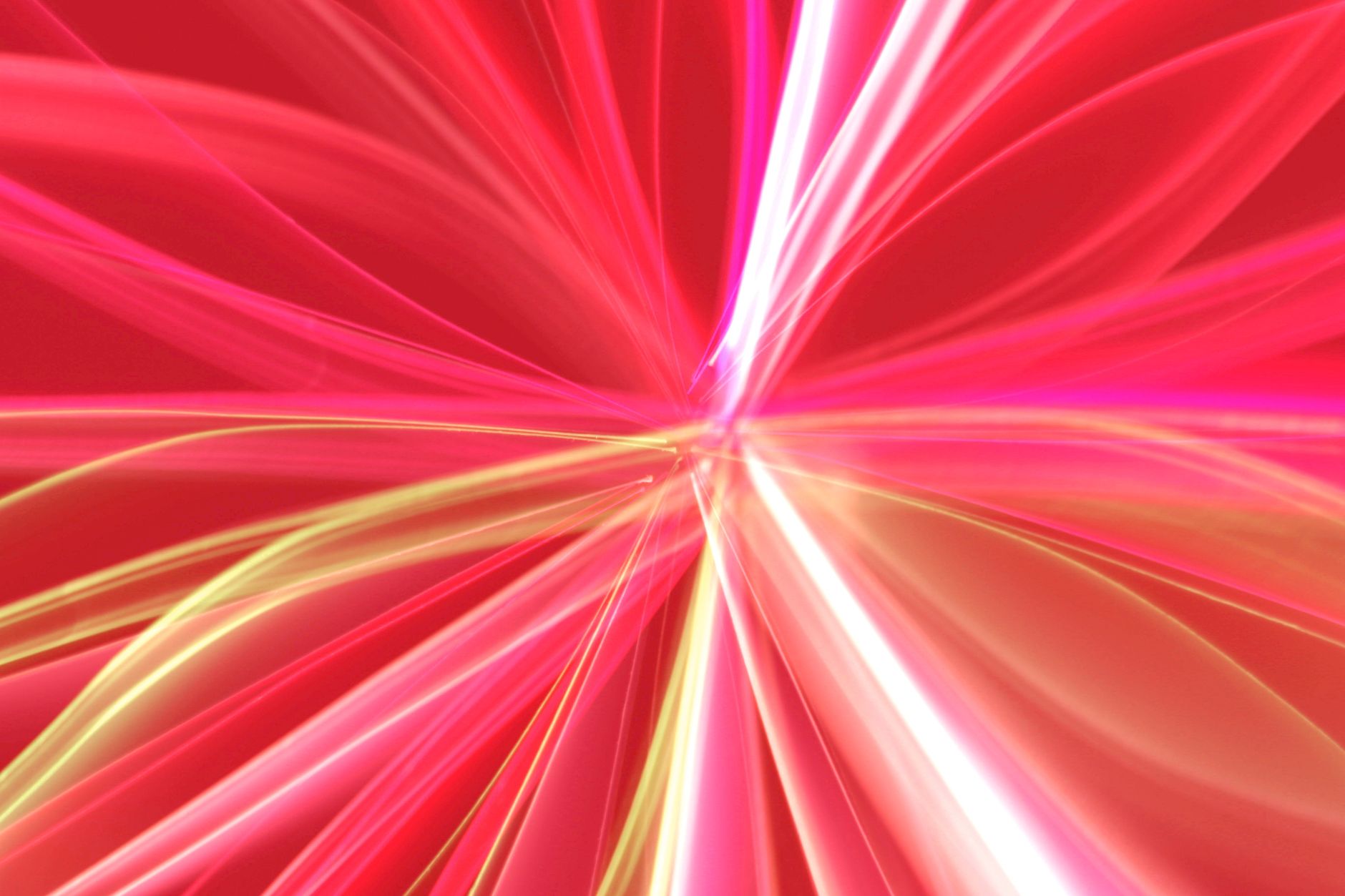
Speed lines are the lines that radiate from a center or streak across the frame in anime and comics, conveying speed, impact, intensity, and focus. They draw the eye to a subject or moment and add explosive, dramatic energy.
There are two main types: radial lines bursting from a center for impact and focus, and horizontal lines streaking past for speed and motion. Both inject the kinetic, stylized energy that makes anime and comic-style content feel dynamic and exciting.
Create Radial Speed Lines
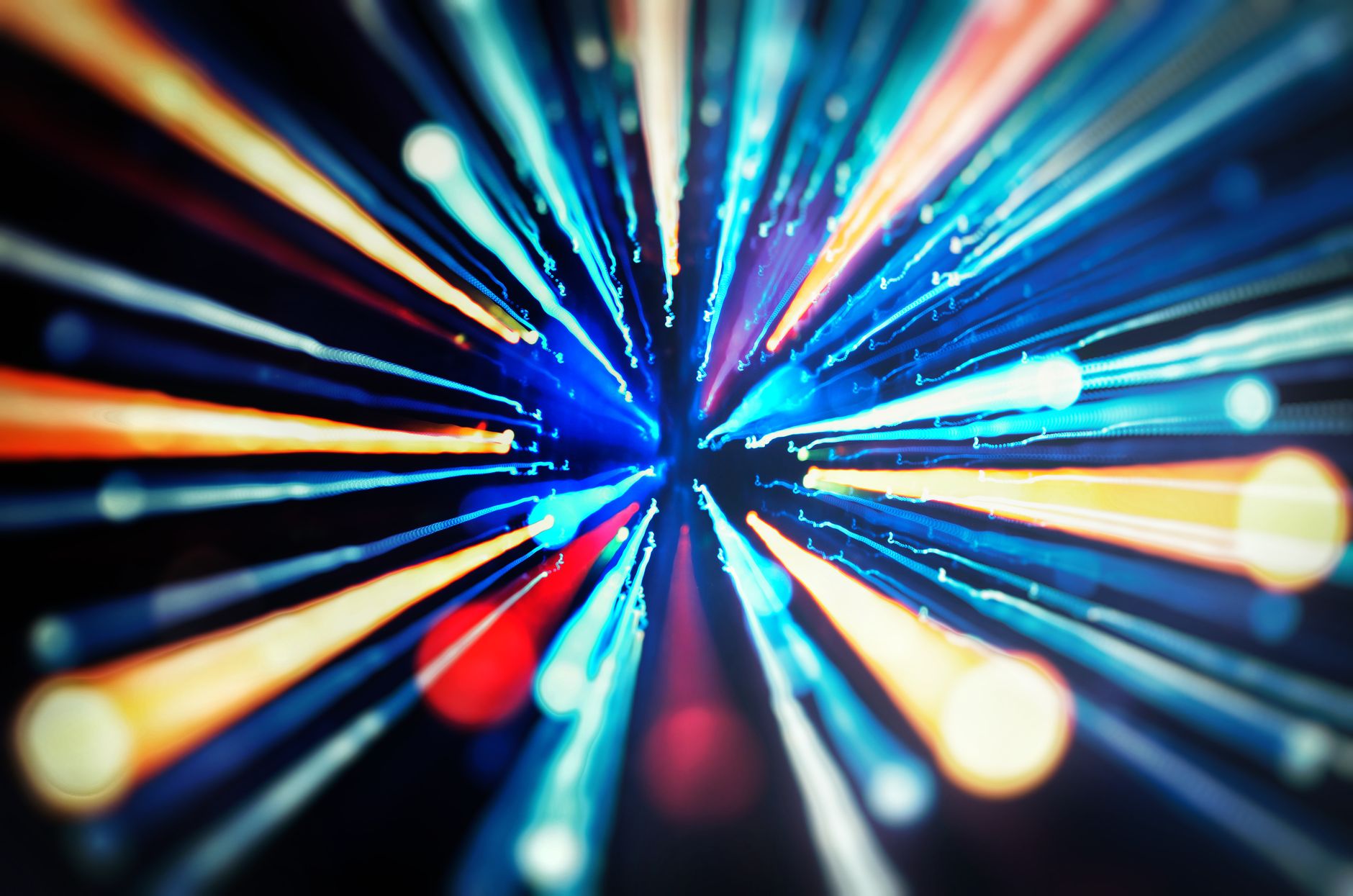
Radial lines burst outward from a central point. Building a pattern of thin lines radiating from the center, often with a clear focal area in the middle, creates the focus-and-impact effect that highlights a subject dramatically.
These can be made with generators, the radial effects, or a hand-built pattern of lines rotated around a center. The radial burst draws all attention inward to the subject, perfect for moments of shock, power, or focus.
Create Horizontal Speed Lines
Horizontal or directional lines streak across the frame, conveying fast movement. Building parallel lines that flow in the direction of motion, often blurred, creates the sense of high speed seen when characters dash or objects fly.
These directional lines suggest velocity, racing past the subject. Animating them streaking across, with motion blur, makes the movement feel fast and energetic, the classic anime speed effect for chases and rapid action.
Animate for Impact
Speed lines are most powerful when animated to appear suddenly. Having radial lines burst in on a moment of impact, or streak lines flash across as a character moves, times the energy to the action for maximum dramatic effect.
Animating the lines appearing sharply on a key frame, then quickly fading, punctuates the moment, using our keyframe techniques. This sudden burst of energy, synced to the action, is what gives speed lines their explosive, impactful feel.
Add Color and Style
Speed lines can be styled to fit your look. Classic black or white lines suit a manga aesthetic, while colored lines add energy and match your palette, and varying the line thickness and density shapes the intensity.
Choosing the color and style sets the mood, from stark monochrome impact to vibrant colorful energy. Matching the speed lines to your content’s aesthetic, using our color principles, makes them feel like an intentional part of the design.
Add a Focal Point
Radial speed lines work best with a clear focal area. Keeping the center where the lines converge clear, so the subject stands out against the radiating lines, directs all attention to them and maximizes the focus effect.
This clear center is what makes radial lines highlight a subject rather than clutter the frame. Leaving the focal area open, with the lines radiating around it, creates the dramatic spotlight effect that draws the eye straight to the important element.
Combine with Other Effects
Speed lines pair well with other anime and comic effects. Combining them with impact flashes, comic-style treatments, and dynamic transitions builds a fully stylized, high-energy look for action sequences.
Layering speed lines with these complementary effects amplifies the kinetic feel. Used together as part of a cohesive stylized aesthetic, they create the explosive, exciting energy of anime and comic action, far beyond what any single effect achieves.
Use Them Sparingly
Speed lines are bold, so restraint keeps them impactful. Reserving them for key action moments, rather than using them constantly, maintains their punch, since overusing them dilutes the energy and clutters the visuals.
Used at the right dramatic beats — an impact, a burst of speed, a moment of intensity — speed lines hit hard. Deploying them deliberately for these peaks, with the pacing sense from our pacing guide, keeps their explosive energy effective.
Speed Lines Best Practices
- Use radial lines for impact and focus, horizontal for speed.
- Animate the lines bursting in on key action moments.
- Keep the focal center clear so the subject stands out.
- Style the color and use the lines sparingly for impact.
Common Speed Line Mistakes
- A cluttered center that hides the subject.
- Static lines that don’t burst in with the action.
- Overusing them until they lose impact.
- Lines that don’t match the content’s style.
A Real Speed Lines Example
Picture an anime-style fight edit where a character lands a punch. On the impact frame you burst radial white speed lines inward from the edges, converging on the fist while leaving the center clear so the hit stays visible, then snap them away two frames later. For the follow-up dash, horizontal blue lines streak across the frame in the direction of movement, blurred for velocity.
Synced to a sharp impact sound, the speed lines turn a plain action shot into an explosive, kinetic anime moment. The key was timing them to burst exactly on the action and keeping the focal area clear — proof that speed lines are about precise timing and focus far more than the lines themselves.
Speed Lines Beyond Anime
While rooted in anime and manga, speed lines have crossed into mainstream motion graphics, sports edits, and energetic promos. A burst of radial lines behind a product reveal, or streaks accenting a fast transition, borrows their kinetic energy to add excitement to all kinds of content, not just animation.
Adapting the color and style keeps them appropriate — sleek and subtle for a brand, bold and graphic for a hype video. Used thoughtfully alongside the techniques in our motion graphics guide, speed lines become a versatile tool for injecting energy and directing the eye in any high-impact edit.
Key Takeaways
- Speed lines convey motion, impact, and focus in anime style.
- Radial lines burst for impact; horizontal lines streak for speed.
- Animate them appearing sharply on key action moments.
- Keep the focal center clear and use them sparingly.
Frequently Asked Questions
How do I create speed lines in After Effects?
Build radial lines bursting from a center for impact, or horizontal lines streaking across for speed, using generators or a pattern of thin lines. Animate them appearing sharply on key action moments, and keep the focal center clear.
What’s the difference between radial and horizontal speed lines?
Radial lines burst outward from a central point to convey impact and focus, drawing the eye to a subject. Horizontal (directional) lines streak across the frame to convey fast movement and speed, like a character dashing.
When should I use speed lines?
Reserve them for key action moments — an impact, a burst of speed, a moment of intensity — and animate them bursting in sharply. Using them sparingly at dramatic beats keeps their explosive energy effective rather than cluttering the frame.
Sources: Wikipedia’s overview of motion lines.
Add anime energy at Adobe Video World
Train hands-on with Adobe Certified Instructors across 100+ Premiere Pro & After Effects sessions.



