A workflow taught by Adobe Certified Instructors at Adobe Video World.
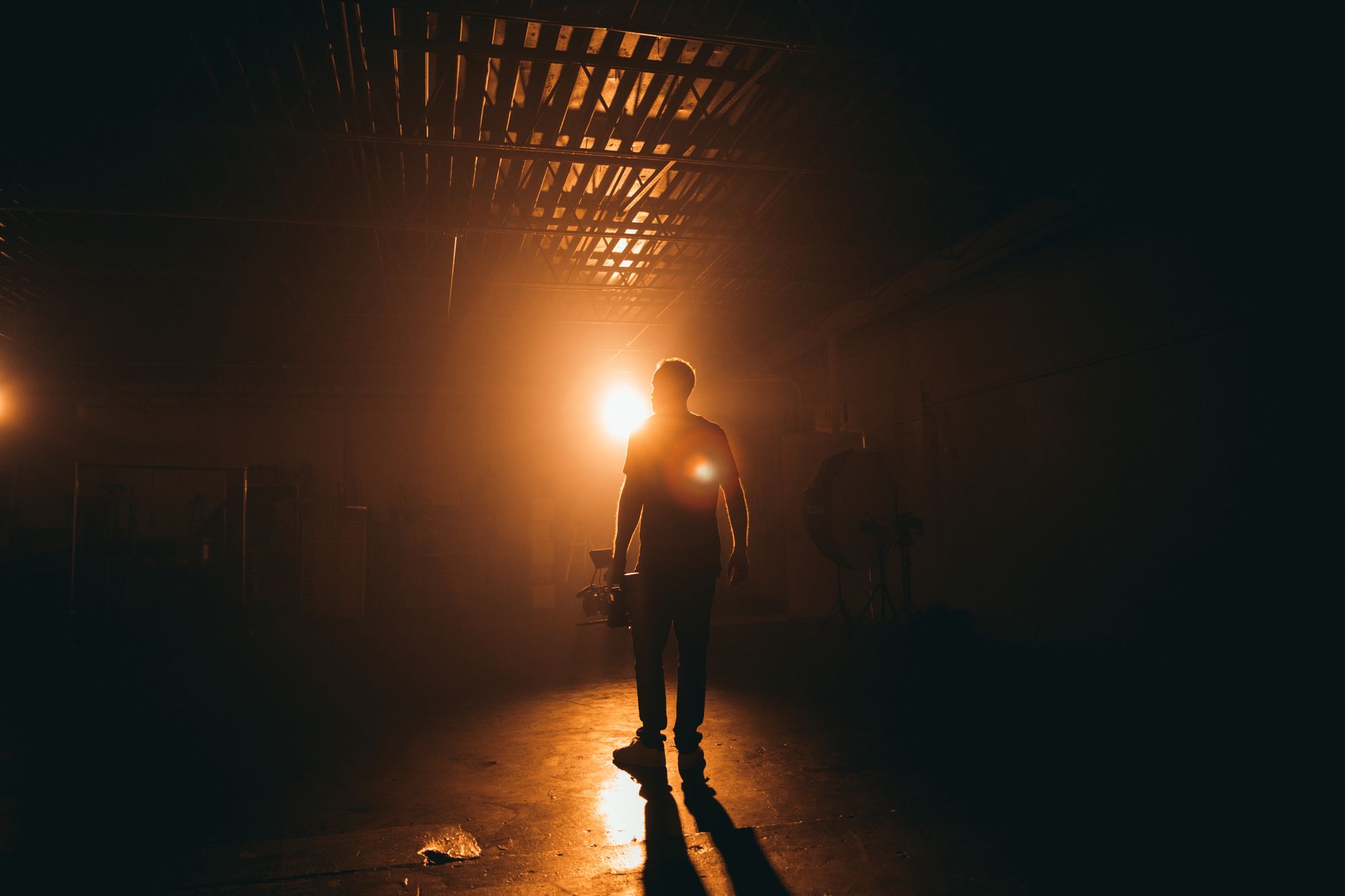
That rich, film-like ‘cinematic’ look — moody color, soft contrast, letterbox bars, a hint of grain — can transform ordinary footage into something that feels like a movie. After Effects gives you all the tools to build it. This guide breaks the cinematic look into its ingredients so you can recreate it on your own footage.
What Makes Footage Look Cinematic
The cinematic look isn’t one effect but a combination of choices that mimic how films are shot and graded. Rich, intentional color, controlled contrast, a wide aspect ratio, subtle texture, and shallow depth of field all contribute to that movie-quality feel.
No single slider creates it; the look emerges from layering several subtle touches. Understanding each ingredient lets you build the cinematic feel deliberately rather than chasing it with a one-click preset that rarely suits your specific footage.

Start with Color Grading
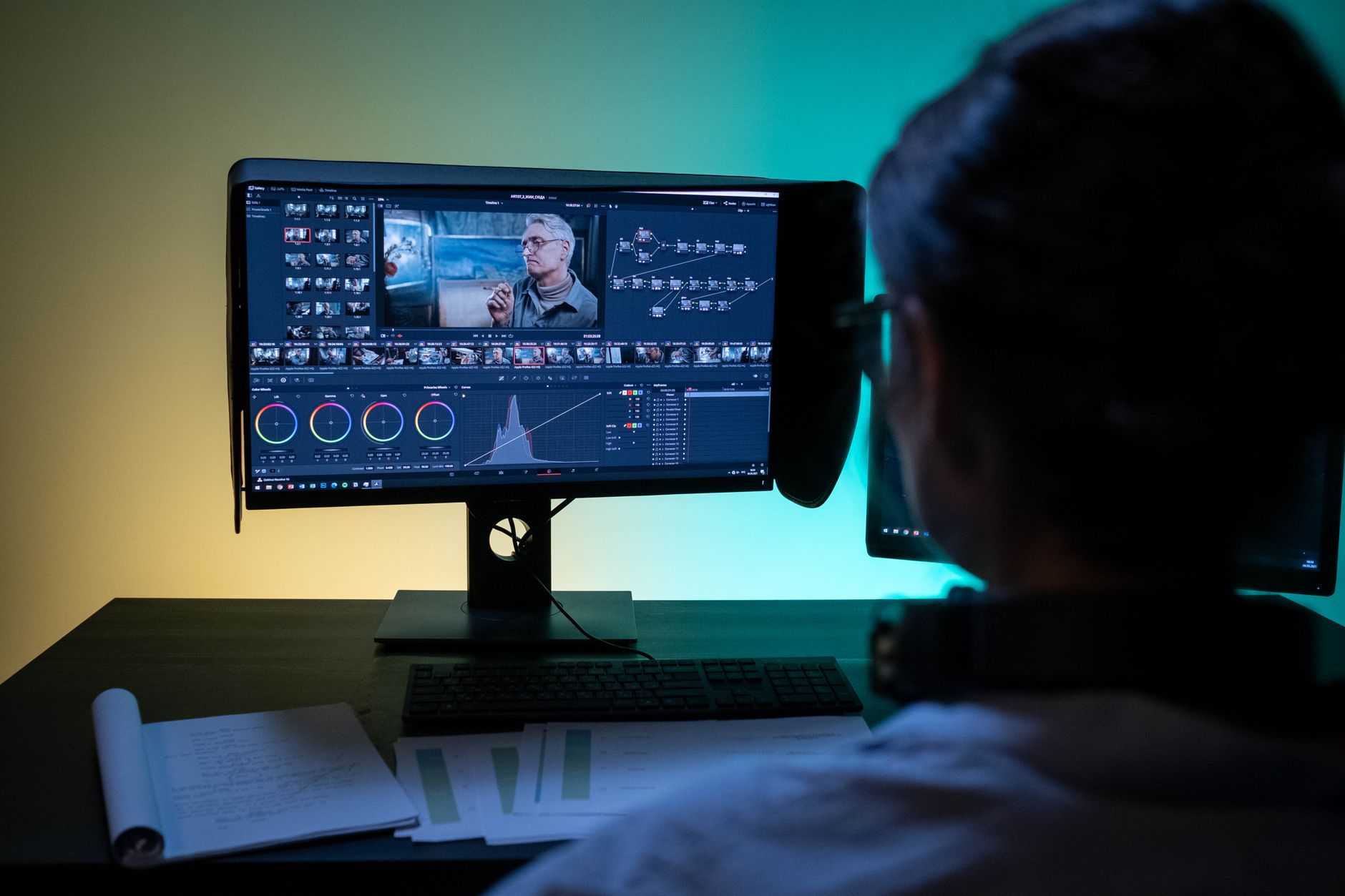
Color is the heart of the cinematic look. A classic film grade pushes shadows toward teal and highlights toward warm orange, creating the popular complementary contrast seen in countless blockbusters, while keeping skin tones natural.
Whether you grade in After Effects or carry footage to Premiere’s Lumetri panel, restraint is key. A cinematic grade is rich but believable, guiding mood without looking artificially oversaturated or heavily filtered.
Soften the Contrast
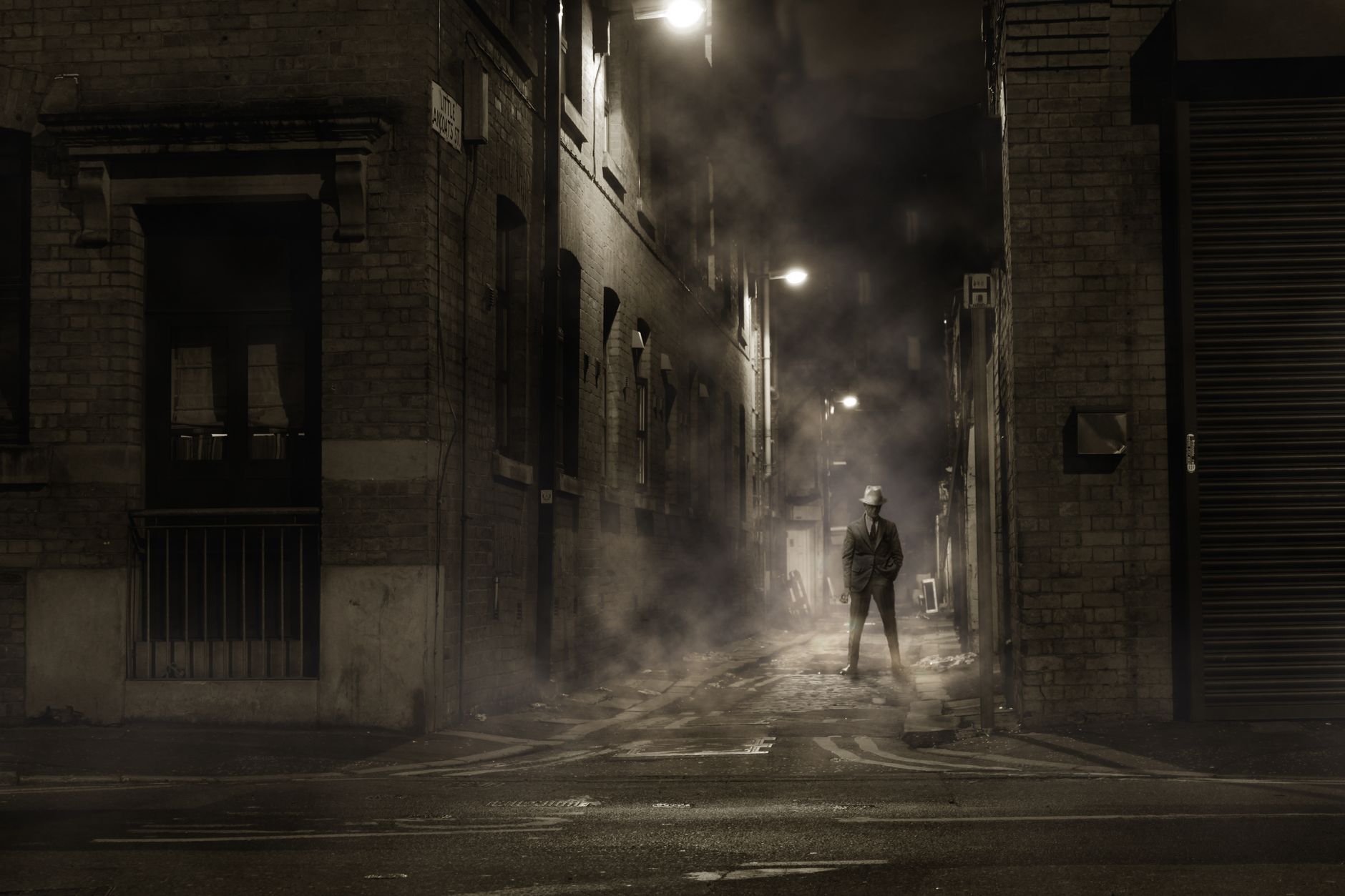
Film doesn’t have the harsh, clipped blacks of raw digital video. Lifting the shadows slightly so the deepest blacks become a soft dark grey — a ‘film fade’ or ‘matte’ look — instantly reads as more cinematic and gentle on the eye.
Use curves to raise the bottom of your tonal range a touch while keeping highlights controlled. This softer contrast is one of the most recognizable traits of a film look, separating it from the clinical sharpness of straight-out-of-camera footage.
Add Letterbox Bars
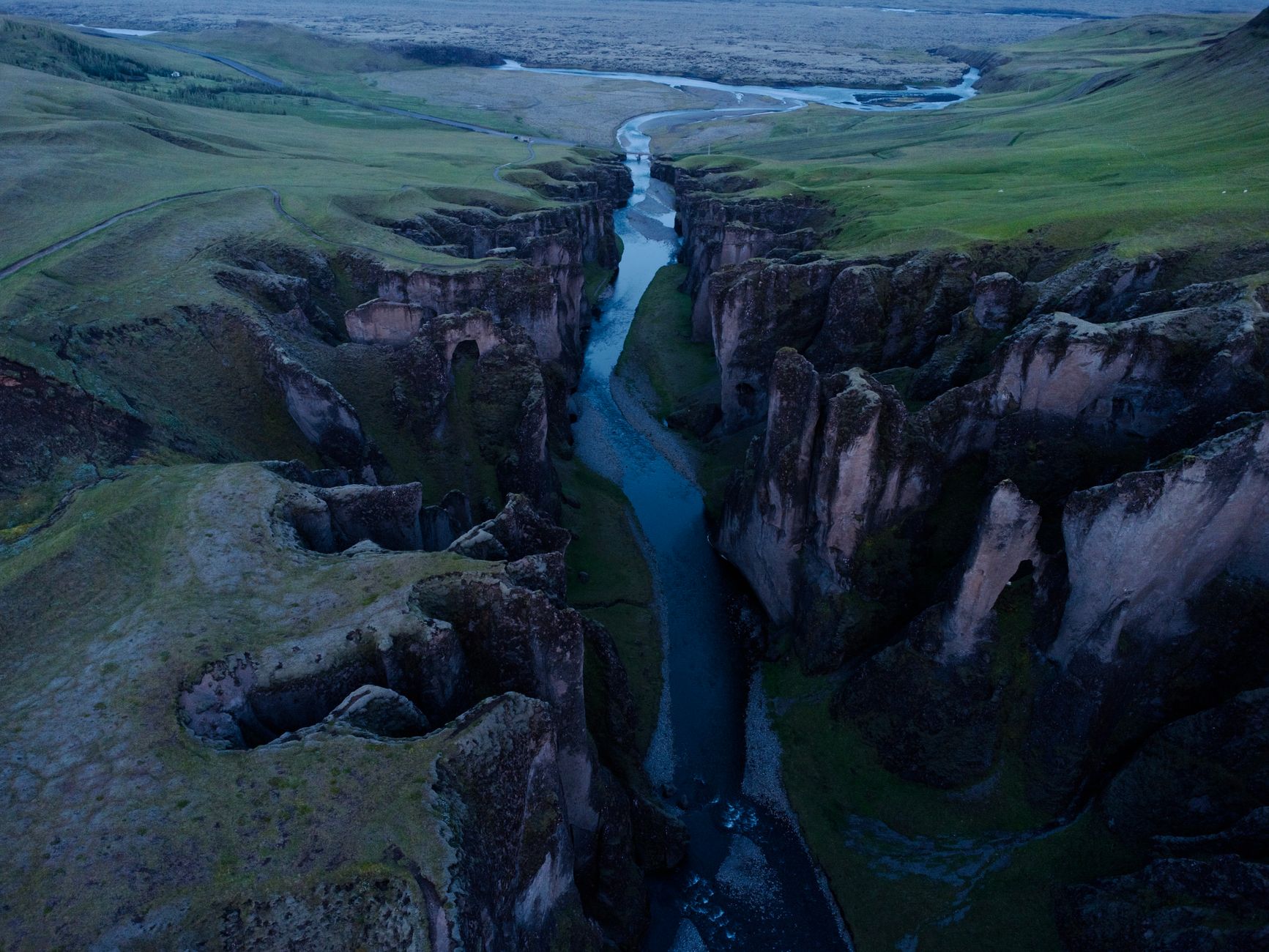
Movies use wide aspect ratios, and adding black letterbox bars to a standard frame instantly evokes the cinema. Create two black bars across the top and bottom to simulate a 2.35:1 widescreen ratio, framing your footage like a feature film.
Build the bars with simple shape layers so they stay crisp and easy to adjust. This single, simple addition has an outsized effect on how cinematic footage feels, which is why it’s so widely used.
Add Subtle Film Grain
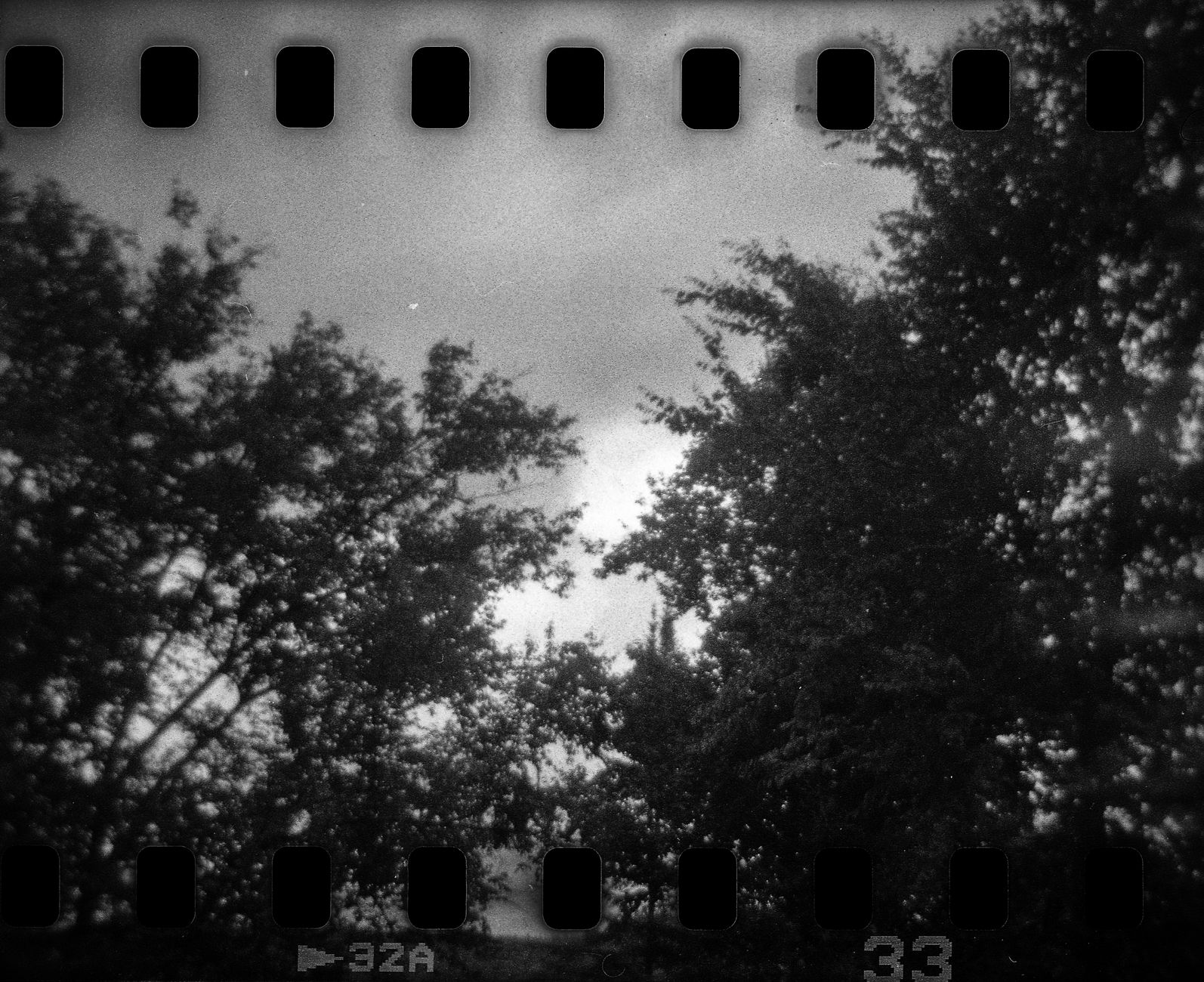
Digital footage can look too clean, while film carries a fine texture of grain. Adding a subtle grain overlay or a Noise effect at low intensity gives footage organic, filmic texture that softens the digital sharpness.
Keep grain gentle — just enough to sense rather than obviously see. Overdone grain looks dirty, but a delicate layer adds the tactile, analog quality that distinguishes film from video and ties the whole cinematic look together.
Apply a Gentle Vignette
A vignette darkens the edges of the frame to draw the eye toward the center, a subtle technique used throughout cinema. Create one with a large, heavily feathered mask and a slight exposure reduction around the edges.
The effect should be barely perceptible, gently focusing attention rather than obviously darkening the corners. A light vignette adds depth and guides the viewer’s gaze, complementing the grade and contributing to the polished, intentional feel of a film.
Add Light Leaks and Flares
Real film and lenses produce light leaks and flares — streaks and blooms of light across the frame. Adding a subtle light leak overlay, set to a screen or add blend mode, introduces warmth and organic atmosphere reminiscent of analog film.
Use these sparingly and motivated by the scene’s lighting. A gentle flare drifting across a sunset shot feels magical, while constant heavy leaks become a distraction, so let the footage guide where and how much light interplay you add.
Mind the Frame Rate and Motion
Part of the cinematic feel is motion itself. Film’s traditional 24 frames per second, paired with a natural amount of motion blur, gives movement its characteristic look, distinct from the smoother, video-like feel of higher frame rates.
Shooting and editing at 24fps with appropriate shutter speed contributes as much to the cinematic feel as any effect. When you control the shoot, these in-camera choices form the foundation that your post-production grade and effects then enhance.
Cinematic Look Best Practices
- Grade with rich but believable color and natural skin tones.
- Soften contrast with a slight shadow lift for a film fade.
- Add letterbox bars, subtle grain, and a gentle vignette.
- Keep light leaks and effects subtle and motivated by the scene.
Common Cinematic Look Mistakes
- Over-grading into unnatural, oversaturated teal and orange.
- Heavy grain or vignettes that look dirty rather than filmic.
- Crushing blacks instead of softening contrast.
- Piling on flares and leaks until they distract from the shot.
A Real Cinematic Grade Walkthrough
Take an ordinary clip of someone walking at golden hour. You start by balancing exposure and white balance, then push the shadows gently toward teal and the highlights toward warm orange while protecting the skin tones. A slight lift to the blacks softens the contrast into a filmic fade.
Then you frame it with letterbox bars, drop a whisper of grain over the top, and add a barely-there vignette to draw the eye. Each step is subtle, but stacked together they transform a flat phone clip into a shot that genuinely feels like a scene from a film — the power of layering small cinematic touches.
Achieve the Look on Any Footage
You don’t need expensive gear to get a cinematic look, because most of it lives in deliberate choices and post-production. Shooting in good light, framing thoughtfully, and moving the camera with intention give you a strong foundation that grading and effects then enhance, even on a phone or entry-level camera.
In post, the same ingredients — grade, soft contrast, letterbox, grain, vignette — apply to any footage. Combined with the techniques in our color grading guide, they let you give a cinematic quality to whatever you shoot, proving the look is about craft far more than budget.
Key Takeaways
- The cinematic look layers several subtle ingredients together.
- Grade for rich color and soften contrast with a shadow lift.
- Add letterbox bars, gentle grain, and a light vignette.
- Keep light leaks subtle and favor 24fps with natural motion blur.
Frequently Asked Questions
How do I make footage look cinematic in After Effects?
Layer several subtle touches: a rich but believable color grade, softened contrast with a slight shadow lift, letterbox bars, gentle film grain, a light vignette, and the occasional subtle light leak.
What is the teal and orange look?
It’s a popular cinematic grade that pushes shadows toward teal and highlights toward warm orange, creating complementary contrast while keeping skin tones natural. Used subtly, it gives footage a blockbuster film feel.
Do letterbox bars make video look cinematic?
Yes — black bars across the top and bottom simulate a wide cinema aspect ratio and instantly evoke the look of a feature film. It’s a simple addition with an outsized effect on the cinematic feel.
Sources: Wikipedia’s overview of cinematography.
Make footage look cinematic at Adobe Video World
Train hands-on with Adobe Certified Instructors across 100+ Premiere Pro & After Effects sessions.



