
A workflow taught by Adobe Certified Instructors at Adobe Video World.
Aspect ratio is the shape of your video frame — widescreen, vertical, square, or cinematic — and choosing the right one matters more than ever across platforms. The wrong ratio means black bars, awkward cropping, or footage that doesn’t fit. This guide explains the common aspect ratios, when to use each, and how to choose wisely.

What Aspect Ratio Is
Aspect ratio is the proportional relationship between a video’s width and height, written as two numbers like 16:9. It describes the shape of the frame regardless of resolution, so a 16:9 video is the same shape whether it’s 1080p or 4K.
This shape determines how your video fits different screens and platforms. Choosing the right aspect ratio ensures your footage fills the frame properly, without unwanted black bars or important content being cut off.

16:9 — The Widescreen Standard
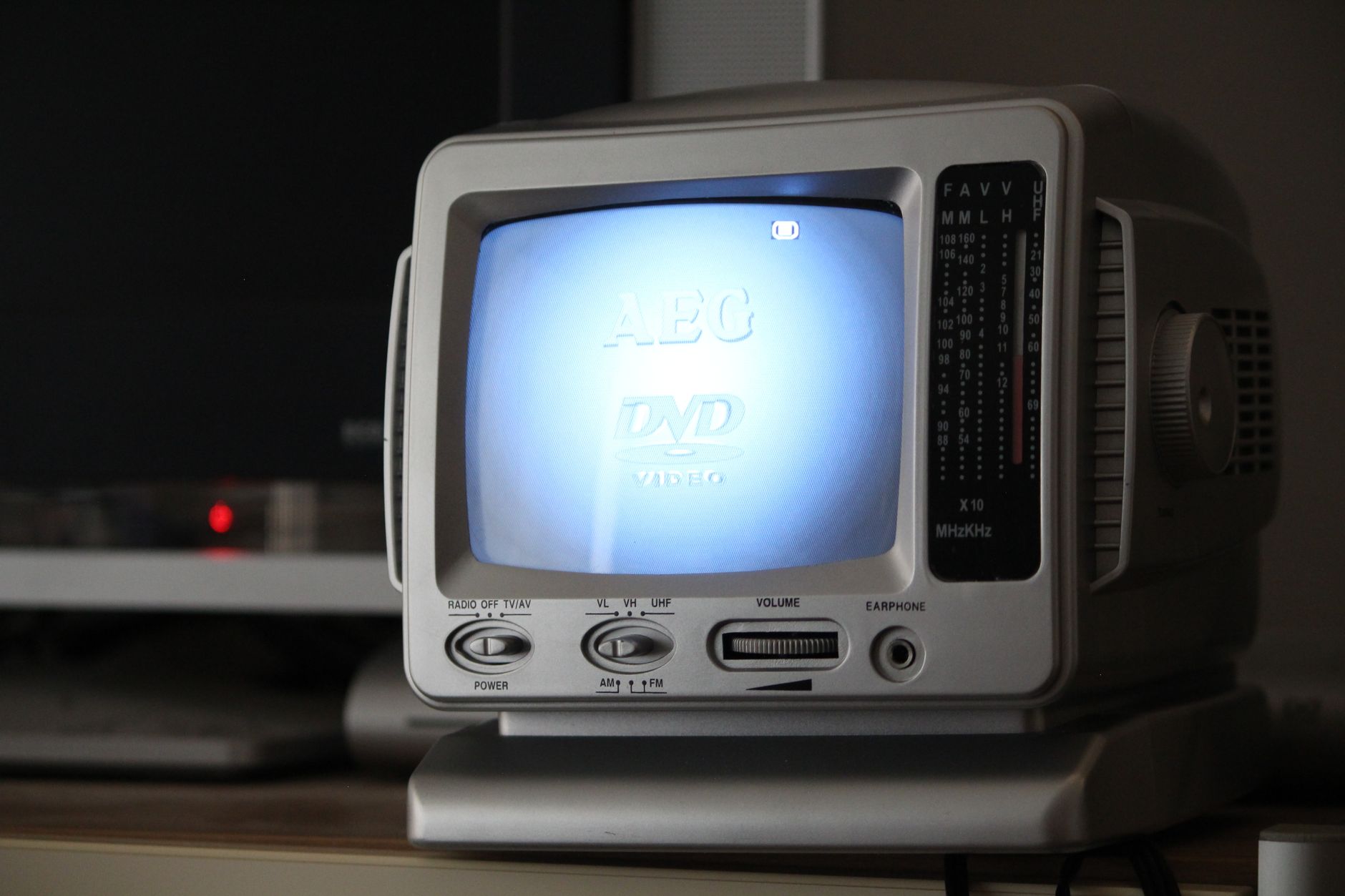
16:9 is the standard widescreen ratio for most video — televisions, computer monitors, and platforms like YouTube. It’s wider than it is tall, suiting the way we view content on most screens and matching how the majority of cameras shoot.
For traditional video — tutorials, interviews, films, most YouTube content — 16:9 is the default and safest choice. It fills landscape screens completely and is what audiences expect for standard horizontal viewing.
9:16 — Vertical Video
9:16 is 16:9 turned on its side — tall and narrow — designed for phones held upright. It’s the format of social stories, reels, and short-form vertical content on platforms built for mobile viewing.
Vertical video fills a phone screen completely, which is why it dominates social media. Creating it deliberately, as covered in our vertical video guide, rather than cropping horizontal footage, gives the best results for these mobile-first platforms.

1:1 — Square Video
1:1 is a perfect square, equal in width and height. It rose to popularity on social feeds, where it takes up more vertical space than 16:9 while still working in any orientation, making it a flexible choice for feed-based content.
Square video is a useful middle ground for social posts that need to look good whether viewed on a phone or desktop. It’s less common for primary content but remains a practical option for certain social platforms and feeds.

Cinematic Wide Ratios
2.39:1 and similar ultra-wide ratios are the cinematic formats used in films, far wider than 16:9. They create an epic, theatrical feel, often achieved by adding letterbox bars to give footage a movie-like quality.
Many creators add these black bars to 16:9 footage to evoke a film look. While it sacrifices some vertical space, the cinematic ratio instantly signals ‘film,’ which is why it’s popular for narrative and stylized content.
Choose the Ratio for Your Platform
The right aspect ratio depends on where your video will be seen. Use 16:9 for YouTube and traditional viewing, 9:16 for vertical social platforms, 1:1 for square feeds, and cinematic ratios for a film aesthetic.
Matching the ratio to the platform ensures your video fills the screen and looks intentional. Increasingly, creators produce multiple versions of a video in different ratios to suit each platform, maximizing how well it performs everywhere.
Shoot with Reframing in Mind
If you’ll need multiple aspect ratios, plan for it when shooting. Filming in a higher resolution and keeping your subject framed with room around them lets you crop to different ratios later without losing important content.
This headroom makes repurposing one shoot across platforms far easier, using the reframing techniques from our crop and resize guide. Thinking about your delivery ratios before you shoot saves you from awkward, content-cutting crops afterward.
Avoid Aspect Ratio Mistakes
Common mistakes include mismatched ratios causing black bars, cropping horizontal footage to vertical and cutting off subjects, and exporting in a ratio the platform doesn’t favor. Each makes a video look unprofessional or fit poorly.
Setting your sequence to the correct aspect ratio from the start, and framing your shots for the intended ratio, prevents these issues. A little planning around aspect ratio keeps your video filling the frame cleanly wherever it’s viewed.
Aspect Ratio Best Practices
- Use 16:9 for traditional and YouTube video.
- Use 9:16 for vertical social, 1:1 for square feeds.
- Add cinematic wide bars for a film aesthetic.
- Shoot with room to reframe for multiple ratios.
Common Aspect Ratio Mistakes
- Mismatched ratios producing unwanted black bars.
- Cropping horizontal footage to vertical and cutting subjects.
- Exporting in a ratio the platform doesn’t favor.
- Not setting the sequence to the right ratio from the start.
A Real Multi-Ratio Workflow Example
Imagine producing a single interview that needs to live on YouTube, Instagram Reels, and a square feed post. You film in 4K and frame the subject with generous space around them, then build your main 16:9 edit. From that same footage, you create a 9:16 version by reframing onto the subject, and a 1:1 cut for the feed, each filling its platform’s frame perfectly.
Because you shot with extra resolution and headroom, every version stays sharp and well-composed without reshooting. That single-shoot, multi-ratio approach is how creators efficiently feed every platform at once, and it depends entirely on planning your aspect ratios before the camera ever rolls.
Use Auto Reframe for Ratio Conversion
Converting a horizontal edit to vertical or square by hand is tedious, but tools can help. Premiere’s Auto Reframe analyzes your footage and intelligently repositions the frame to keep the action centered as it crops to a new aspect ratio, automating much of the reframing work across an entire sequence.
It’s not perfect — important shots still deserve a manual check — but it dramatically speeds up producing platform-specific versions. Combined with the deliberate framing habits from our composition guide, Auto Reframe turns the chore of multi-ratio delivery into a fast, mostly-automatic step.
Aspect Ratio and Storytelling
Beyond fitting platforms, aspect ratio is a creative storytelling choice. Filmmakers sometimes switch ratios within a single piece — a boxy 4:3 frame for an intimate, confined feeling, then opening to a wide cinematic ratio for a moment of freedom or scale. The shape of the frame itself shapes how the audience feels about what they’re watching.
Even if you stick to one ratio, choosing it deliberately for the mood you want — wide and epic, square and contained, vertical and immediate — adds intention to your work. Pairing that choice with the framing principles in our composition guide turns aspect ratio from a technical setting into a genuine part of your visual storytelling.
Key Takeaways
- Aspect ratio is the shape of your video frame.
- 16:9 is standard; 9:16 is vertical; 1:1 is square.
- Cinematic wide ratios give a film-like feel.
- Choose the ratio for your platform and shoot to reframe.
Frequently Asked Questions
What is aspect ratio in video?
Aspect ratio is the proportional relationship between a video’s width and height, like 16:9. It describes the shape of the frame regardless of resolution, determining how your video fits different screens and platforms.
What aspect ratio should I use?
Use 16:9 for YouTube and traditional video, 9:16 for vertical social platforms like reels and stories, 1:1 for square social feeds, and cinematic wide ratios like 2.39:1 for a film aesthetic. Match it to your platform.
What is 9:16 aspect ratio?
9:16 is vertical video — 16:9 turned on its side, tall and narrow — designed for phones held upright. It’s the format of social stories, reels, and short-form content, filling a phone screen completely.
Sources: Wikipedia’s article on aspect ratio in images.
Frame for any platform at Adobe Video World
Train hands-on with Adobe Certified Instructors across 100+ Premiere Pro & After Effects sessions.



