Search
Search results for: “premiere pro”
-
How to Use Motion Graphics Templates in Premiere Pro
Use Motion Graphics templates (.mogrt) in Premiere Pro — install them, customize text and color in Essential Graphics, and speed up titles,…
-
How to Reverse Video in Premiere Pro
Reverse video in Premiere Pro — play clips backward with Speed/Duration, reverse part of a clip, handle audio, and create seamless reverse…
-
How to Create a Freeze Frame in Premiere Pro
Create a freeze frame in Premiere Pro — add a frame hold, insert a frozen still, time freezes for effect, and combine…
-
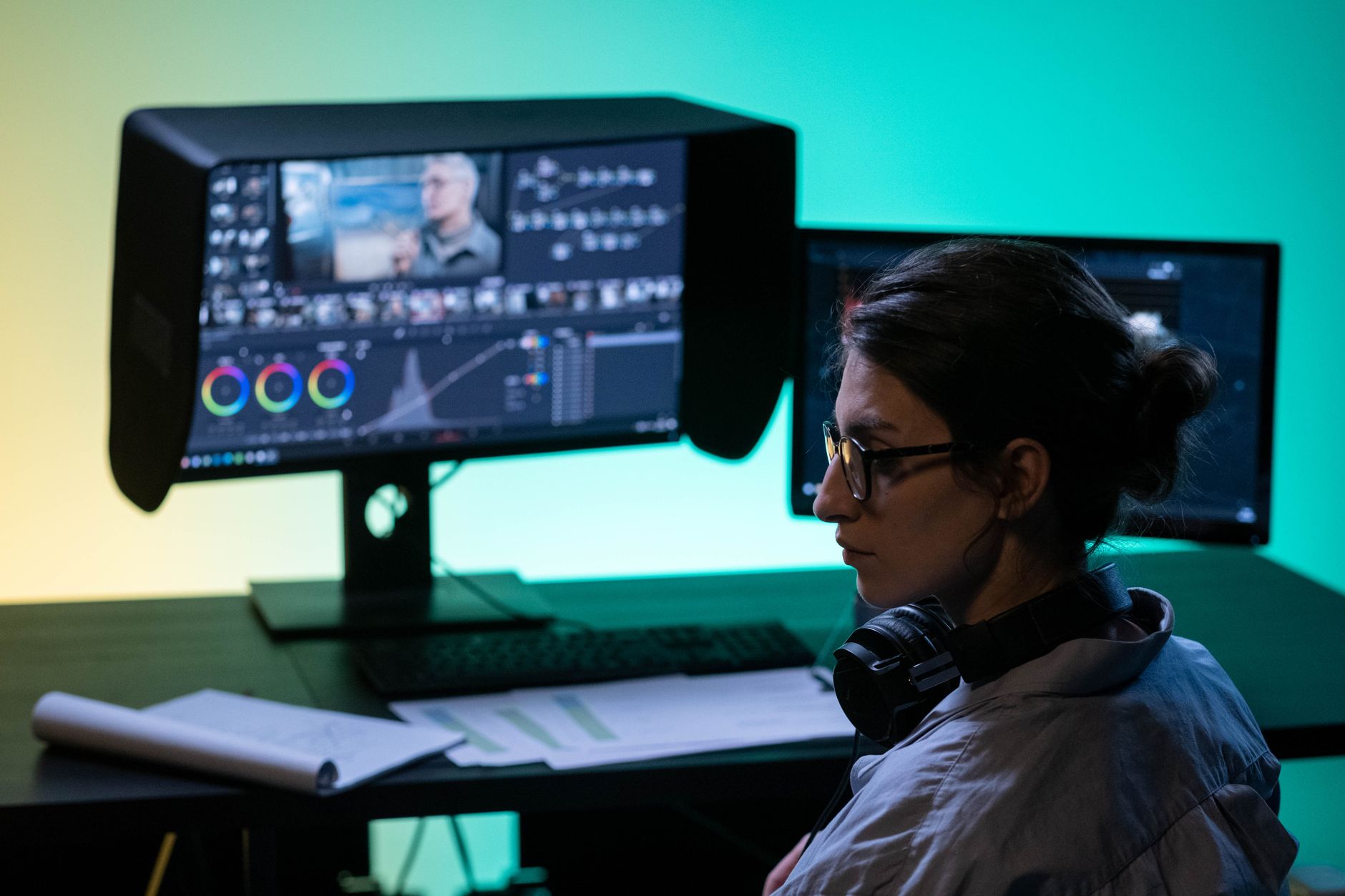
Premiere Pro vs DaVinci Resolve: Which Should You Use?
Premiere Pro vs DaVinci Resolve compared — editing, color grading, audio, pricing, and performance, so you can choose the right video editor…
-
How to Replace a Clip or Footage in Premiere Pro
Replace a clip or footage in Premiere Pro — swap a clip while keeping effects and timing with Replace Footage and Replace…
-
How to Fade Audio In and Out in Premiere Pro
Fade audio in and out in Premiere Pro — use audio transitions, keyframe volume by hand, create smooth crossfades between clips, and…
-
How to Zoom In and Pan on Video in Premiere Pro
Zoom and pan on video in Premiere Pro — create a digital punch-in, keyframe a smooth zoom, add the Ken Burns effect…
-
How to Use Nested Sequences in Premiere Pro
Use nested sequences in Premiere Pro to group clips, apply effects to a whole section, stay organized, and reuse edits — plus…
-
How to Add a Watermark or Logo Overlay in Premiere Pro
Add a watermark or logo overlay in Premiere Pro — import a transparent logo, position and scale it, set opacity, apply it…
-
How to Create a Split Screen in Premiere Pro
Create a split screen in Premiere Pro — stack clips, crop or scale each side, add dividers, and build two-up, three-up, and…