
A workflow taught by Adobe Certified Instructors at Adobe Video World.
Short-form vertical video — Reels, TikTok, and Shorts — dominates social media, and editing it well is a distinct skill. These videos must hook instantly, move fast, and work vertically and silently. This guide covers the techniques for editing scroll-stopping short-form content that holds attention and performs on social platforms.

What Makes Short-Form Different
Short-form vertical video has unique demands: it’s brief, vertical, fast-paced, often watched silently, and competes in an endless scroll. These constraints shape every editing decision, from the hook to the captions to the pacing.
Editing for short-form isn’t just shrinking a regular video — it requires designing for the format. Understanding what makes short-form work, and editing specifically for it, is what separates content that performs from content that gets scrolled past.
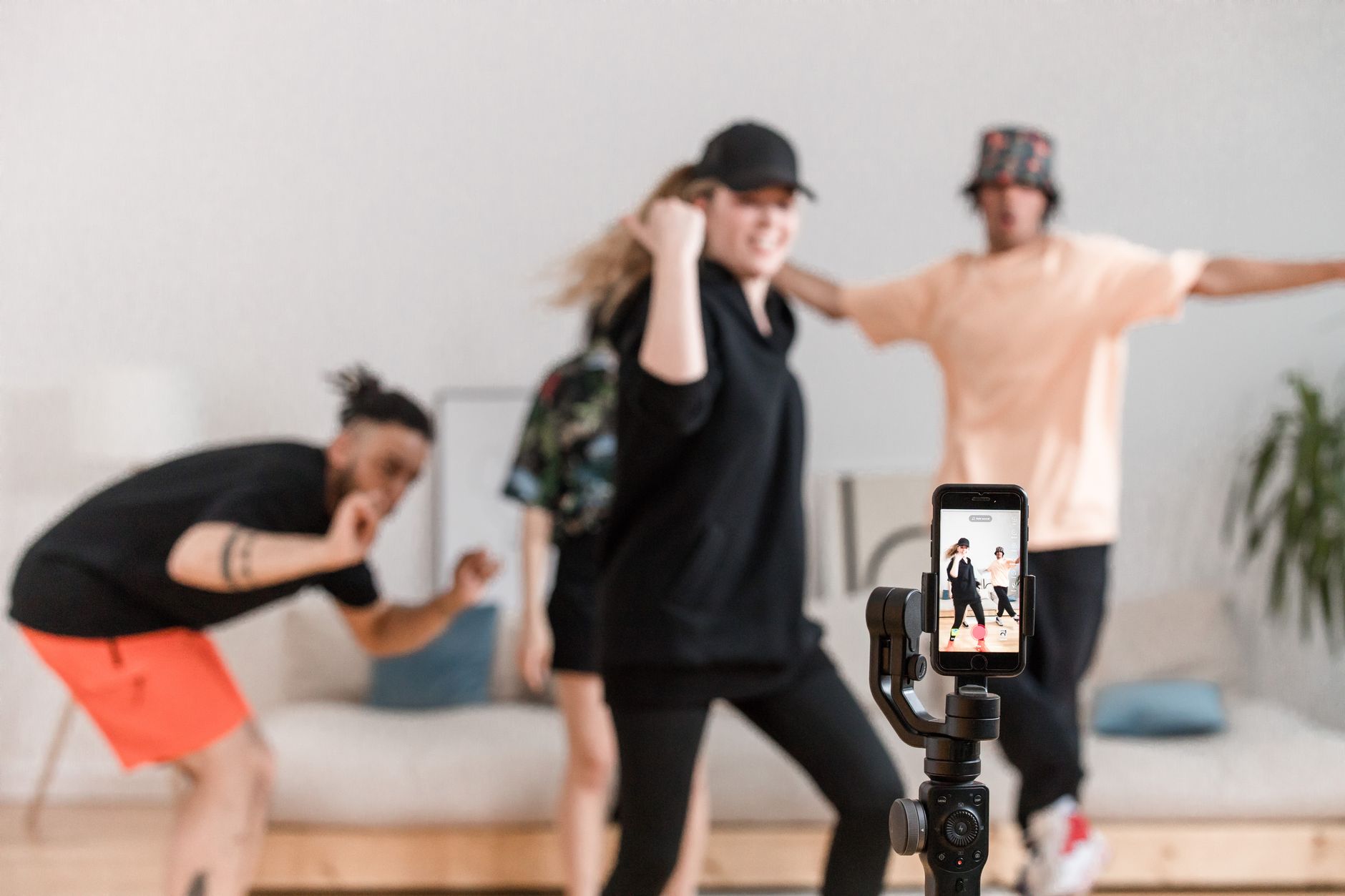
Hook in the First Second
Short-form lives or dies on the hook. With viewers scrolling fast, the first second must grab attention immediately — a bold statement, an intriguing visual, or a clear promise — or they swipe away before the video begins.
There’s no time for a slow build, so leading with your most compelling moment is essential, as our intro hook guide covers. The opening second is the most important part of any short-form video, deciding whether viewers stay or scroll.

Cut Fast and Tight
Short-form thrives on fast pacing. Quick cuts, no dead air, and constant momentum keep viewers engaged through the brief runtime, since any lull risks losing them in a format where attention is fleeting.
Tightening every moment and cutting rapidly maintains the energy short-form demands. This relentless pace, drawing on our pacing techniques, keeps viewers watching to the end, which platforms reward with more reach.

Design for Vertical
Short-form is vertical (9:16), so frame and edit for that shape. Keeping the subject centered, using the tall frame deliberately, and ensuring everything reads well on a phone held upright is essential.
Editing in a vertical sequence from the start, rather than cropping horizontal footage awkwardly, gives the best results. Designing for the vertical frame — its composition, its space for captions — is fundamental to short-form that looks native and professional.
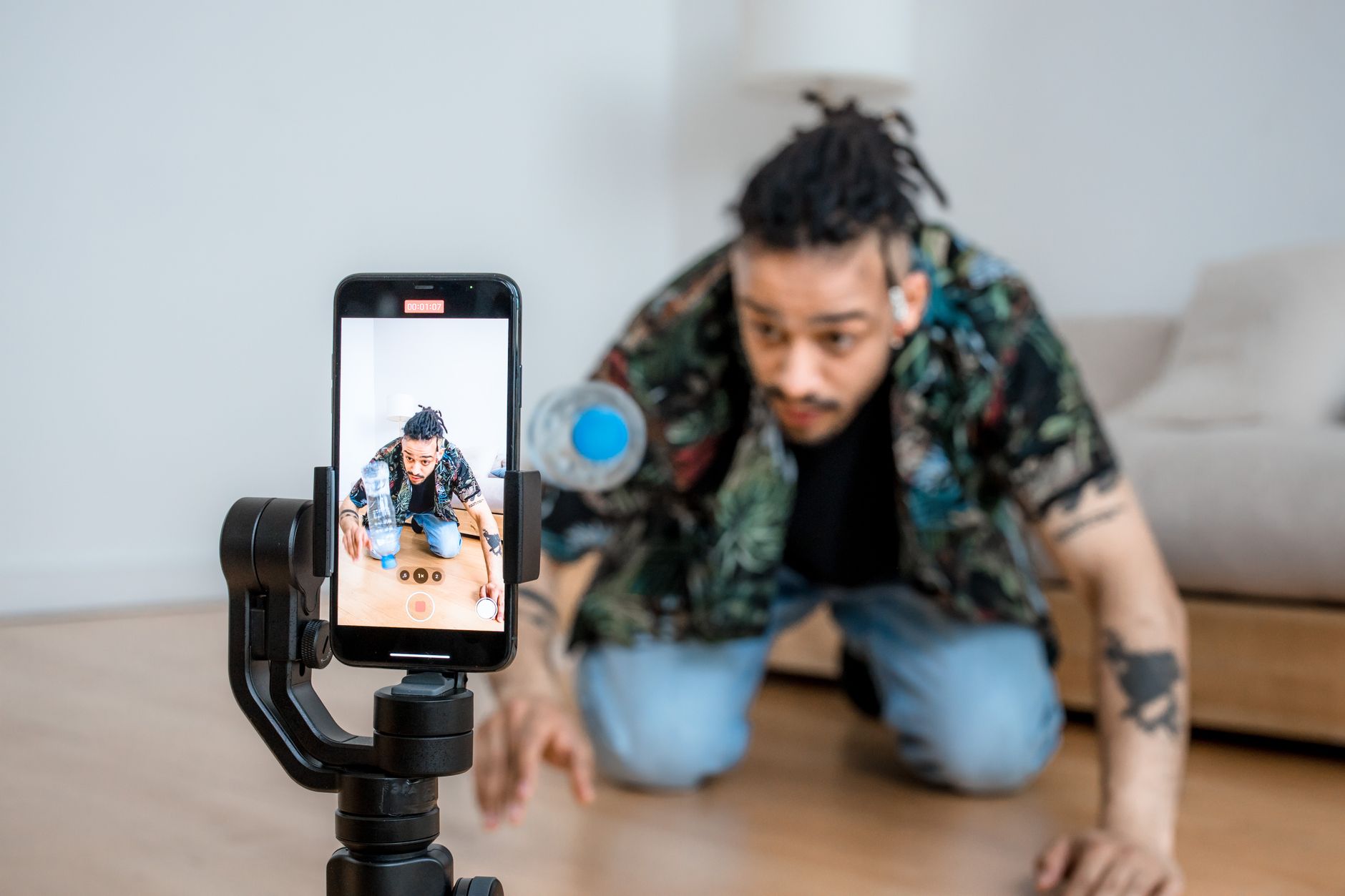
Add Captions
Most short-form is watched on mute, making captions essential. Adding bold, styled, often animated captions keeps silent viewers engaged and reinforces your message, and the moving text itself adds visual energy.
Captions are a defining feature of short-form, with dynamic, word-by-word styles common. Adding clear, eye-catching captions ensures your video communicates without sound and adds the kinetic text energy viewers expect from the format.
Use Trends and Music
Short-form is driven by trends and music. Using trending sounds, popular formats, and on-trend music, properly licensed where needed, helps your content fit the platform’s culture and reach more viewers through algorithmic favor.
Editing to a trending track, cutting to its beat, taps into what platforms promote. Staying aware of current trends and incorporating them, while keeping your content authentic, is part of editing short-form that resonates and performs.
Add Effects and Energy
Short-form often uses punchy effects — quick zooms, transitions, text animations, and visual flourishes that add energy and keep the eye engaged. These dynamic touches suit the fast, attention-grabbing nature of the format.
Effects like speed ramps, snappy transitions, and animated graphics give short-form its kinetic feel. Used to maintain energy and emphasize moments, drawing on our motion graphics skills, they help your content stand out in the scroll.
End with a Reason to Engage
The ending matters for engagement. Closing with a call to action, a question, a loop back to the start, or a reason to rewatch encourages the likes, comments, and replays that boost a short video’s reach.
A strong ending turns a viewer into an engager. Whether prompting a comment, looping seamlessly so it replays, or delivering a satisfying payoff, designing the ending to drive engagement is a key part of short-form that performs well.
Short-Form Editing Best Practices
- Hook viewers in the first second.
- Cut fast and tight to maintain momentum.
- Edit vertically and add bold, styled captions.
- Use trends, music, and effects, and end with a hook to engage.
Common Short-Form Mistakes
- A slow start that loses scrollers immediately.
- Cropping horizontal footage instead of editing vertical.
- No captions, losing silent viewers.
- Pacing too slow for the fast-scroll format.
A Real Short-Form Edit Example
Picture cutting a thirty-second cooking Reel. You open on the finished dish with the line ‘the easiest dinner you’ll make all week,’ hooking the scroller instantly. Then you cut rapidly through each step on the beat of a trending track, punching in on key moments, with bold word-by-word captions popping up since most viewers watch on mute.
You end by looping back to the finished dish with a ‘save this for later’ prompt that drives engagement. Every choice — the instant hook, the beat-synced cuts, the captions, the engagement ending — is designed for the vertical, silent, fast-scroll format, which is exactly what makes short-form content stop the scroll and perform.
Repurpose Long Videos into Short-Form
A smart content strategy turns one long video into many short-form clips. Pulling the most compelling moments — a strong tip, a surprising result, a funny beat — from a longer video and editing each into a self-contained vertical short multiplies your content and feeds the platforms that reward frequent posting.
Each clip needs its own hook and a vertical reframe, not just a crop, to work natively, using the Auto Reframe and short-form techniques together. This repurposing approach lets a single shoot or long video fuel weeks of short-form content, maximizing the reach of work you’ve already done while meeting audiences on the platforms they scroll.
Consistency and Posting Frequency
Short-form success comes from consistency as much as any single video. Posting regularly trains the platform to surface your content and builds an audience that expects more, so a steady cadence of short videos outperforms occasional one-off posts, even very good ones.
Building a repeatable workflow and a batch of content ideas keeps you posting without burning out. Combined with the editing techniques that make each video engaging, a consistent publishing rhythm is what turns short-form effort into real, compounding audience growth over time.
Key Takeaways
- Short-form must hook instantly and move fast.
- Design for the vertical frame and add bold captions.
- Use trends, music, and punchy effects for energy.
- End with a reason to engage or rewatch.
Frequently Asked Questions
How do I edit short-form vertical video?
Hook viewers in the first second, cut fast and tight to maintain momentum, edit in a vertical 9:16 frame, add bold styled captions for silent viewers, use trending music and effects, and end with a reason to engage or rewatch.
Why are captions important for Reels and TikTok?
Most short-form video is watched on mute, so captions keep silent viewers engaged and reinforce your message. Bold, animated, word-by-word captions are a defining feature that also adds kinetic visual energy to the video.
How long should a short-form video be?
Short — typically 15 to 60 seconds. The key is tight pacing with no dead air, hooking instantly and maintaining momentum throughout, since attention is fleeting in the fast-scroll environment of social platforms.
Sources: Wikipedia’s overview of short-form video.
Win the scroll at Adobe Video World
Train hands-on with Adobe Certified Instructors across 100+ Premiere Pro & After Effects sessions.



